
Hollow Knight: Silksong on a Windows PC needs at least an Intel Core i3-3240 or AMD FX-4300, 4 GB of RAM, a GeForce GTX 560 Ti or Radeon HD 7750 and 8 GB of free space. On Steam Deck, Valve rates it Verified. Below you’ll find the recommended specs, Mac and Linux requirements, controller settings, the graphics options added in patches and where your save files live. Everything is accurate as of 20 October 2026, when the current version is 1.0.30000 (Patch 5).
Windows PC requirements
Steam lists two tiers. The minimum calls for a 64-bit system running Windows 10 version 21H1 (build 19043) or newer.
| Component | Minimum | Recommended |
|---|---|---|
| CPU | Intel Core i3-3240 / AMD FX-4300 | Intel Core i5-3470 |
| Memory | 4 GB RAM | 8 GB RAM |
| Graphics | GeForce GTX 560 Ti (1 GB) / Radeon HD 7750 (1 GB) | GeForce GTX 1050 (2 GB) / Radeon R9 380 (2 GB) |
| DirectX | Version 10 | Version 10 |
| Storage | 8 GB | 8 GB |
On PC you can buy the game on Steam, GOG and Humble Bundle, and the Windows version is also in the Microsoft Store. Our guide to price and platforms covers what it costs where.
Mac and Linux
Silksong also runs on macOS and Linux. On a Mac you need Big Sur 11 or newer. The minimum is an Intel Core i3, 4 GB of RAM and an Intel or AMD GPU with Metal support. Recommended is an Intel Core i5 or Apple M1 with 8 GB of RAM.
For Linux, Steam lists 64-bit Ubuntu 22.04 or 24.04. CPU, memory and graphics match Windows: minimum i3-3240 or FX-4300, 4 GB RAM and GTX 560 Ti or HD 7750; recommended i5-3470, 8 GB RAM and GTX 1050 or R9 380. On all three systems the game takes up 8 GB.
Steam Deck: Verified
Valve has given Silksong a Verified rating on Steam Deck. That means the default controls work fully, the button prompts match the Deck, the text is legible and the default settings run smoothly. There is nothing to tweak before you start.
On consoles, requirements aren’t something you need to worry about. The one thing worth knowing is that the Switch 2 Edition runs at a higher frame rate and resolution than the Switch version.
How much space the game needs
Steam asks for 8 GB of free space. The PC package in the Microsoft Store has a maximum download size of about 8.3 GB. We couldn’t find console file sizes in the platform holders’ own listings, so we don’t quote them here.
Controls and controllers
Steam lists full controller support and recommends playing with a pad, but keyboard-only play works too. DualShock and DualSense controllers are supported, and the game offers Steam Cloud, Remote Play on TV and Family Sharing.
Controller support has changed with patches:
- Patch 3 added DualSense Edge support and pauses the game when a controller disconnects.
- Patch 4 moved to the Unity Input System, so rumble works on more controllers.
- If the new system gives you trouble on PC, you can switch back to the old one in the controller menu under
Advanced Settings.
Graphics options added in patches
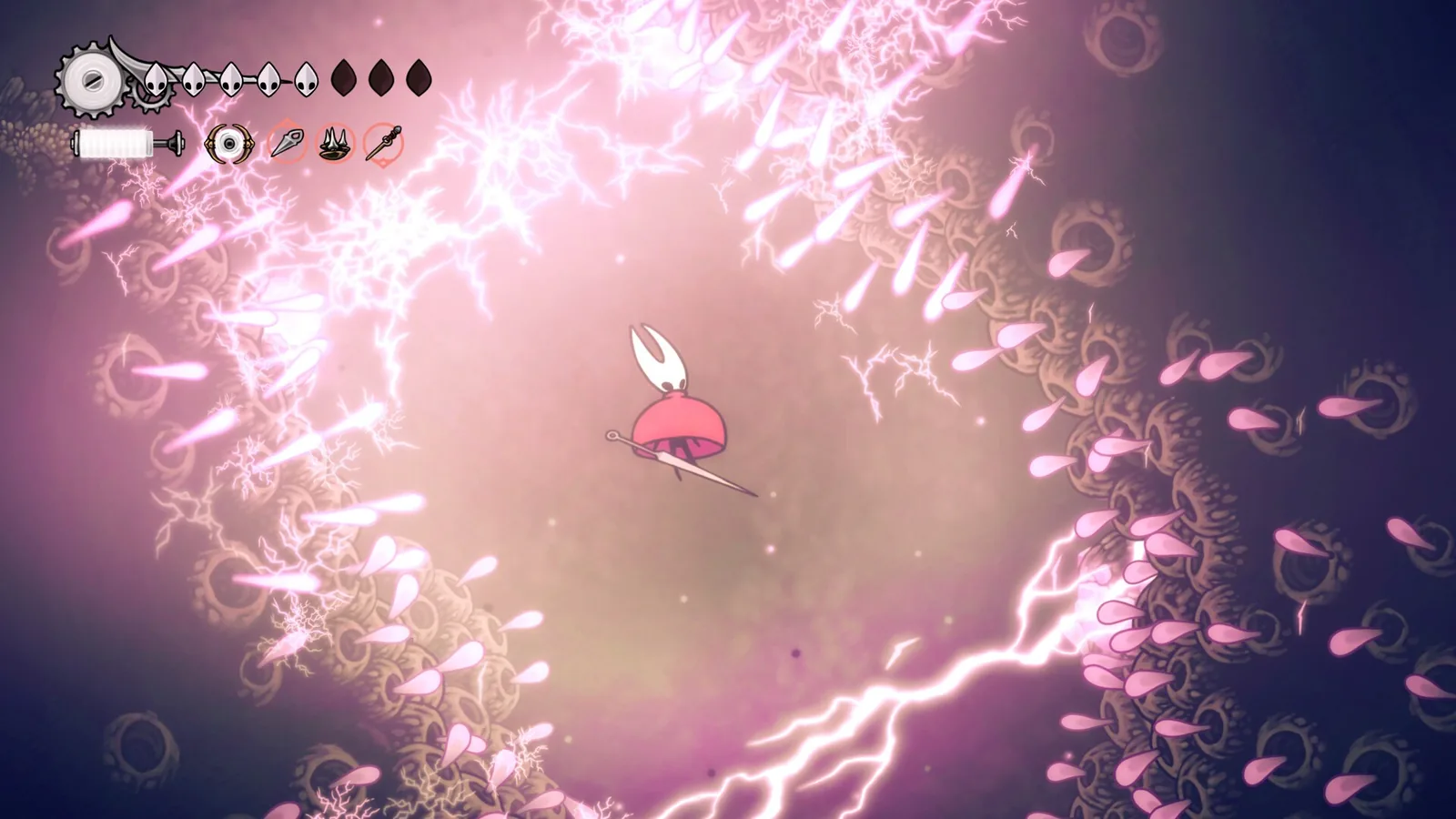
PC players got two new image options through patches. Patch 2 added dithering, which reduces colour banding and is off by default. Patch 4 added more dithering levels (the default is “low”) and a film grain effect, also off by default. Release dates for each patch are in our updates overview.
Save files and auto saves
Team Cherry’s support page lists where the game stores your progress on PC:
- Windows:
%USERPROFILE%/AppData/LocalLow/Team Cherry/Hollow Knight Silksong/ - Mac:
~/Library/Application Support/unity.Team-Cherry.Silksong/ - Linux:
~/.config/unity3d/Team Cherry/Hollow Knight Silksong/
For the Steam version, the save sits in a further subfolder named after your Steam ID. If you get stuck or a save breaks, open the Select Profile screen in the main menu. It has a button that lists the auto saves. Be careful: reverting to an older auto save overwrites your current save.
Once a save has been opened in a newer version of the game, an older version can’t load it and shows “Version Incompatible”. Before you modify the game in any way, back up the whole folder. Our article on cheats and mods explains why that matters.
Common PC problems
If you get a black screen instead of cutscenes on Windows, your system is missing the Media Feature Pack. Fast V-Sync in the NVIDIA Control Panel can also cause trouble. Team Cherry’s support page flags both.
Join our Discord if you need a hand with your setup: other players are on the GamersTogether Discord.
FAQ
If it meets the Steam minimum, yes: an Intel Core i3-3240 or AMD FX-4300, 4 GB of RAM, a GeForce GTX 560 Ti or Radeon HD 7750 with 1 GB of memory, DirectX 10 and 8 GB of space. On a Mac, an Intel Core i3 with a Metal-capable GPU and 4 GB of RAM is enough.
Yes, and it is rated Verified. The default controls work, the button prompts match the Deck, the text is legible and the default settings run smoothly.
Steam lists 8 GB of free space on Windows, Mac and Linux. The PC version in the Microsoft Store is a download of up to about 8.3 GB.
On Windows in %USERPROFILE%/AppData/LocalLow/Team Cherry/Hollow Knight Silksong/, with an extra subfolder named after your Steam ID on Steam. Auto saves are on the Select Profile screen in the main menu.
Yes, Steam lists keyboard-only play. It still recommends a controller, and the game supports DualShock, DualSense and, since Patch 3, DualSense Edge.
Information verified on 20 October 2026. More guides are in our Silksong guides section.