
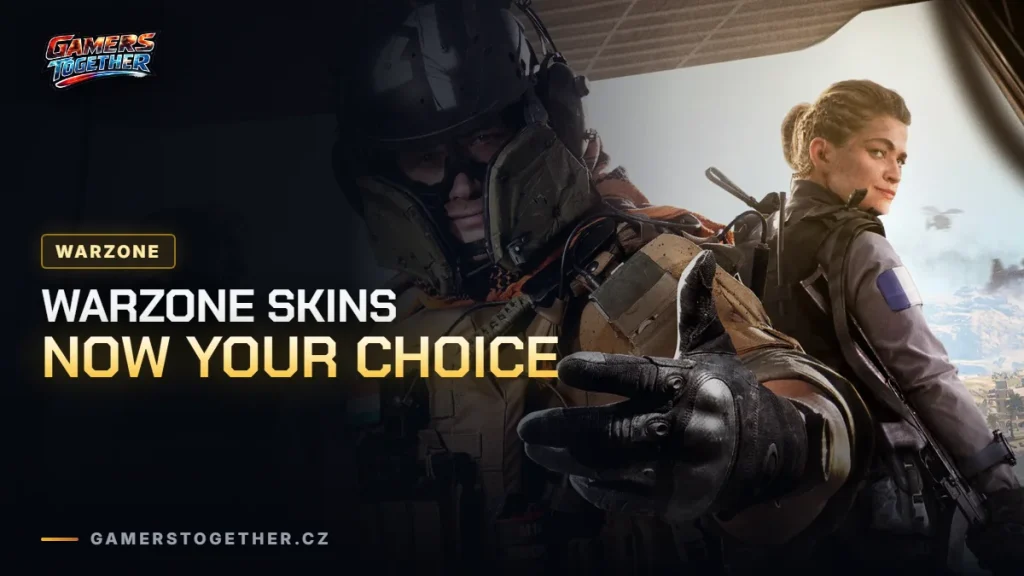
For the last few years Call of Duty: Warzone has been a melting pot – Operators, weapons and content from several recent Call of Duty games all living in one shared experience. Some players love that variety, others would rather have Warzone look and feel like the newest release. With the next chapter of Warzone, tied to the upcoming Modern Warfare 4, both camps get something.
Starting with Season 1 of Modern Warfare 4, you get more control over how Warzone looks thanks to a brand-new Operator Skin toggle.
Operator Skin Toggle in Call of Duty: Warzone
The filter has been built specifically for the Modern Warfare 4 chapter and it affects what you see in Call of Duty: Warzone only. Switch it on and the game shows you just Modern Warfare 4 Operators – so whether you see skins from other titles is finally your call.
What happens in a match when the toggle is ON:
- Any Operator or Operator Skin from another Call of Duty title (for example Black Ops 6) equipped by another player gets replaced by a Modern Warfare 4 Operator. That covers enemies, party members and squadmates, both in the lobby and in the match itself.
- Your own equipped Operator does not change. You keep seeing the Operator you picked, even if it comes from another title.
The toggle only changes your own game, never anyone else’s experience, and it is OFF by default. If you like tweaking Warzone to your taste, we also have a separate article on the best settings.
Your collection stays yours
Operators and Weapons from Modern Warfare II, Modern Warfare III, Black Ops 6 and Black Ops 7 remain available in Call of Duty: Warzone starting with Season 1 – including the Skins, Blueprints and Camos you earned or bought for them. The collection you have built up is still yours to use, and existing Carry Forward plans for previous titles are not affected.
Carry Forward plans for Call of Duty: Warzone
All weapons from Modern Warfare II through Black Ops 7 stay accessible through the Legacy tab in the Loadout menu. There is a catch, though:
- Gunsmith functionality and your previous Custom Loadouts will not be supported for legacy Weapons or legacy Blueprints.
- Legacy weapons won’t be left as bare base Weapons with no Attachments – each legacy base Weapon gets a five-attachment version.
- Any Blueprint for a legacy Weapon stays available with its existing Attachment setup.
The stated goal for this chapter of Warzone is for the weapon meta to feel distinctly rooted in Modern Warfare 4, while keeping access to the nostalgic picks players know and love. Raven Software is sticking to its commitment of balancing weapons every two weeks, so the MW4 weapon lineup should stay fluid and interesting throughout each season.
Where to go next
If you are only just getting into the battle royale, start with our beginner tips, and we also cover what the game asks of your PC in a piece on system requirements. Everything else we write about the game lands in our Warzone news hub.
FAQ
When it’s switched on, Warzone replaces every Operator and Operator Skin from another Call of Duty title with a Modern Warfare 4 Operator – for enemies, party members and squadmates, in the lobby and in the match.
No. It is OFF by default, and it only changes what you see. It has no effect on other players’ experience.
No. Your own equipped Operator never changes, even with the toggle on and even if the Operator comes from another title.
Yes. Weapons from Modern Warfare II through Black Ops 7 stay accessible via the Legacy tab in the Loadout menu. Gunsmith and old Custom Loadouts won’t work for them, but each legacy base Weapon gets a five-attachment version and Blueprints keep their existing setups.
With Season 1 of Modern Warfare 4, which kicks off the next chapter of Call of Duty: Warzone.