
You can play Baldur’s Gate 3 in online co-op with up to four players, with two on one device in split-screen, and since Patch 8 on 15 April 2025 across platforms too: PC, Mac, PS5 and Xbox play together in crossplay through a Larian account. Below is what works on which platform, how to enable crossplay step by step, how to move an existing campaign into it and what to do when you can’t connect. Checked as of 20 October 2026.
What works on which platform
Older guides around the web often say there’s no crossplay between PC and consoles, or that PC lacks split-screen. That was true before Patch 8. According to the official patch notes and Larian support, this is the situation today:
| Platform | Online co-op | Split-screen | Crossplay |
|---|---|---|---|
| PC (Steam, GOG) | up to 4 players | yes | yes |
| Mac | up to 4 players | yes, but not at acceptable performance on minimum specs | yes |
| PS5 | up to 4 players | yes, 2 players | yes |
| Xbox Series X | up to 4 players | yes, 2 players | yes |
| Xbox Series S | up to 4 players | yes, since Patch 8 | yes |
Split-screen isn’t available on Steam Deck. Otherwise the game is rated Verified on the Deck and has had a native build since Hotfix #34. Larian doesn’t support Linux; the native version exists only for Steam Deck. More on hardware in our article on system requirements.
Online co-op for up to 4 players
In online co-op it’s you and up to three friends, the same number of characters as a regular party. The game is drop-in and drop-out: a friend can join your ongoing game and takes over one of the companions. Who the companions are and where to meet them is summed up in our overview of companions and romance.
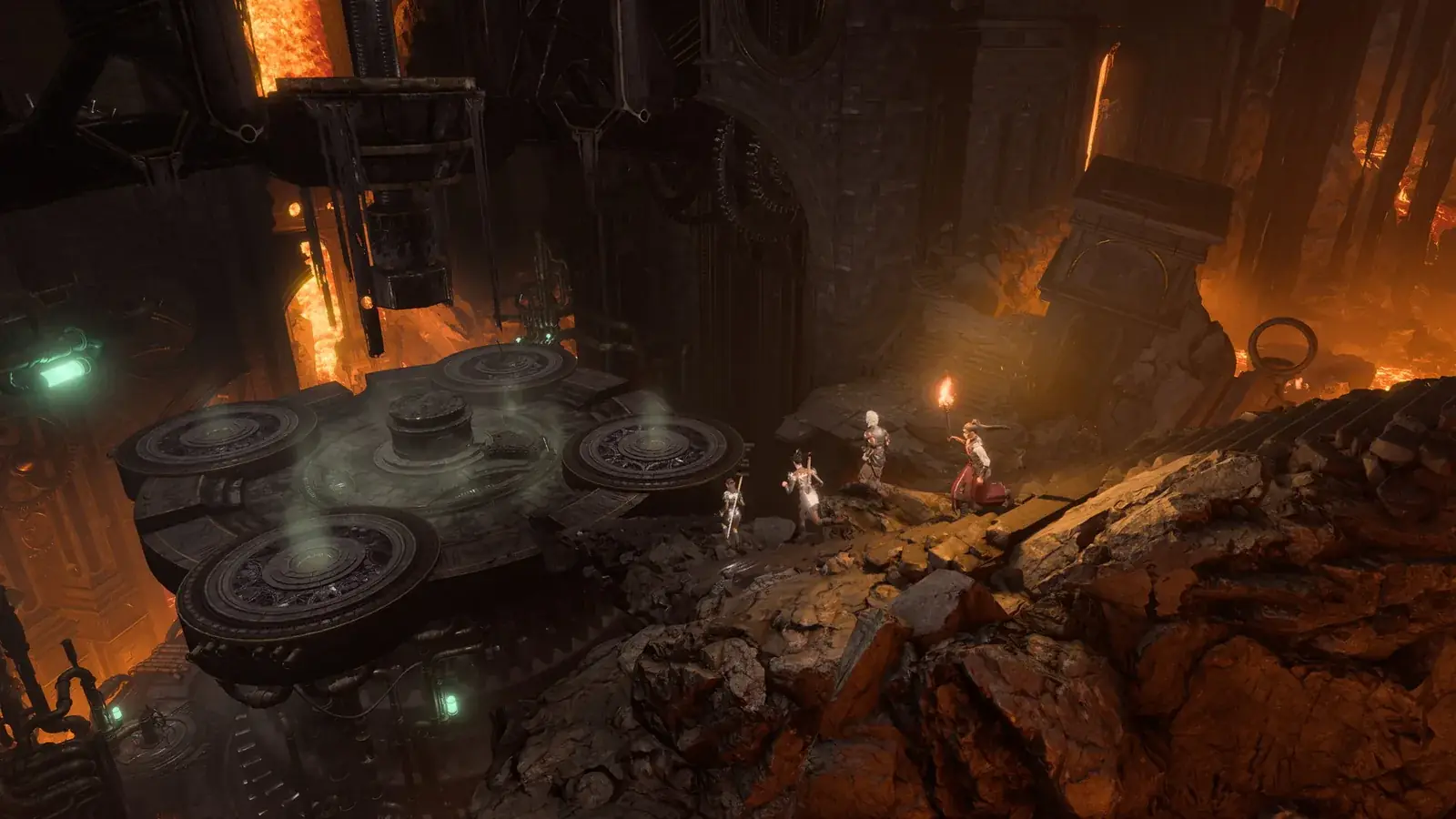
You don’t need an internet connection for the game itself, the campaign can be played offline. Multiplayer does require a connection.
Split-screen for 2 players
Local co-op on one device is for two players. It works on PC, PS5 and Xbox Series X, and Patch 8 also added it to Xbox Series S, where it was missing before.
Since Patch 7 split-screen is dynamic. When your characters are close together, both halves merge into one screen, and when you split up, the view divides again. On Mac, bear in mind that according to Larian split-screen won’t run at acceptable performance on a minimum-spec machine.
How to enable crossplay step by step
Crossplay between PC, Mac, PS5 and Xbox runs through a Larian account. Every player in the group has to do this:
- Link your platform (Steam, GOG, PlayStation or Xbox) to a Larian account at larian.com/account/connected.
- In the game open
Options, go to theGameplaytab and turn on “Allow Cross-Play”. - Add your friends by their Larian account name.
- In the main menu open
Multiplayerand select theCross-Playtab at the top. - The host picks
Create, sets up the lobby and invites friends. Others join the lobby from the list on the left or through an invite.
There’s no Direct Connect option in the crossplay settings; you connect only through lobbies and friends on your Larian account. The official walkthrough is also on Larian support.
Crossplay with an existing campaign
To move a game you’ve already started into crossplay:
- In the main menu choose
Load Game. - On the save you want to play with others, tick
Cross-Play. - Load the save.
- In the game open
Multiplayerand invite your friends. They also need crossplay enabled in their settings.
Cross-save between platforms
Patch 8 also brought full cross-platform progression through your Larian account. A campaign started on one platform can be carried over to another, for example from PC to PS5. Here too, a linked Larian account is required.
Mods in co-op and crossplay
You can use mods in a shared game, but everyone needs the same mods in the same version. When you join, the Mod Verification window opens and offers to install what’s missing. A PC host can filter mods by the “Available on Console & Mac” tag to pick only the ones console and Mac players can install too. More about the Mod Manager in our article on cheats and mods.
When you can’t connect
If you and your friends can’t connect on PC, Mac or GOG, Larian suggests:
- Let someone else host the game. Switching hosts can help.
- If you’re on the same network, try LAN.
- Use Direct Connection via Server ID (outside crossplay).
- Check ports 23253–23262 and 23243–23252.
- For crossplay, make sure everyone has it enabled, and if you’re playing with mods, try connecting without them.
According to Larian, Patch 8 is the last major patch; since then only bug-fix hotfixes have been released. Everything it changed is covered in our Patch 8 article.
Join our Discord to find partners for co-op and crossplay campaigns: GamersTogether Discord.
FAQ
Up to four online. Two in split-screen on one device.
Yes. Patch 8 on 15 April 2025 added crossplay between PC, Mac, PS5 and Xbox. You need a linked Larian account and “Allow Cross-Play” turned on in the settings.
Yes, two-player split-screen is available on PC. It isn’t available on Steam Deck.
Yes. In Load Game tick Cross-Play on the save, load it and invite friends from the Multiplayer menu.
Yes, the same mods in the same version. The Mod Verification window offers any missing mods when you join.
Information verified on 20 October 2026. Find more guides in our BG3 guides section.