
Rust+ is Facepunch’s official companion app for Rust. It runs on iOS, Android and in your browser, and shows you the server map, which teammates are online, team chat and the state of your base’s electricity, even when you are not playing. Here is what Rust+ can do, how to pair it with a server and why it doesn’t work on some servers. Everything is accurate as of 20 October 2026 and covers the app for the PC version of Rust.
What Rust+ is and where to get it
Rust+ is made by Facepunch, the developer of Rust. Facepunch describes it as the official companion app for tracking your base status, chatting with your teammates and controlling your base’s electricity. You can download it on iOS and Android, or open it in your browser as a Web App without installing anything. Links to every version are on the official Rust+ page.
The app does not replace the game. Without Rust on PC and a server you play on, it has nothing to show you. It is an add-on for when you are away from your computer and want to know what is happening on the server.
What Rust+ can do
The app has four main sections:
| Section | What you get |
|---|---|
| Hub | your paired favourite servers: player count, in-game time, which teammates are online; optional push notifications when a teammate joins |
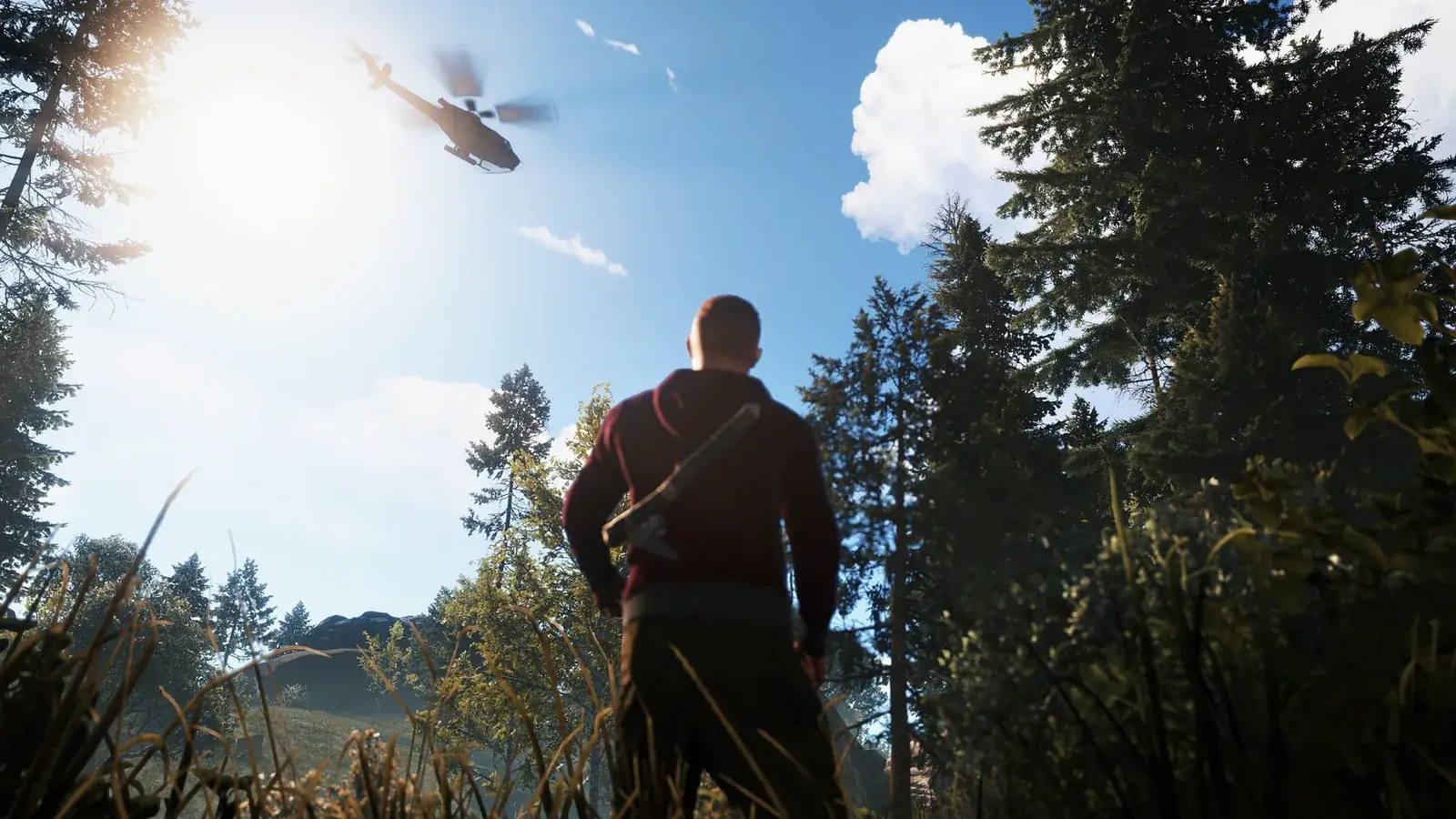
| Map | the full server map, your teammates’ positions, vending machines and ongoing events such as the attack helicopter or the cargo ship |
| Team | team chat linked to the in-game chat, messages show up in the app and in the game |
| Devices | Smart Switches and Smart Alarms connected to your in-game electrics |
Smart Switches and Smart Alarms
Devices connects the app to the electrical circuits in your base. A Smart Switch lets you turn electricity on or off remotely. A Smart Alarm sends you a push notification when it detects an electrical signal. Facepunch also mentions raid alerts and triggering traps remotely as Rust+ features. Wiring the circuits is not done in the app, you build that in the game.
Team chat and teams
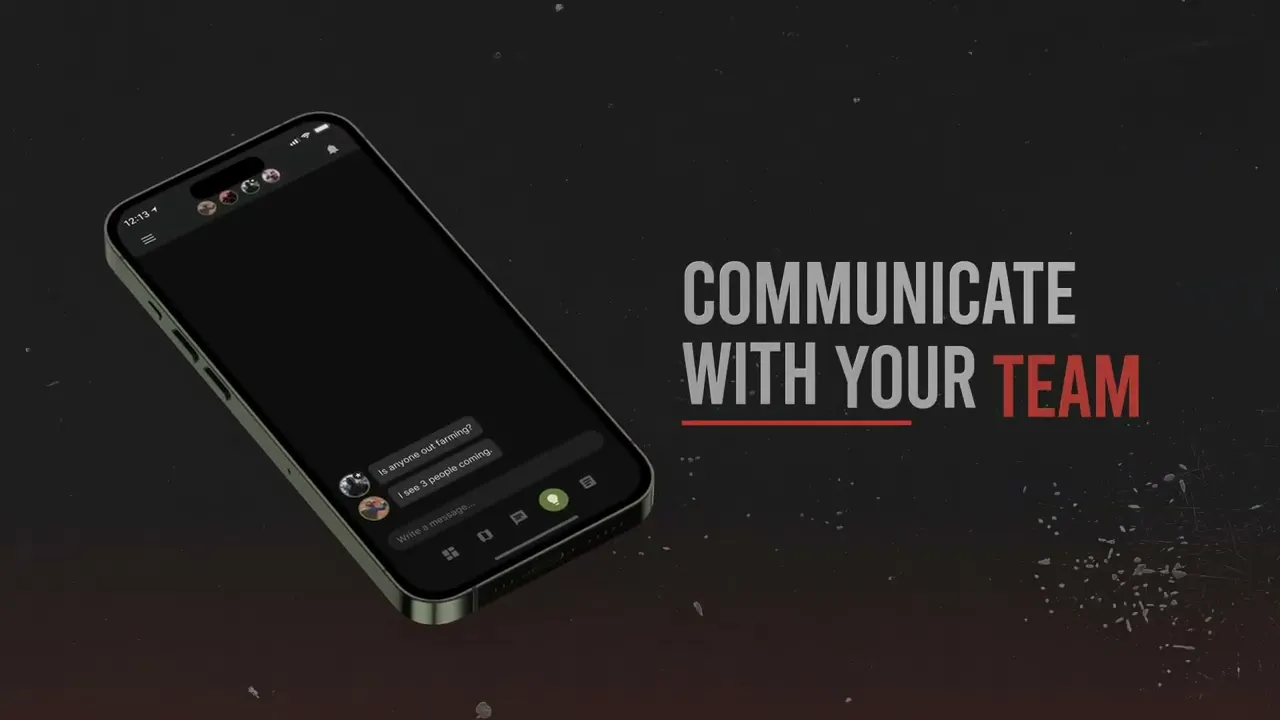
Team chat in the app is linked to the in-game team chat, so you can type on your phone and your teammates at their PCs will see your messages. You create a team in the game with the “create team” button at the bottom left of your inventory. To invite a teammate, stand next to them and press E. In the game, Tab switches between global and team chat. More on your first steps in Rust is in our beginner’s guide.
IFTTT
Rust+ works with IFTTT. Through it you can connect events in Rust with other apps and devices outside the game.
How to pair Rust+ with a server
Pairing is done from inside the game. Join the server you play on and open the Rust+ menu in the game. From there you pair the server with the app, and from then on it appears in the Hub. You can pair several favourite servers.
If the server does not support Rust+, the in-game menu tells you straight away. In that case you can’t pair the server.
Why Rust+ is not working
Rust+ has to be supported by the server you play on. If the server doesn’t have it enabled, you will see that in the Rust+ menu in the game. On Hardcore servers Rust+ is always disabled. As a player you can’t change that, so either message the server admin or play somewhere else. Our Rust servers guide helps with choosing a server.
For server owners
Rust+ talks to the server through the companion server. The owner has to make its TCP port reachable from the internet. The default port is the game port + 67, typically 28082 with default settings. The server tests on its own whether the companion server is reachable. If the test fails, the server disables Rust+ and players see that in the in-game menu. How to connect to your own server via the F1 console is in our list of console commands.
Rust+ and Rust Console Edition
Facepunch describes Rust+ for the PC version of Rust. Rust Console Edition (PS5 and Xbox Series X|S) is developed and supported by Double Eleven as a separate game with its own servers. The official app page does not say whether or how Rust+ works with it, so we don’t cover it here.
Join our Discord to find teammates you can share Rust+ with: GamersTogether Discord.
FAQ
iOS and Android, or in your browser as a Web App without installing anything. To use it you need Rust on PC and a server that supports Rust+.
From inside the game. Join the server, open the Rust+ menu in the game and pair the server with the app. If the server has Rust+ disabled, the menu tells you.
Yes, if you set it up. A Smart Alarm connected to your base’s electrics sends a push notification when it detects an electrical signal, and Facepunch lists raid alerts as a Rust+ feature.
The server doesn’t have it enabled, or it failed the companion server connectivity test and disabled Rust+ on its own. On Hardcore servers Rust+ is always disabled.
Information verified on 20 October 2026. More guides are in our Rust guides section.