
If Path of Exile 2 won’t launch, keeps crashing or lags, start with Grinding Gear Games’ (GGG) general steps: verify the game files, restart your PC and router, and update your drivers. Below you’ll find the steps from GGG’s official pages, where the studio tracks known issues and how to reach support. Everything applies as of 20 October 2026, when the game is in Early Access on version 0.5.5e.
Quick fix when the game won’t launch or crashes
GGG doesn’t have a separate troubleshooting guide for Path of Exile 2. Its General Troubleshooting Guide sits in the Path of Exile 1 technical support forum, but the steps in it are general. Treat them as GGG’s general procedure for the Steam and Epic Games Launcher clients and work through them in this order:
- Verify the game files. On Steam, right-click the game and choose Properties → Installed Files → Verify integrity of game files. In the Epic Games Launcher, click “…” next to the game in your library and pick Verify.
- Restart your PC and your router.
- Update your graphics drivers and your operating system.
- Keep the game on an SSD. Steam lists one in the recommended requirements as well.
- Add the game as an exception in your antivirus, especially for real-time scanning.
- Use a cable instead of Wi-Fi.
- Allow the game through your firewall. According to GGG, port forwarding isn’t needed.
If none of that helps, it’s time to report the bug or contact support. Both are covered below.
The game won’t run on a weaker graphics card
Path of Exile 2 needs a graphics card with at least 3 GB of VRAM. Steam says so explicitly in the minimum requirements: “A GPU with at least 3GB of VRAM is required”. If your card is short on memory, patch 0.5.5e (6 October 2026) added a Texture Quality setting aimed at PCs with little VRAM. The full minimum and recommended specs are in our system requirements guide.
Is it a server outage?
The game is online-only, so you can’t launch it without an internet connection, not even for solo play. If you can’t log in, first check whether GGG is running maintenance. GGG announces Server Maintenance in the Early Access Patch Notes forum and takes the realm down before a patch goes live.
Patches come often. The 0.5.5 series alone has more than ten forum entries, hotfixes included, between 3 September and 6 October 2026. The version history and current leagues are in our PoE2 leagues guide.
Known issues: where GGG tracks them
In the Early Access Bug Reports forum, GGG keeps a Known Issues thread listing the bugs it is working on. As of its last edit on 6 October 2026 it listed four high priority issues:
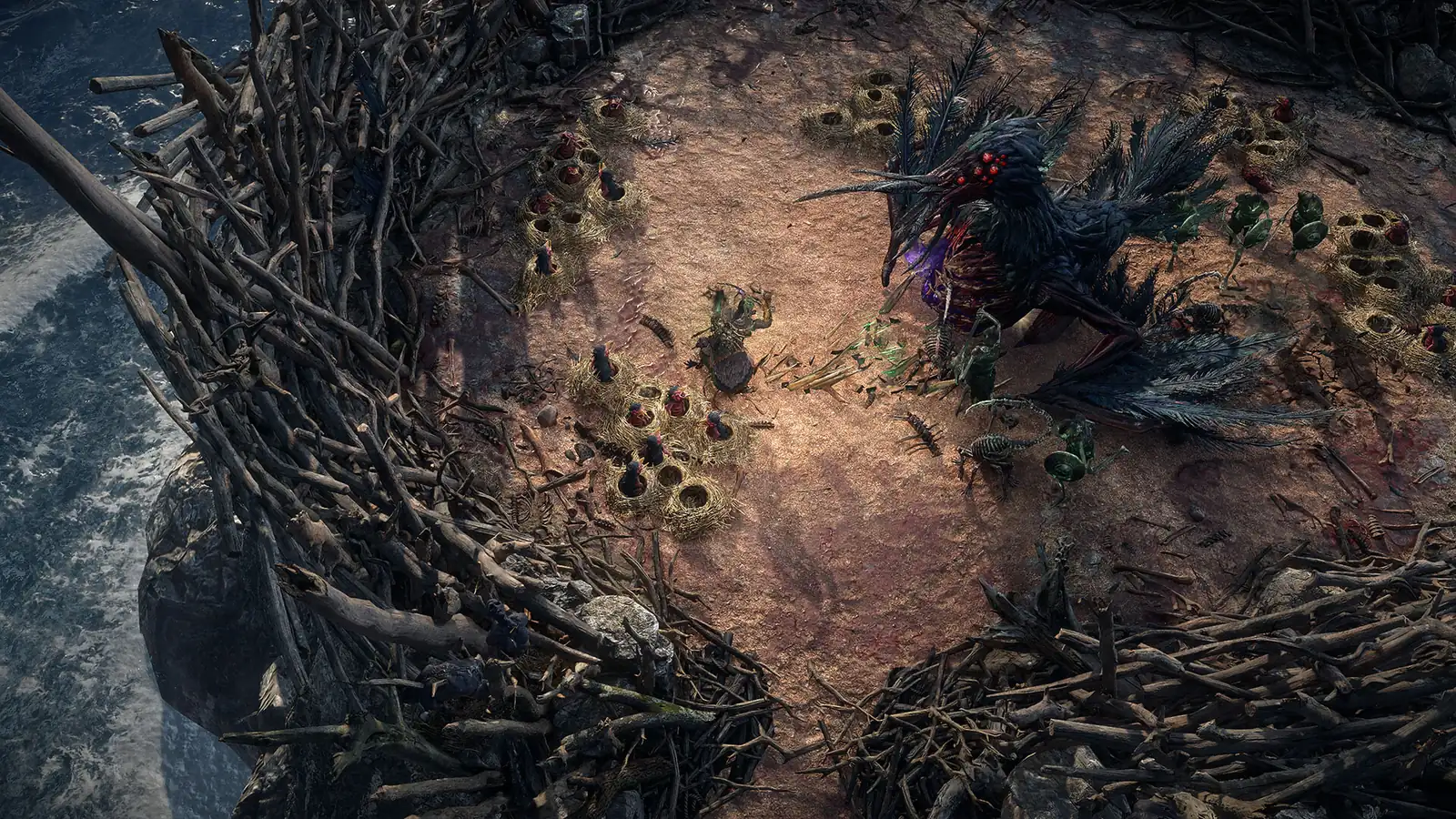
- multiple Kalguuran Expeditions too close to each other,
- the Cuachic Vault boss encounter,
- the It That Was Tul and It That Was Esh boss fight,
- guild stash tab affinities.
Anything not on the list goes to Bug Reports. Before you write a report, check Known Issues to see whether GGG is already on it.
How to report a bug
Path of Exile 2 has its own sections on the official forum: the general Early Access Bug Reports, plus Early Access Bug Reports (PlayStation 5) and Early Access Bug Reports (Xbox). Feedback goes to Early Access Feedback, or Early Access Feedback – Console if you play on a console.
For performance problems, GGG wants these details in your report:
- a description of the problem,
- your PC specs (CPU, GPU, RAM),
- your game settings:
Renderer,Triple BufferingandMultithreading, - a video or a screenshot.
Official support and /verify
Account and character issues go through GGG support, which offers these tools:
- account: manage login methods, third-party applications, microtransaction refund, forgotten password, account data request and account deletion,
- characters: Restore (bring back a deleted character) and Rename,
- links to Known Issues, Bug Reports, Technical Support and Feedback.
Before you contact support, type /verify into the in-game chat. The game generates a verification code that speeds up your request.
If you can’t see the Early Access you bought on PC on your console, that’s not a bug. A console store purchase only applies to that console, and a PC purchase only to the PC clients. Our crossplay guide explains it in detail.
Join our Discord to check whether anyone else hits the same bug and compare what helped: GamersTogether Discord.
FAQ
Verify the game files on Steam or in the Epic Games Launcher, restart your PC and router, and update your graphics drivers and operating system. An antivirus exception and allowing the game through your firewall can help too.
At least 3 GB. For cards with less memory, patch 0.5.5e added a Texture Quality setting.
You type it into the in-game chat and the game generates a verification code. With it, GGG support can handle your request faster.
Yes, pathofexile2.com/support has a Restore tool. You can also rename a character there with Rename.
Check the Known Issues thread in the Early Access Bug Reports forum. As of 6 October 2026 it listed four high priority issues.
Information verified on 20 October 2026. More guides are waiting in the PoE2 hub.