
Your phone in GTA 6 does far more than take calls. It’s your bank, your taxi, your car delivery service, your social feed and the tool you use to scan cars before you steal them. Below you’ll find every app on the phone and what it’s for, how to open it on PS5 and Xbox and how contacts work. The app list follows IGN’s guide to the phone apps, checked against GameSpot’s list of apps; everything else is described the same way by at least two major outlets that have played the game. This guide covers story mode as of 20 November 2026, and we’ll update it as more apps turn up. No story spoilers.
How to use the phone on PS5 and Xbox
Press Up on the D-pad to pull out your phone. GamesRadar+, IGN and GameSpot all give the same button, and it works on both PS5 and Xbox Series X|S. You move between apps with the D-pad, as GameSpot notes.
Apps don’t all arrive at once: according to IGN, they unlock as Jason and Lucia’s story moves on.
The phone is also where cheats go in. Once you’ve finished the story and unlocked a cheat, you hold L1 and R1 (LB and RB on Xbox) on the phone screen and enter the code with the D-pad. All codes are in our GTA 6 cheats guide.
Every GTA 6 phone app at a glance
This is the full set of apps IGN lists as of 20 November 2026. GameSpot’s list matches it, apart from Contacts, RydeMe, BuckMe and Vice City Real Estate, which GameSpot doesn’t cover in its app guide but other outlets describe in their own guides.
| App | What it does | Unlock |
|---|---|---|
| WhatUp | Text messages, photos and map locations from contacts | Story |
| Contacts | Calls to people and numbers you’ve picked up | Standard |
| Camera | Photos and selfies | Standard |
| Gallery | The photos you’ve taken | Standard |
| Snapmatic | Social feed of Leonida’s residents: like posts, read comments | Story |
| News | Feed of Leonida news stories | Standard |
| Weather | Weather forecast | Standard |
| Fitness | Workouts and stat progress | Story |
| BuckMe | Bank account, Family Savings and ATM finder | Chapter 1, Buck Me mission (mission name per IGN) |
| RydeMe | Rides to a pin you drop on the map | Story |
| Scooter Bros | Delivers your personal vehicle to you for a fee | Story |
| WAiNK | Scans cars, landmarks and sculptures | Story |
| Vice City Real Estate | Buy garages for more parking spots | Story |
| Settings | Wallpaper and ringtone | Story |
“Standard” marks the five apps IGN says the phone comes loaded with. The rest arrive as the story moves on; exact unlock moments aren’t published consistently yet, so we only give a chapter where two outlets agree, which so far is BuckMe.
Messages, contacts and phone numbers
WhatUp is the messaging app where characters text you, as GameSpot and IGN both describe. GameSpot adds that new missions and tips on quick money from side activities arrive there. IGN adds that contacts can attach photos and coordinates, so opening a message can put a new location straight on your map.
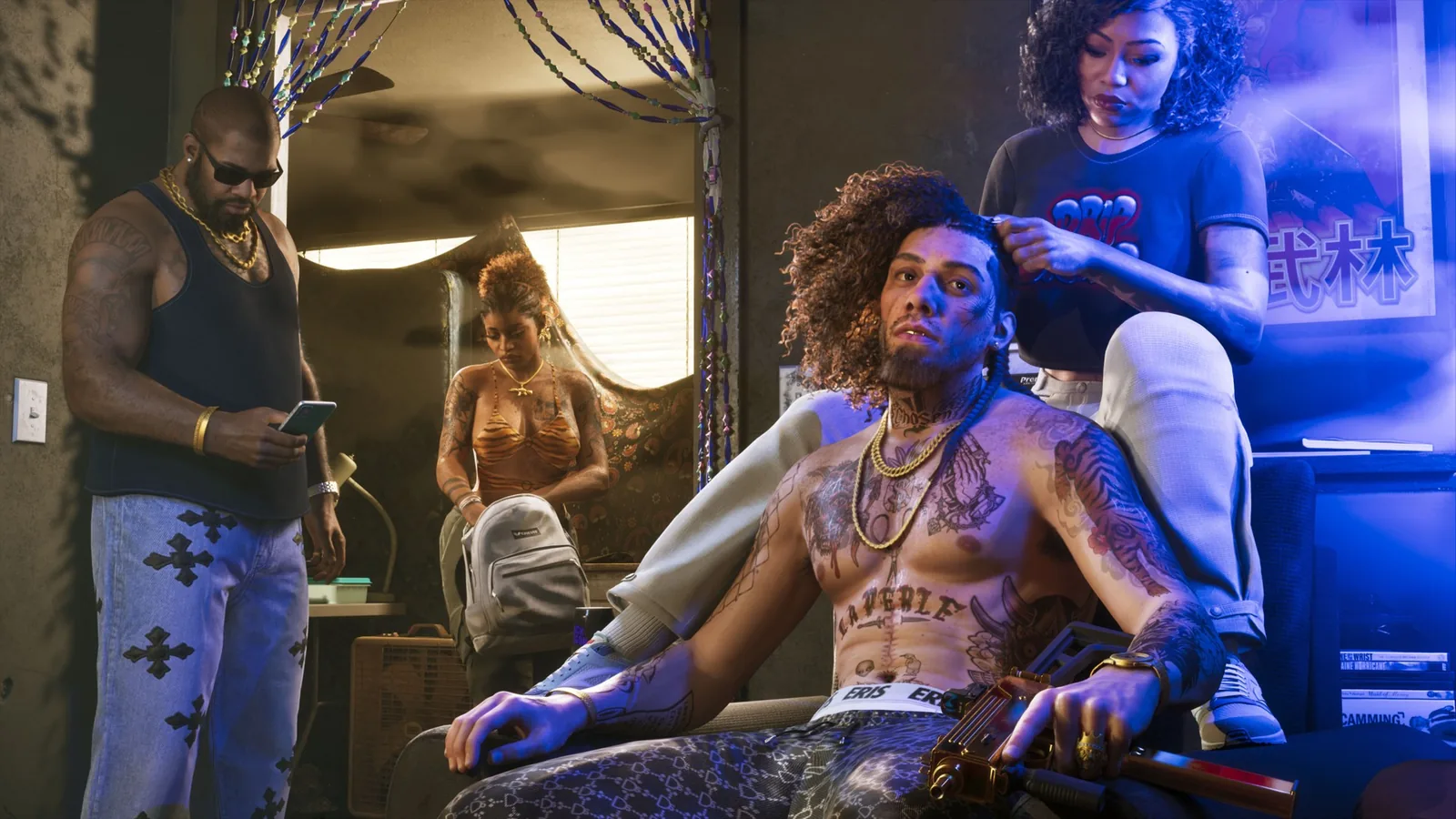
Contacts is where you call people back. New numbers come from people who get in touch with you and from things you find in the world: GameSpot notes that some magazines and flyers add contact numbers to your phone, and IGN says any new number you find ends up in Contacts.
If you’re looking for phone numbers to dial for cheats, as in GTA 5, that isn’t how GTA 6 works. The outlets that have unlocked cheats describe only one way to enter them: the D-pad code on the phone screen, explained above.
BuckMe: banking on your phone
BuckMe is the most important app for your money. You get it in Chapter 1 during the Buck Me story mission, when Jason and Lucia open an account (GamesRadar+, IGN). The app holds two things:
- Checking account. Jason and Lucia each have their own. You pay bigger purchases from it and see every transaction. Cash goes in only at an ATM, and the app’s ATM finder marks the nearest one on your map (IGN, GamesRadar+).
- Family Savings. A shared account for both characters. GamesRadar+ and IGN both warn that money you move into it can never be taken out again.
Cash in your pocket is lost if you die or get arrested, while money on BuckMe is safe. How to earn enough to fill it is in our money guide.
Getting around: RydeMe and Scooter Bros
RydeMe is the ride app. IGN explains that you book a ride and drop a pin on the map where you want to go, and it can get expensive on long trips. Eurogamer and GamesRadar+ add that for an extra $100 you can skip the ride entirely and arrive straight away.
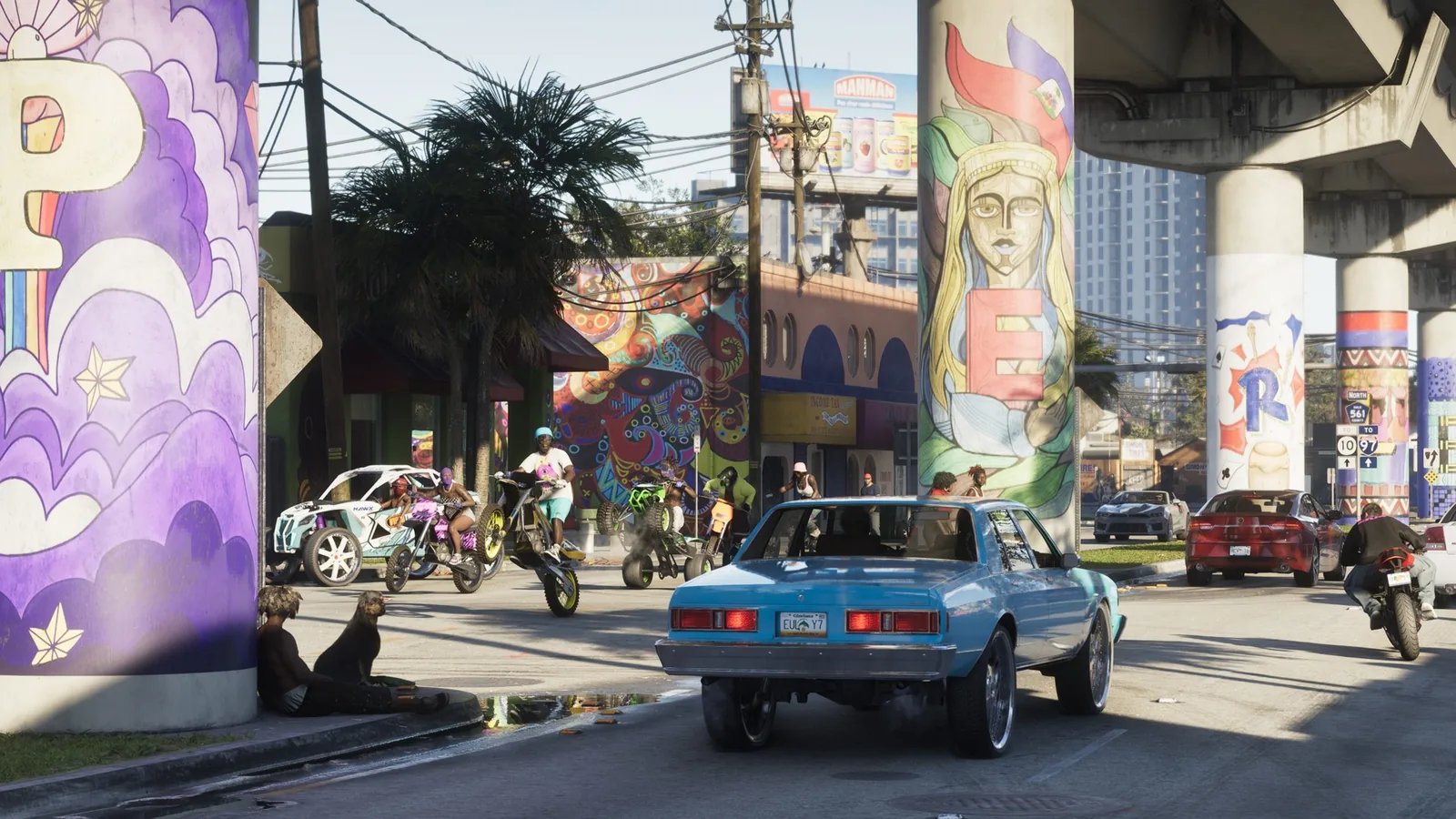
Scooter Bros brings your registered car to you. GameSpot, IGN and Eurogamer all describe it; IGN says you pay a flat fee plus a charge for the distance the courier has to cover. It’s also the easiest way to get a car back from the police impound. How registering and storing cars works is in our cars guide.
Snapmatic, Camera and News
Snapmatic is GTA 6’s social network. GameSpot and IGN describe a feed of posts and videos from Leonida’s residents and people you know; you can like posts and read the comments under them. According to IGN, new Snapmatic posts also show up in your phone notifications.
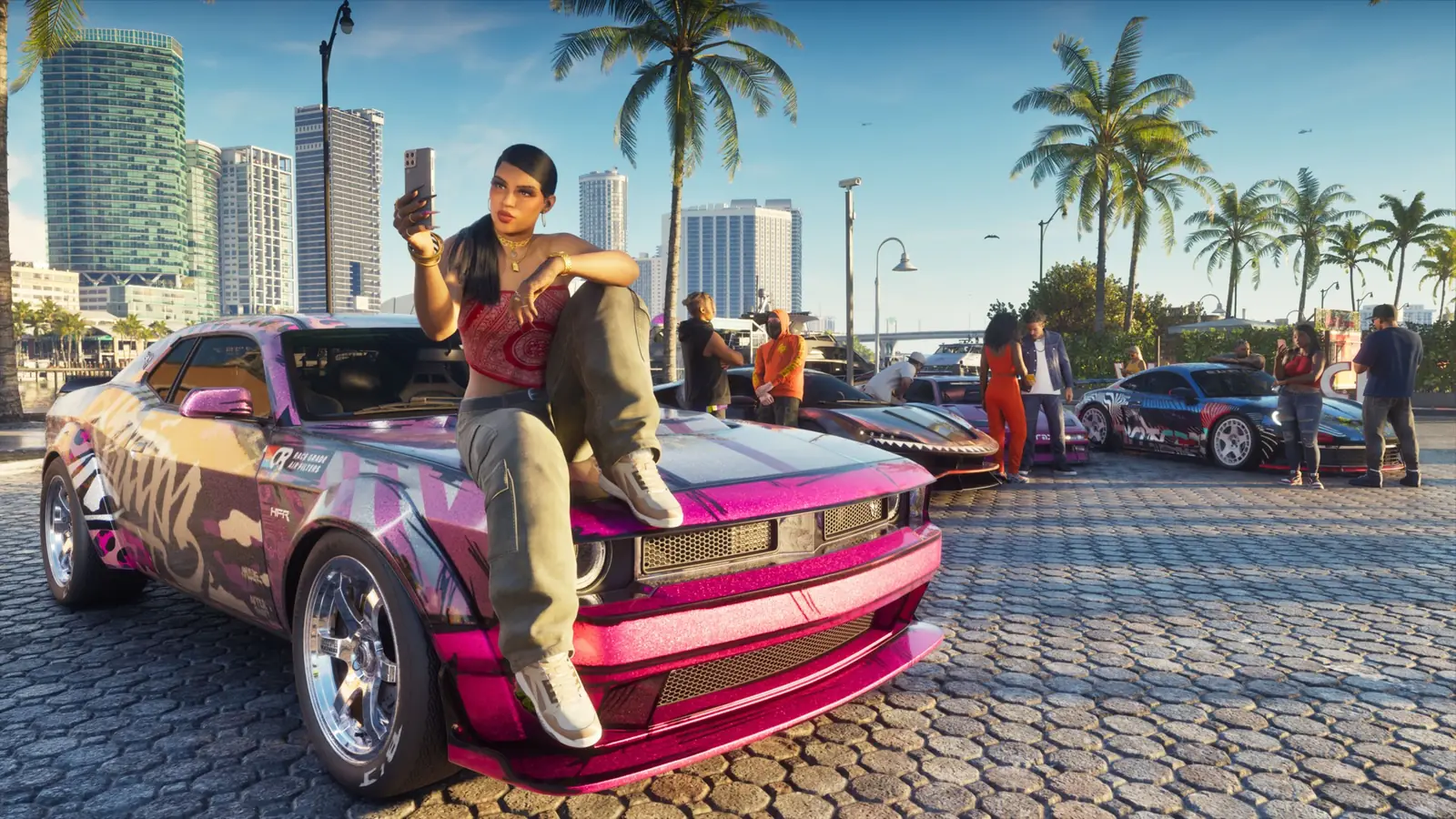
The Camera takes photos and selfies, and the Gallery stores what you’ve shot (GameSpot, IGN). News is a feed of stories about what’s happening in Leonida, and the Weather app shows the forecast.
WAiNK, Fitness and Vice City Real Estate
- WAiNK is the scanner. Point it at a car to see whether it’s locked, alarmed or tracked, what it’s worth and what it costs to register; GamesRadar+, PC Gamer, Eurogamer and GameSpot agree on this. IGN adds that WAiNK also scans landmarks and sculptures for collections, and GameSpot has guides to WAiNK landmarks, sculptures and curiosities, so it matters for 100% completion too.
- Fitness tracks your workouts and how your stats grow (GameSpot, IGN).
- Vice City Real Estate is where you buy garages. Each garage gives you more room for registered cars (Eurogamer, IGN, GameSpot).
- Settings lets you change the wallpaper and ringtone (GameSpot, IGN).
First steps in the game, including when to open your bank account, are in our beginner tips.
Found an app or a phone feature we haven’t covered? Tell us on our Discord: GamersTogether Discord.
FAQ
Press Up on the D-pad. It’s the same button on PS5 and Xbox Series X|S, and you move between apps with the D-pad.
According to IGN: WhatUp, Contacts, Camera, Gallery, Snapmatic, News, Weather, Fitness, BuckMe, RydeMe, Scooter Bros, WAiNK, Vice City Real Estate and Settings. Some of them unlock as the story goes on.
Yes, Snapmatic. It shows posts and videos from Leonida’s residents, and you can like posts and read the comments.
No. Outlets describe cheats only as D-pad codes entered on the phone screen while you hold L1 and R1 (LB and RB on Xbox), and they unlock after the main story.
The bank is the BuckMe app. It unlocks in Chapter 1 during the Buck Me mission, and you deposit cash at ATMs.
Information verified on 20 November 2026. More guides are in our GTA 6 section.