

GTA 6 changes a lot of what you know from GTA 5 (see our GTA 5 comparison): running sits on a different button, cash in your pocket is easy to lose, and the police now remember what you look like. These 14 beginner tips for PS5 and Xbox Series X|S are the ones at least two outlets with hands-on time agree on (IGN, GamesRadar+, Eurogamer, Polygon, PC Gamer). No story spoilers, and menu names are given in English as the outlets report them.
Before you start
1. Pick your control scheme first
In the default scheme you run by clicking the left stick, and Cross / A makes you jump. If you’re used to GTA 5, press Options or Menu, open “Settings” and switch to the Classic scheme, which puts running back on Cross / A (GamesRadar+, Eurogamer, IGN).
2. Use your 15 save slots wisely
You save manually via Game > Save Game, and there are 15 slots. Completed missions can’t be replayed from a menu, so keep a save at least at the start of each chapter. The details are in our guide on how to save.
3. Learn the dynamic HUD
The minimap, your money and your stat bars are hidden by default. Press down on the D-pad to show them, and hold it for Quick Navigation, which shows nearby tasks and places and lets you set a destination without opening the map (IGN, GamesRadar+).
Money
4. Don’t walk around with your cash
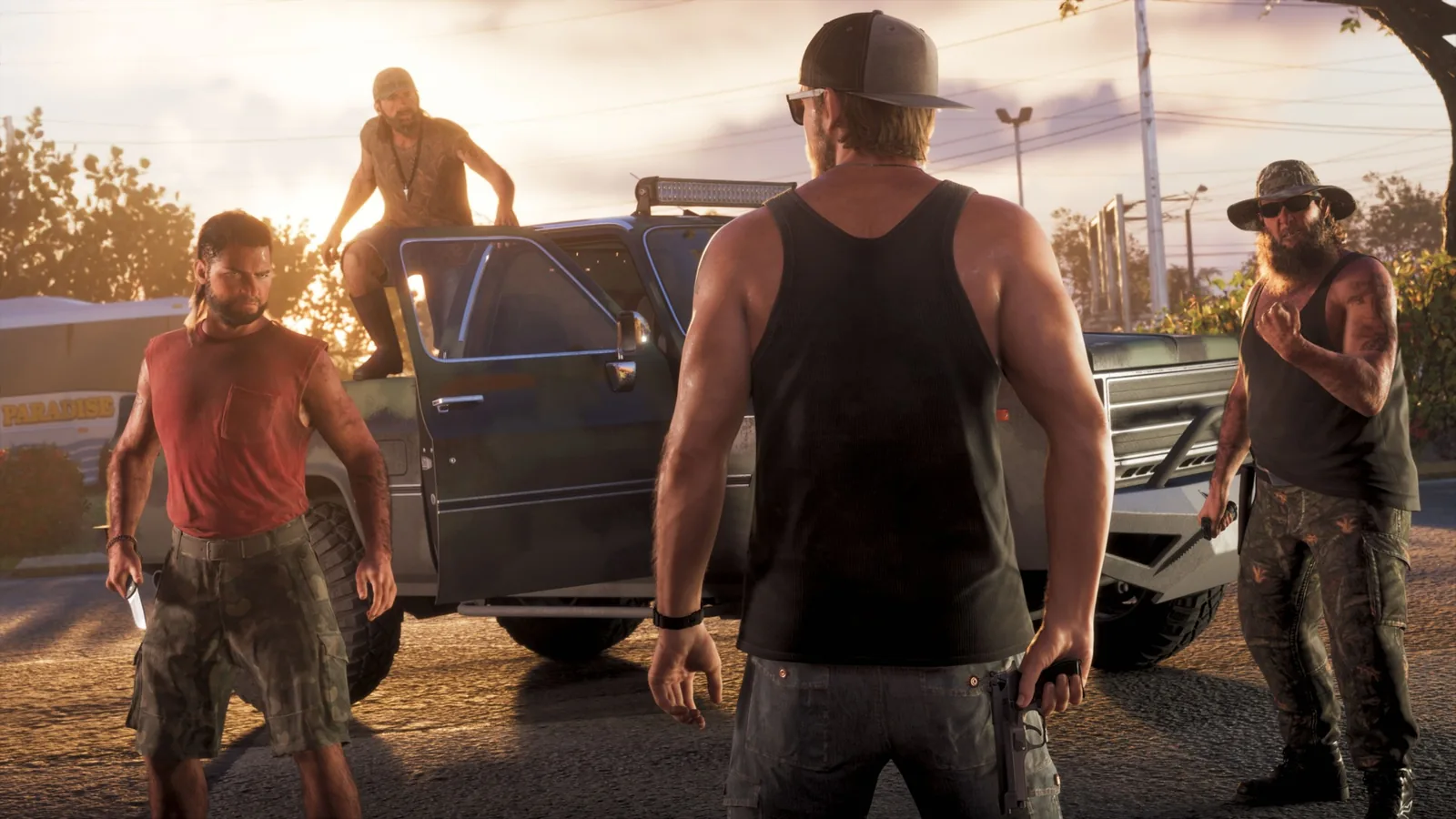
If you get Wasted or Busted, you lose all the cash you’re carrying (IGN, Polygon, Eurogamer, GamesRadar+). Early on, put your money in the stash under the floorboards in Jason’s bedroom (Polygon, Eurogamer).
5. Open a BuckMe account as soon as you can
The bank account unlocks through a story mission. After that, deposit cash at ATMs: money in your BuckMe account isn’t lost when you die or get arrested. There’s a deposit limit that goes up as you progress through the story (IGN, Eurogamer, GamesRadar+).
6. Don’t blow your first paychecks
Money is tight at the start, and the game asks you to save up for its own objectives (Polygon, Eurogamer). Leave the big shopping sprees for later, when you have more ways to earn.
Cars and weapons
7. Stolen cars only pay off from Chapter 2
In Chapter 1 there’s nobody to sell stolen cars to. Things change in Chapter 2, when you meet Moses, who buys cars and lets you keep more of them (IGN, Polygon, Eurogamer). Until then, a stolen car is mostly a quick getaway.
8. Not every car can be stolen right away
Older cars are started with a short hotwiring minigame. Newer models need tools such as a key cloner, which you only get later in the story (IGN, PC Gamer).
9. Keep your weapons in the trunk
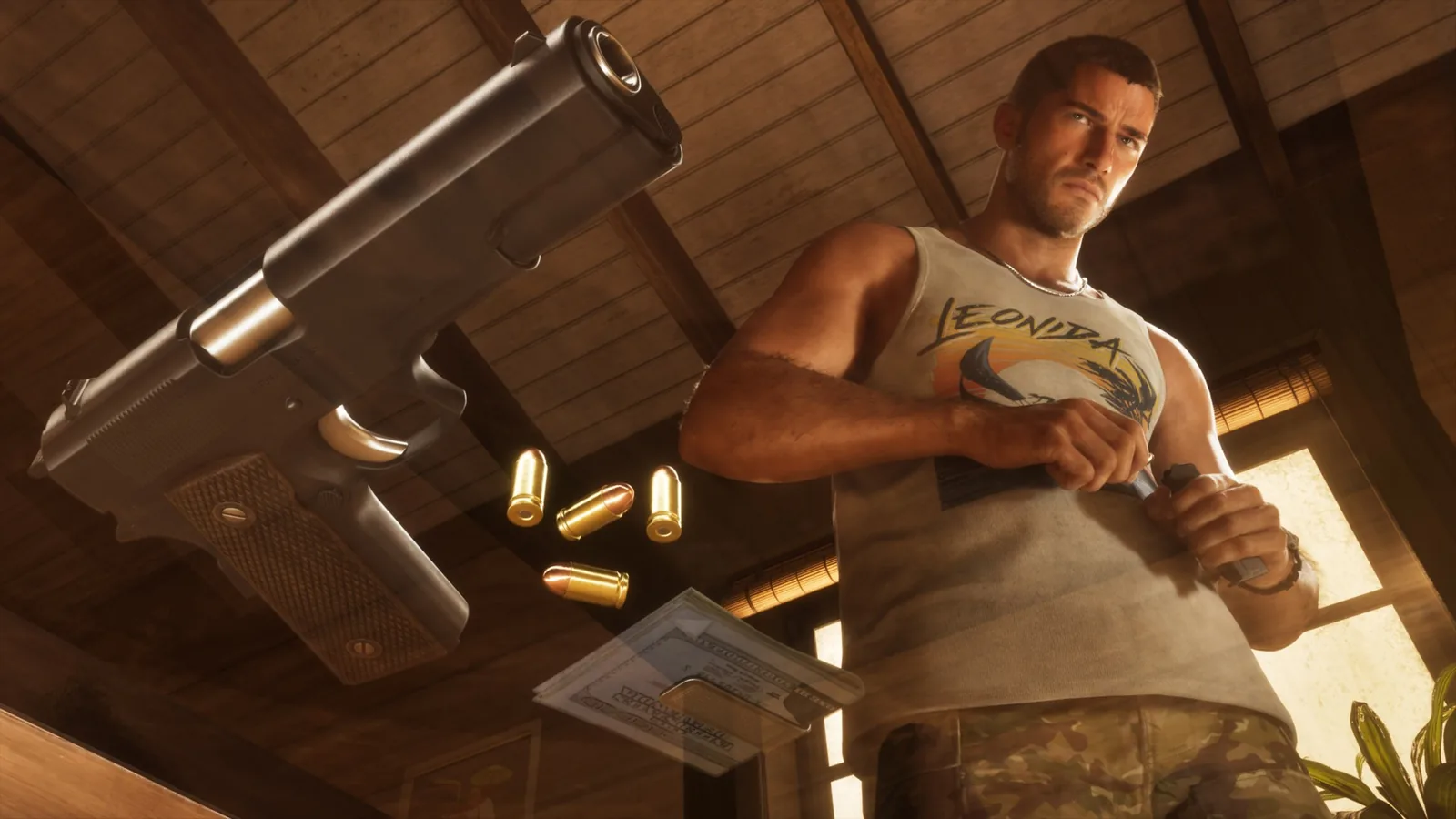
Weapons you pick up from enemies aren’t yours. If you drop them, get busted or quit the game while carrying them, they’re gone. Stash them in the trunk of your personal vehicle; guns you buy at Ammu-Nation are yours for good (IGN, Polygon, Eurogamer, GamesRadar+).
Police and Heat
10. Read the colour of the stars
Wanted stars change colour depending on whether the police know who you are, are chasing you or have lost you. New is Heat: icons under the stars show what the police use to identify you, such as your clothes or vehicle (IGN, Eurogamer).
11. Change your look to lose Heat
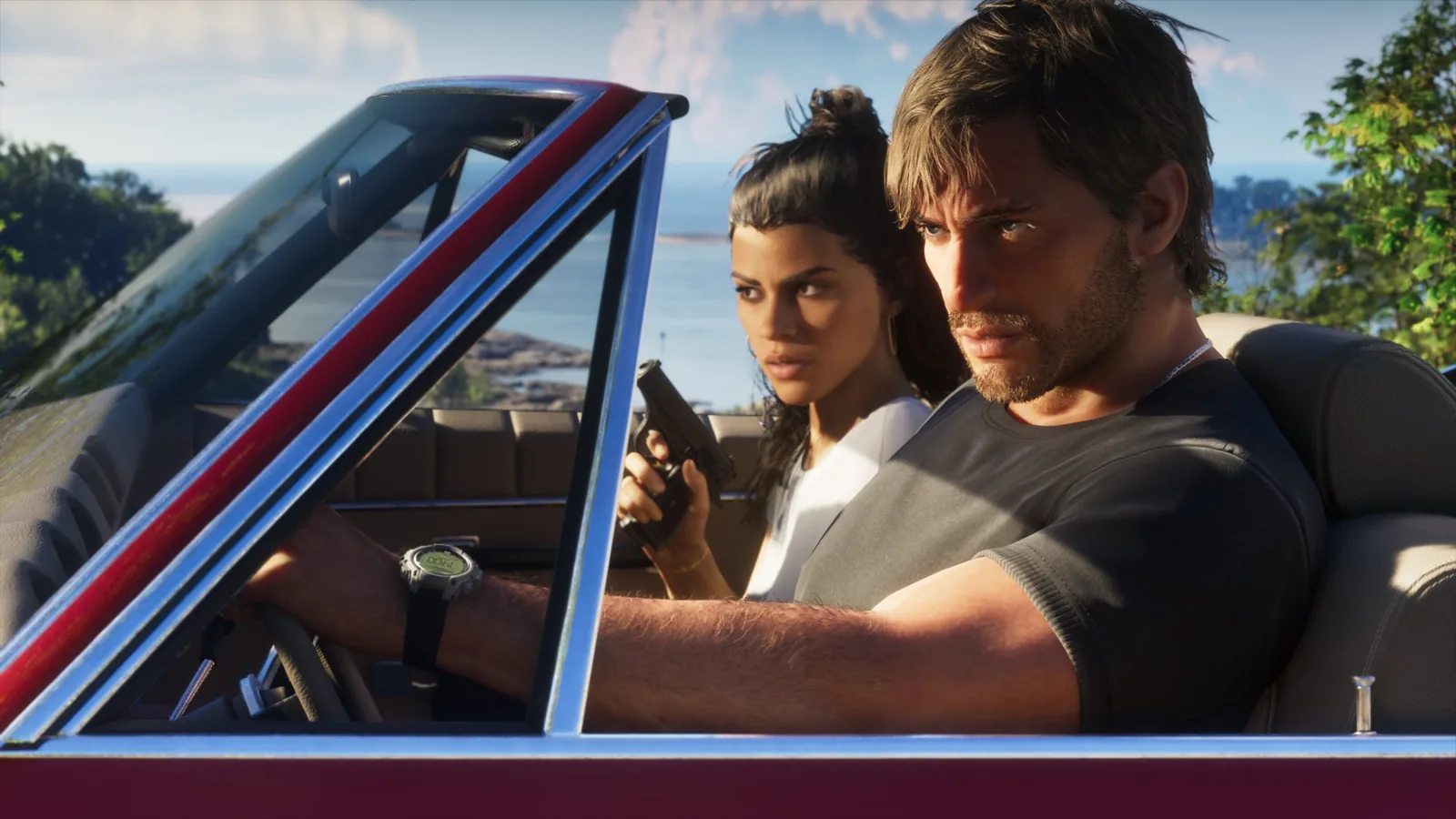
Changing your outfit or vehicle makes it harder for the police to link you to the crime. Heat is tied to the area where you committed it and fades over time. A spare outfit in your car’s trunk makes a quick change easy (IGN, Eurogamer).
Stats and abilities
12. Use Focus, and not just in fights
Click both sticks to activate Focus: time slows down and useful items and sounds are highlighted. Outside combat it lasts around 30 seconds, less when you drive fast. In combat it drains your Focus bar (IGN, Eurogamer).
13. Train your stats
Lifting weights at the gym raises Health, cardio such as running or cycling builds Stamina, and Focus grows with calmer activities like fishing, pool, shooting ranges or golf. Food and drinks give temporary boosts (IGN, Eurogamer). Feeding Jason’s snake at home is an easy early Focus boost (Polygon, Eurogamer).
Getting around and cheats
14. Fast travel costs money, and cheats come last
There’s no free teleport. You call Paradise Taxi or use the RydeMe app, and for an extra $100 you can skip the ride entirely (Eurogamer, GamesRadar+). Switching between Jason and Lucia at will only unlocks in Chapter 2: hold right on the D-pad and press R1 / RB (GamesRadar+, Eurogamer).
Cheats only unlock after you finish the main story. They disable saving, and trophies and achievements stay locked for the rest of that session. More in our article on GTA 6 cheats.
Join our Discord to swap tips with other players and find people to play with. Jump in via the GamersTogether Discord.
FAQ
In the default control scheme, click the left stick (L3 / LS). If you prefer GTA 5’s controls, switch to the Classic scheme in Settings and run with Cross / A.
Yes, you lose all the cash you’re carrying when you get Wasted or Busted. Money in your safehouse stash or your BuckMe bank account is safe.
Free switching unlocks in Chapter 2. Then hold right on the D-pad and press R1 on PS5 or RB on Xbox.
No. Cheats only unlock after you finish the main story, and while they’re active you can’t save.
Information verified on 19 November 2026, 17:50 CET.
More articles about the game are in our GTA 6 section, including our guide to the Leonida map.