
Minecraft mods only work in Java Edition, and they need a mod loader: Fabric, Forge or NeoForge. This guide explains how the three differ, how to install them step by step, where mod files go, how to get shaders running with Iris and Sodium, and where OptiFine stands. Version numbers are for Java 26.3 as of 19 October 2026. Mod projects ship new builds often, so treat the exact numbers as a snapshot and always grab the build that matches your game version.
Mods are Java only
According to Mojang’s official edition comparison on minecraft.net, only Java Edition supports mods. Bedrock does not. Instead it offers Add-Ons plus texture and skin packs from the Minecraft Marketplace. If you play on console, mobile or Bedrock on PC, jump straight to the Add-Ons section below. For the full picture of how the editions differ, read our Java vs Bedrock comparison.
Fabric, Forge, NeoForge: which is which
Minecraft cannot load mods on its own. It needs a mod loader, a small program that installs into the launcher and loads your mods when the game starts. You do not pick a loader by taste, you pick it by the mods you want to play. Every mod is built for one specific loader and one specific Minecraft version. A Fabric mod will not run in a Forge profile, and a mod that worked on 1.21.8 may not work on 1.21.11.
| Loader | Status for Java 26.3 (19 Oct 2026) | Where to get it |
|---|---|---|
| Fabric | stable support, loader 0.19.5, installer 1.1.2; Fabric API 0.164.0+26.3 released on 19 October 2026 | fabricmc.net |
| Forge | latest build 66.0.13 (16 October 2026), no recommended build yet; the recommended one is for 26.2 (65.1.0) | files.minecraftforge.net |
| NeoForge | builds for 26.3, latest 26.3.0.94 | neoforged.net |
How to install mods with Fabric
As of 19 October 2026, Fabric has stable support for 26.3, so we use it as the example. These steps follow Fabric’s official documentation:
- Download the installer for the Minecraft Launcher from fabricmc.net.
- Run it, choose your Minecraft version (for example 26.3) and click install.
- Download Fabric API. Most Fabric mods need it, and you can get it from Modrinth or CurseForge.
- Open the
modsfolder (paths below) and copy your mod.jarfiles into it, Fabric API included. - Start the Minecraft Launcher, pick the Fabric profile in the bottom-left corner and press play.
Where to find the mods folder:
- Windows:
%appdata%.minecraftmods - macOS:
~/Library/Application Support/minecraft/mods - Linux:
~/.minecraft/mods
You can paste the path straight into your file explorer’s address bar. Fabric’s own walkthrough is on the Installing Mods page.
Forge and NeoForge
Forge and NeoForge follow the same idea: download the installer for your Minecraft version from the official site, run it, copy your mods into the mods folder and launch that loader’s profile in the launcher. Forge has no recommended build for 26.3 yet, only the latest builds. If you want peace of mind, wait, or play on a version that has a recommended build.
Where to download mods
Only download mods from sources you trust. Both Fabric and the Iris team point to Modrinth and CurseForge. Before you download any mod, check three things:
- the Minecraft version it was released for,
- the loader (Fabric, Forge or NeoForge),
- the edition: mods are for Java Edition.
A mod for a different version or loader may simply not work. If you also want to try snapshots and experimental features, back up your world first, because they can damage it.
Shaders: Iris, Sodium and OptiFine
For shader packs in Java, the mod to know is Iris. For 26.3 it is available for both Fabric and NeoForge (version 1.11.7 from 30 September 2026), and it needs Sodium alongside it. The easiest route is the official Iris installer for Windows from irisshaders.dev. Run it and it downloads and installs Iris and Sodium together. Alternatively, grab both mods separately, for example from Modrinth, and drop them into the mods folder.
One caveat: as of 19 October 2026, Sodium for 26.3 is only available as a beta (mc26.3-0.9.3-beta.1 from 15 October 2026). Expect the odd rough edge.
Iris is designed to stay mostly compatible with shader packs made for OptiFine. And OptiFine itself? As of 19 October 2026 there is no release for 26.3. The newest builds are the HD U K2 pre4 previews for Minecraft 26.2 from 16 October 2026, listed with “N/A” in the Forge column. Check optifine.net for the current status.
Resource packs in Java
Resource packs do not need any mods. Drop the .zip file or the pack folder into .minecraft/resourcepacks, or drag it straight onto the pack selection screen. Turn it on under Options → Resource Packs…. You can also change your character’s look in Java without mods, as our guide to Minecraft skins shows.
Bedrock: Add-Ons instead of mods
In Bedrock, new content comes through Add-Ons. Double-click a .mcpack or .mcworld file and the game imports it. If Windows downloads a .zip instead, rename the extension to .mcpack or .mcworld. The official overview is on the Add-Ons page.
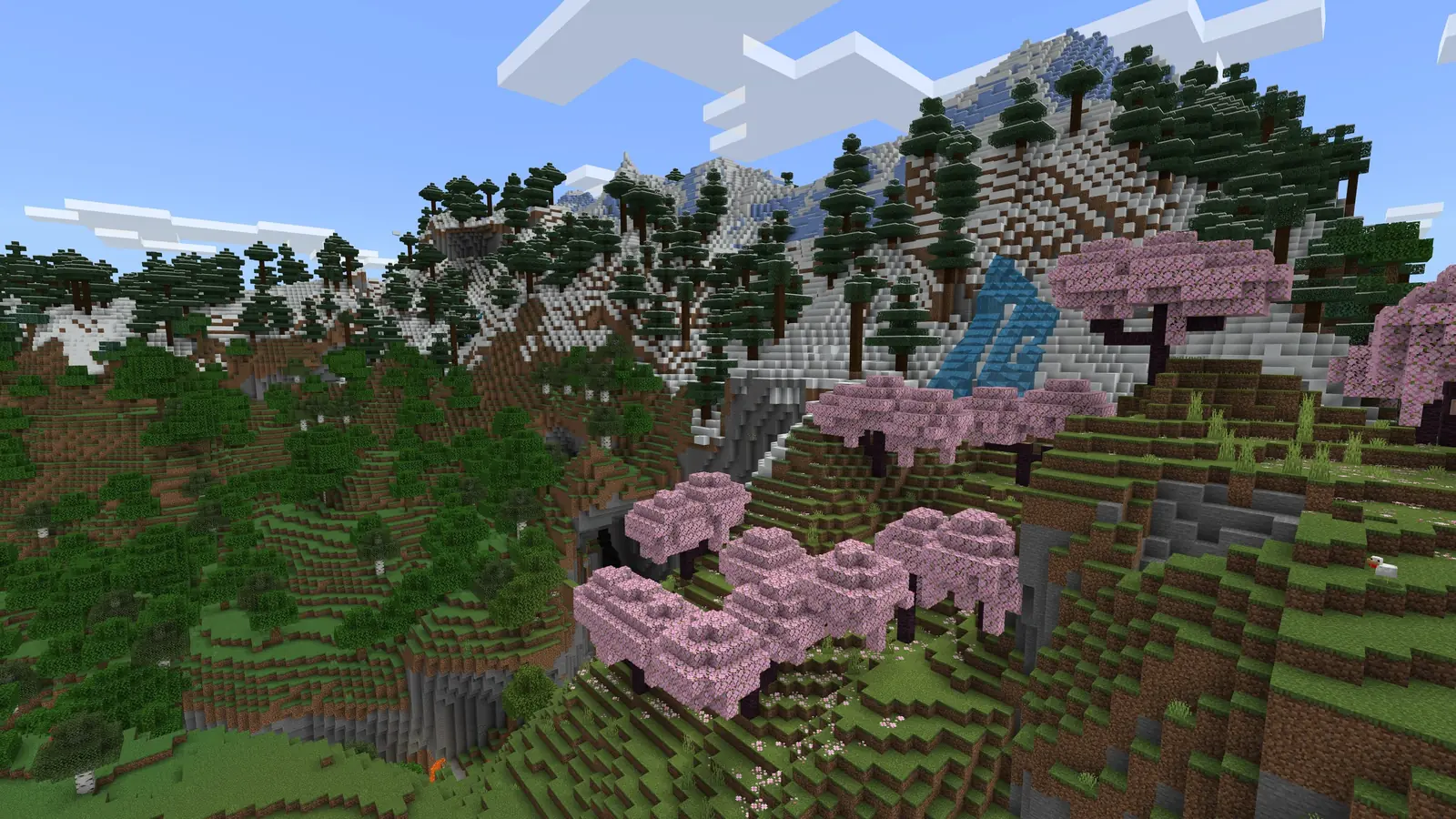
You do not need shaders for better graphics in Bedrock either. Since June 2025 (the Chase the Skies update) it has its own Vibrant Visuals mode with directional lighting and volumetric fog. Java does not have it yet, Mojang only plans to bring it there.
Mods and kids
If you install mods for a child, keep in mind that Mojang does not provide parental controls for modded versions of the game. What to set up instead is covered in our parents’ guide. And if you want to play a modded world with your group, start with our server setup guide.
Join our Discord if a modpack refuses to start or you want to share your favourite shader: GamersTogether Discord.
FAQ
No. Mods are only for Java Edition. Bedrock offers Add-Ons plus texture and skin packs from the Minecraft Marketplace instead.
Go by the mods you want to play. Each mod is built for one loader and one Minecraft version. As of 19 October 2026, Fabric has stable support for Java 26.3, Forge has no recommended build yet and NeoForge ships builds for 26.3.
Into the mods folder inside.minecraft. On Windows that is %appdata%.minecraftmods. Copy the.jar files there and launch the loader’s profile in the launcher.
Not as of 19 October 2026. The newest builds are previews for 26.2. To run shaders on 26.3, use Iris with Sodium, which handles most OptiFine shader packs.
From Modrinth and CurseForge, which both Fabric and the Iris team recommend. Check the Minecraft version and the loader for every mod.
Information verified on 19 October 2026. More guides are waiting in our Minecraft section.