
Most of the extra FPS in Valheim 1.0 comes from the graphics menu: a shorter Draw Distance, a lower 3D resolution limit, upscaling and cheaper SSAO. Vulkan is optional, and since February 2026 it comes with a warning from the developers. Below you’ll find the PC system requirements, what each setting does, how to turn Vulkan on and off, and what the consoles offer. Everything applies to patch 1.0.20 from 15 October 2026.
Valheim PC system requirements
Valheim isn’t a demanding game. Steam lists these requirements for Windows:
| Minimum | Recommended | |
|---|---|---|
| OS | 64-bit Windows 10 or later | 64-bit Windows 10 or later |
| Processor | 2.6 GHz quad core | Intel i5 3 GHz or Ryzen 5 3 GHz |
| Memory | 8 GB RAM | 16 GB RAM |
| Graphics | GeForce GTX 950 or Radeon HD 7970 | GeForce GTX 1060 or Radeon RX 580 |
| DirectX | Version 11 | Version 11 |
Steam lists 1 GB of storage, but according to the studio the 1.0 download itself is around 4.3 GiB on most platforms, so plan for more space. The game has full controller support and is Steam Deck Verified. Version 1.0 also brought a Unity engine upgrade, faster world generation and memory and audio optimisations. The studio says this won’t make a big difference to very large builds, so a huge base will still cost you frames. For the full list of changes, see our Valheim 1.0 update overview.
Draw Distance: the first thing to change
Version 1.0 added a Draw Distance option to the graphics settings. It sets the game’s simulation distance. A shorter distance improves performance, while a longer one can make performance worse. If your FPS drops mainly outdoors in open terrain, try lowering Draw Distance first.
3D resolution limit, upscaling and SSAO
Patch 0.221.10 in February 2026 reworked the graphics settings, so some older guides no longer match the menu. These are the settings that affect performance most today:
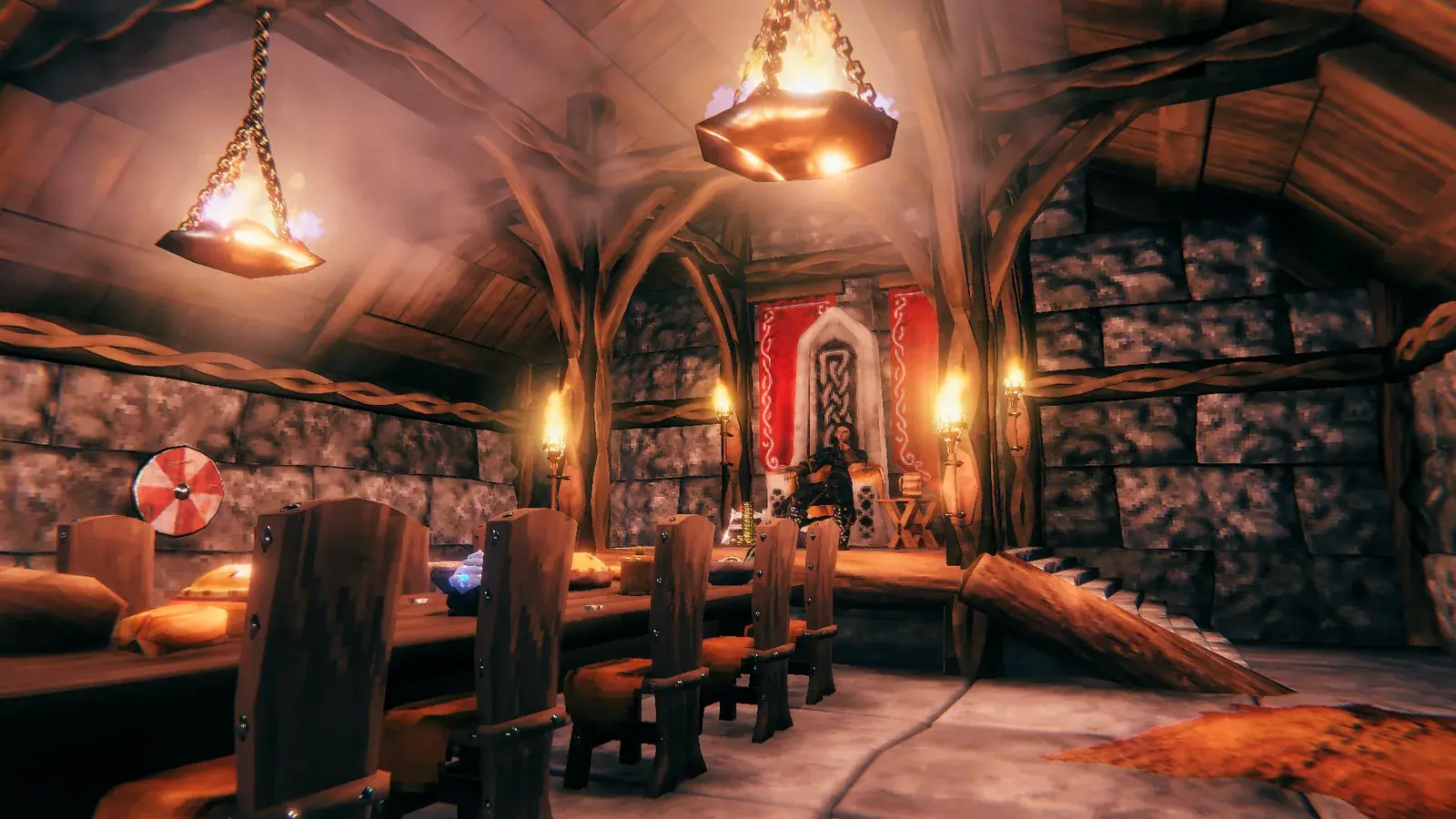
- 3D resolution limit replaced the old Render scale slider. Instead of a percentage you pick from fixed resolutions for the 3D scene. A lower limit means more FPS.
- Upscaling method is a new setting for how the image is scaled up from a lower resolution. The options include a new Pixelated mode.
- SSAO has a new Low option. According to the studio it looks similar to the previous quality (now called High) but costs significantly less performance.
- The frame rate limiter can now be used together with v-sync.
A sensible approach is to change one setting at a time and watch what it does to your FPS in the spot where the game struggles most.
Vulkan: how to enable it and when to leave it off
On Windows, Valheim runs without Vulkan by default. You switch it on with a launch option:
- In Steam, right-click Valheim and open Properties.
- In the Launch Options field, type
-force-vulkan. - Launch the game. To switch back, simply delete the option.
With patch 0.221.12 in February 2026, the studio warned that the game may be unstable or crash under Vulkan. For anyone who wants to keep using it, the advice was to disable FPS limiters, for example in the Nvidia Control Panel. If the game crashes for you on Vulkan, remove the launch option and go back to the default. On Linux, Valheim launches with Vulkan by default.
Graphics on consoles
On consoles you can’t fine-tune settings the way you can on PC; you pick from presets. PS5 and Switch 2 have a Balanced preset that uses 120 Hz output. Switch 2 got several GPU performance improvements in patch 1.0.14. The studio only publishes official resolution and frame rate figures for Xbox:
| Console | Performance | Balanced (120 Hz TV) | Quality |
|---|---|---|---|
| Xbox Series X | 1200p / 60 FPS | 1440p / 40 FPS | 1800p / 30 FPS |
| Xbox Series S | 900p / 60 FPS | 900p / 40 FPS | 1080p / 30 FPS |
Xbox One X runs at 1080p and 30 FPS, Xbox One and One S at 720p and 30 FPS. For more on the console versions, read our guide to Valheim on PS5.
Running a server on the same PC, and mods
If you run a dedicated server on the same computer you play on, keep it up to date. Until patch 1.0.20, the server ran at an unlimited frame rate when the client had v-sync enabled. The 15 October fix sorts that out.
We’re deliberately leaving out the performance tweaks from old 2021 guides, such as editing config files. The studio has reworked the graphics since then, and we don’t want to recommend something that may no longer apply. If you’re thinking about mods, first read what Valheim mods mean for achievements and playing with others.
Join our Discord at https://discord.com/invite/feTRJNn9wE to compare settings with other players and get help when the game stutters. Come say hi on the GamersTogether Discord.
FAQ
64-bit Windows 10 or later, a 2.6 GHz quad core CPU, 8 GB RAM, a GeForce GTX 950 or Radeon HD 7970 and DirectX 11. The recommended spec is 16 GB RAM and a GeForce GTX 1060 or Radeon RX 580.
Start with Draw Distance, because a shorter simulation distance improves performance. After that, try a lower 3D resolution limit, upscaling and SSAO on Low.
In Steam, open the game’s Properties and type -force-vulkan into Launch Options. Delete the option to go back to the default.
It depends on your PC. In February 2026 the studio warned that the game may be unstable or crash with Vulkan. If it crashes, remove the launch option.
It’s gone since patch 0.221.10. The 3D resolution limit replaced it, with fixed resolutions instead of percentages.
Information verified on 19 October 2026. Find more guides in our Valheim guides hub.