
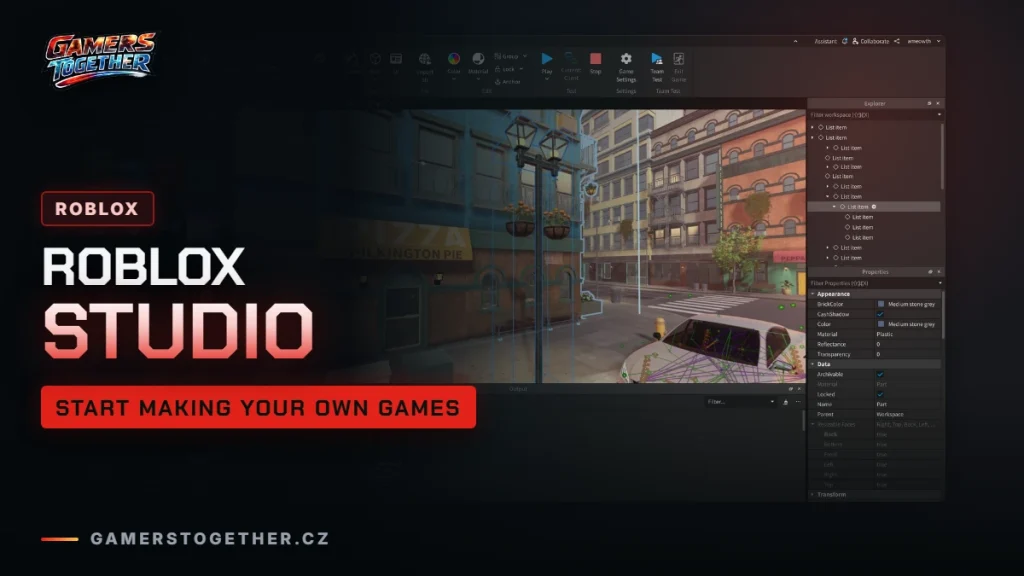
Roblox Studio is the free program used to make games on Roblox. You can download it for Windows or Mac and sign in with the same account you play with. This guide covers the hardware Studio needs, how to install it, where to learn game creation, the age rules for working with other people and how DevEx turns earned Robux into real money. Information as of 19 October 2026.
What Roblox Studio is
Studio is the tool behind every game on Roblox, from small experiments to games with huge player counts. Roblox now calls them games, while older texts say “experiences”, and they mean the same thing. Every title in our list of the most played games has a creator or creator group behind it, for example Uplift Games behind Adopt Me!.
Studio is free and runs on Windows and macOS. You can play on a phone or console, but you build on a computer.
System requirements
Studio is more demanding than Roblox itself. Playing needs at least 1 GB of RAM, while Studio needs a minimum of 3 GB. Requirements for playing are covered in our platforms and requirements guide.
| Minimum | Recommended | |
|---|---|---|
| Operating system | Windows 10 or macOS 10.14 | Windows 11 or macOS 14 and later |
| Memory | 3 GB RAM | 8 GB RAM |
| Screen resolution | 1600×900 or higher | 1600×900 or higher |
How to download and install Studio
- Open the Roblox Studio setup page on the Creator Hub.
- Download the installer:
RobloxStudio.exeon Windows,RobloxStudio.dmgon Mac. - Run the installer and wait for it to finish.
- Sign in with your Roblox account.
There is also a route through the website: on a game you own, choose Edit and Studio opens with that game loaded.
Every game on Roblox runs on the latest engine version, so keep Studio up to date. When a new version is out, an Update button appears in the top right. Upcoming features can be tried in File > Beta Features.
Where to learn game creation
Roblox has its own learning material. Support points to these:

- Creator Documentation at create.roblox.com/docs – the full Studio documentation.
- Intro to Roblox Studio – an introduction to the Studio environment.
- Intro to Coding and Game Design – the basics of coding and game design.
- Lua Learning – learning Lua, the language used for scripts.
Start with the Studio introduction before moving on to scripting. Once your game is ready you can localize it into other languages, as explained in our Roblox languages guide.
Collaboration and age rules
Working alone in Studio needs no age check, even in Team Create (the collaborative mode) as long as you have no collaborators. As soon as you want to work on a game with other people, Roblox requires an age check.
Users under 16 can collaborate with people outside their age group only with the consent of a linked parent, or with trusted friends. In parental controls, the parent chooses one of these options:
- All age groups – collaboration with every age group.
- Similar age groups or trusted friends – similar ages or trusted friends (the default).
- Similar age groups – similar ages only.
- No one – no collaboration.
How to link a parent account and what else you can manage is covered in our parental controls guide.
DevEx: turning Robux into money
DevEx (Developer Exchange) is the programme that lets creators exchange earned Robux for real money. Only Earned Robux count, meaning Robux your creations have earned you. Purchased Robux, the monthly allowance from a subscription, trading and reselling items, Robux transfers and gift cards do not count.
| DevEx requirement | What applies |
|---|---|
| Age | at least 13 |
| Minimum to cash out | 30,000 Earned Robux |
| Account | verified email and an account on the DevEx portal |
| Tax | a tax form, W-8 for creators outside the US |
| Rules | compliance with Roblox rules |
Since 5 September 2025 the rate has been 0.0038 USD per Earned Robux, so 30,000 Robux equals 114 USD. A higher rate of 0.0054 USD applies only to selected purchases by age-verified adult players in the US. You can request a payout once per calendar month in Creator Hub > Finances > Cash Out. Use only your real name in the request, and bear in mind that it cannot be cancelled afterwards. Details are on the Developer Exchange page.
Be realistic: Roblox itself says only successful creators meet the high DevEx requirements. For most beginners Studio is above all a way to learn how games are made.
Join our Discord, Discord GamersTogether, to show off your Roblox game and find people to test it with you.
FAQ
Yes. You can download Studio for free on Windows and Mac and sign in with the same account you play with.
No, Studio is only for Windows and macOS. You can play games on a phone or tablet, but you build them on a computer.
DevEx requires you to be at least 13, with 30,000 Earned Robux, a verified email, a DevEx portal account and a tax form.
At the rate of 0.0038 USD per Earned Robux, in effect since 5 September 2025, it is 114 USD. Purchased Robux do not count towards DevEx.
Not for working alone. An age check is only needed to collaborate with other people, and a parent decides who a child under 16 may collaborate with.
Information verified on 19 October 2026. More guides are waiting in the Roblox guides hub.