
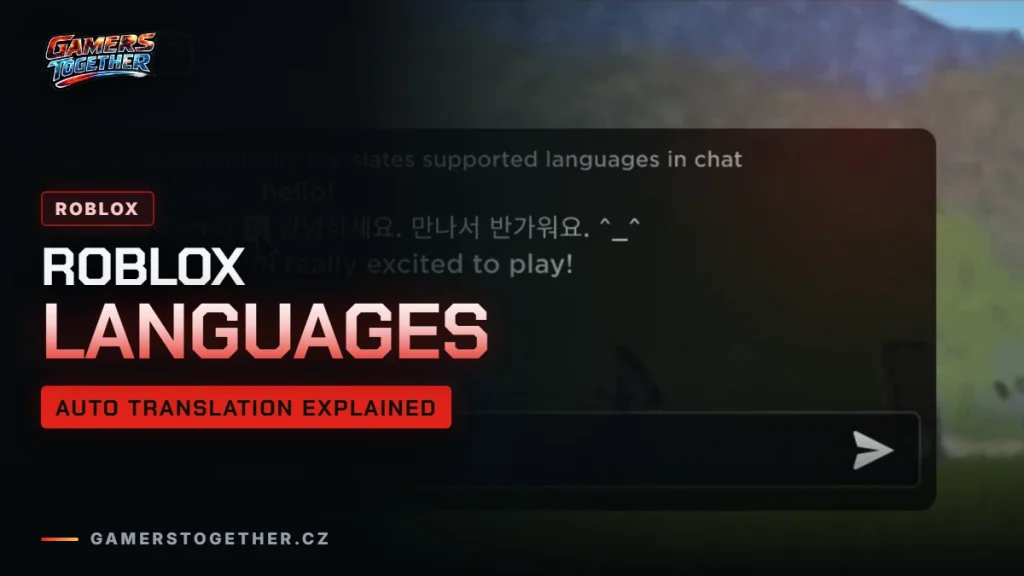
Roblox supports 17 interface languages and automatically translates games between 18 languages. This guide lists which languages are supported, shows how to change the language of your account, explains how automatic translation of games and chat works and how creators can translate their own games by hand. Information as of 19 October 2026.
Which languages Roblox supports
Roblox runs two separate language lists, one in the Help Center and one on the Creator Hub. The first covers the interface: menus, settings and the store. The second covers automatic translation of content, meaning game names, descriptions and text inside games. The lists are almost identical. The only difference is Russian, which automatic translation supports but the interface does not.
| Language | Interface | Automatic translation |
|---|---|---|
| English, German, French, Spanish, Italian, Portuguese, Polish | yes | yes |
| Turkish, Arabic, Hindi, Indonesian, Thai, Vietnamese | yes | yes |
| Japanese, Korean, Chinese (Simplified and Traditional) | yes | yes |
| Russian | no | yes |
| Czech, Slovak | no | no |
Customer support is a separate matter. Roblox support answers in English and Spanish, with limited support in Brazilian Portuguese, French, German, Italian, Korean, Japanese and Chinese.
How to change your account language
- Open Settings. On a computer it is the gear icon in the top right, on mobile tap More in the bottom right.
- Go to Account Info.
- Under Personal, pick your language.
- Save the change. If a language is not in the list, Roblox does not support it yet.
How automatic translation of games works
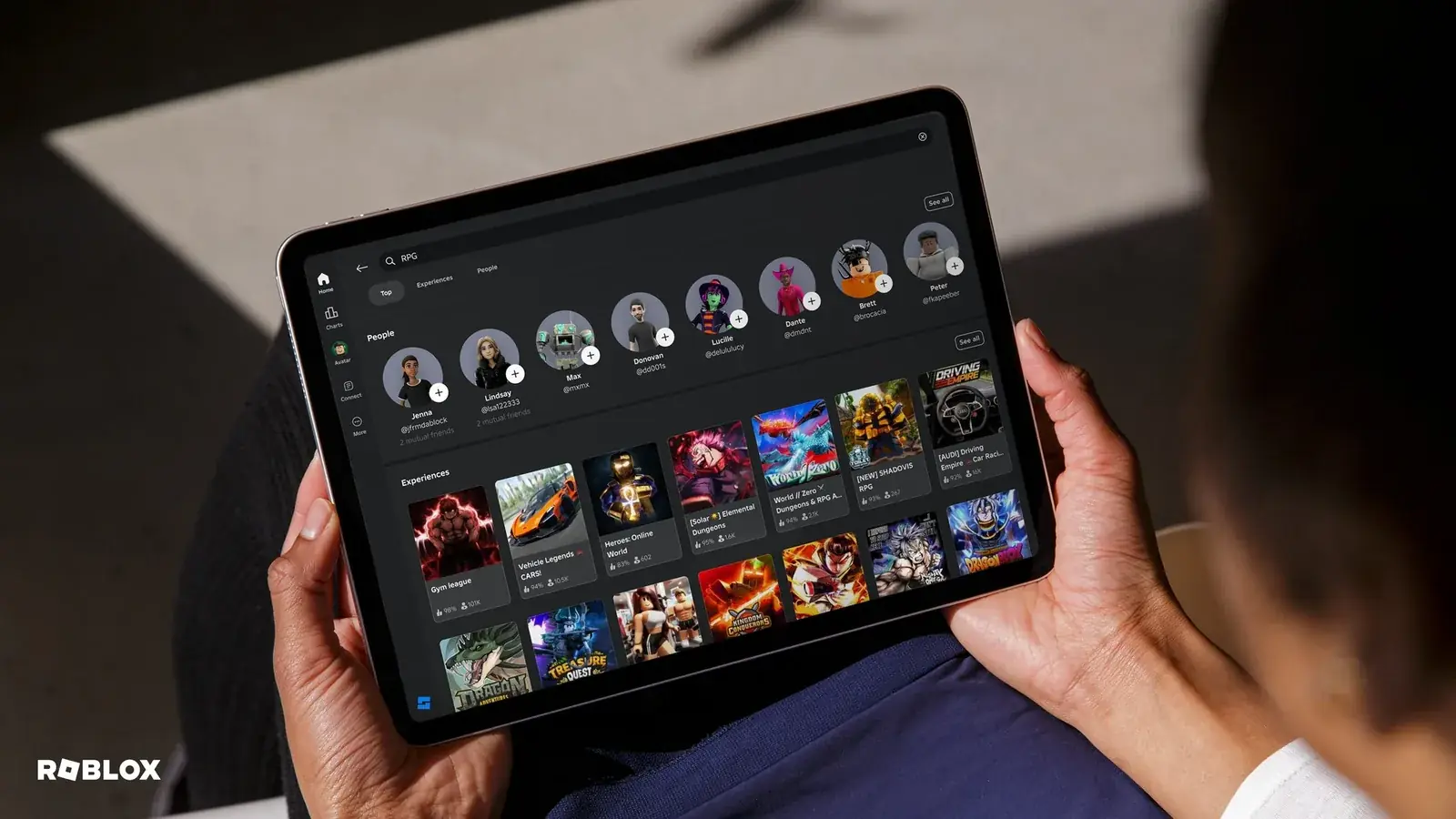
Roblox translates game names, descriptions and in-game text into your account language. Automatic translation is on by default for every account, and you can turn it off in your account settings. The translations are generated by Roblox, so they can contain mistakes.
You can also change the language of a single game from inside it: open the game menu and look for Game Language. This is handy when a machine translation reads oddly and you would rather see the original.
Automatic chat translation
In some games Roblox also translates other players’ chat messages into your language. When you join a game where this is active, a system message tells you. In the settings you can turn on Option to See Untranslated Message to view the original text, or switch translation off completely with Automatic Chat Translation.
For parents, chat translation does not change who can talk to your child. That is controlled separately, as explained in our parental controls guide.
How creators localize their games
Automatic translation is not the only option. Creators can translate their own games by hand using localization tables, and the language codes available there include languages that automatic translation does not cover. Czech, for example, is available as cs and cs-cz. A game in a language outside the automatic list only exists when its creator has done the translation.
If you want to try building and translating a game yourself, start with our Roblox Studio guide. Which devices Roblox runs on and what they need is covered in the platforms and requirements guide.
Store listings versus the app
The store page can be in a different language from the app. In Czechia, for example, Google Play shows a Czech description of Roblox, yet Czech is not one of the app languages. The App Store lists English plus 14 other languages for the app. Always check the language list in your account settings, not the store description.
Join our Discord, Discord GamersTogether, to find other players to team up with, no translator needed.
FAQ
The interface supports 17 languages. Automatic translation of games works between 18 languages, the same list plus Russian.
Go to Settings > Account Info > Personal and pick a language. For a single game, use Game Language in the game menu.
Yes. Automatic translation of games is on by default and can be switched off in your account settings. Chat translation has its own Automatic Chat Translation setting.
If a language does not appear in the account settings, Roblox does not support it yet. Some games may still be available in it if their creators translated them.
They are generated automatically by Roblox and can contain mistakes. If something reads oddly, switch the game back to its original language.
Information verified on 19 October 2026. More guides are waiting in the Roblox guides hub.