
There are no cheat codes or button combinations in The Witcher 3: Wild Hunt on PS5, Xbox Series X|S or Switch 2. The debug console with commands exists only in the PC version of the game, and consoles have nothing like it. You can still tweak the game or make it easier on console, though, and do it the official way: mods through mod.io, the Bard’s Ballad preset and the Just the Story difficulty. Everything below applies to the Remastered version (patch 5.01) as of 19 October 2026.
Why consoles have no cheats
The Witcher 3 doesn’t have classic cheat codes that you type into a menu or enter with the controller. What people call Witcher 3 cheats is the debug console from the PC version, and it can’t be switched on on PlayStation, Xbox or Nintendo. So if you run into a video promising “secret PS5 codes”, don’t trust it.
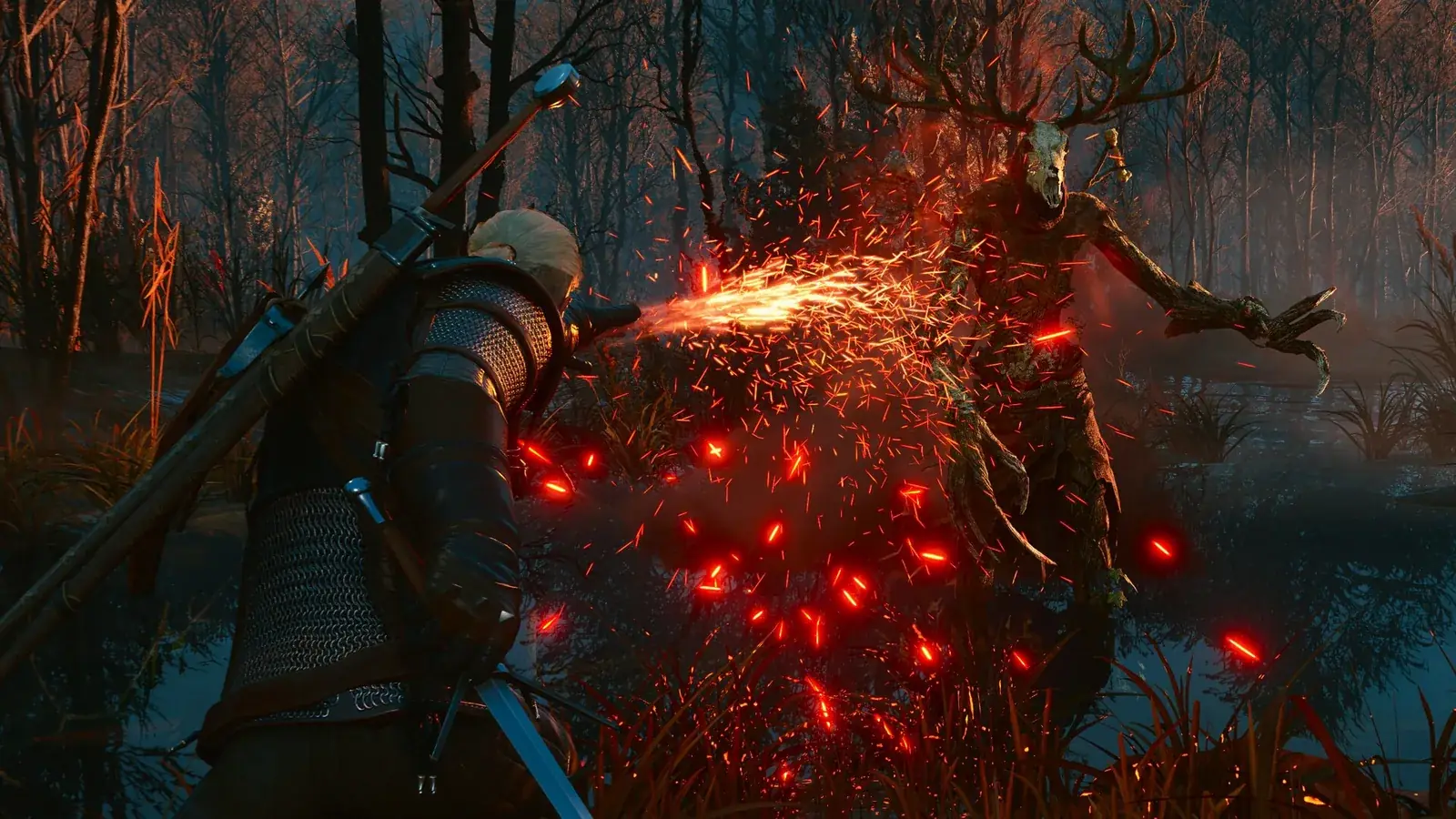
The Remastered update, released on 29 September 2026 as a free upgrade, changed the picture. It brought mods to consoles, straight from the main menu. Thanks to that, you can change more on PS5, Xbox Series X|S and Switch 2 today than ever before. What else Remastered added and who gets it for free is covered in our Remastered guide.
| Platform | Remastered | mod.io mods | Bard’s Ballad and Just the Story |
|---|---|---|---|
| PC (Steam, GOG, Epic Games Store) | yes | yes | yes |
| PlayStation 5 | yes | yes | yes |
| Xbox Series X|S | yes | yes | yes |
| Nintendo Switch 2 | yes | yes | yes |
| PS4, Xbox One, original Switch | no | no | no (they stay on the older version) |
Mods through mod.io: the official alternative to cheats
Remastered added a Mods option to the main menu. It’s a tool built on mod.io that lets you browse and install mods right inside the game, with no PC and no copying files around. It works on PC, PS5, Xbox Series X|S and Switch 2. Here’s the process according to official support from CD PROJEKT RED:
- Launch the game and open Mods from the main menu.
- Log in with your CD PROJEKT RED account.
- Connect the account to mod.io.
- Pick a mod you like and select Subscribe.
- Restart the game.
- In the Installed section, check that the mod is on the list and its checkbox is ticked.
Without a CD PROJEKT RED account linked to mod.io, you can’t install mods. Linking also means accepting the mod.io and CD PROJEKT RED terms. For the full picture, including REDkit and PC mods, see our Witcher 3 mods guide.
Which mods you’ll see on console
Consoles only get mods tagged “Available on consoles”. Everything else simply won’t show up there. Subscriptions sync through your CD PROJEKT RED account: if you subscribe to mods on PC and then log in with the same account on PS5, you’ll get the same set there, minus the mods consoles don’t support. According to support, mods made in REDkit, the official CD PROJEKT RED editor, have the best chance of being approved for PS5 and Xbox.
Installing mods requires an internet connection. You can play a modded save offline, but only if the mods it needs are already installed.
Trophies and achievements with mods
Here’s the catch. On consoles, trophies and achievements are disabled on modded save files. A modded save is marked with a mod.io (cog) icon next to it. If you’re chasing the platinum or a full achievement list, play on a clean save and try mods on a second one.
Bard’s Ballad and Just the Story: an easier game without mods
If you mainly want the story and don’t want to deal with mods or lose trophies, Remastered has an official answer. It added a new Accessibility section with the Bard’s Ballad preset. It switches on automatically when you start a new game on Just the Story difficulty, and you can also turn it on at any time in the Accessibility section. Its options are:
- boosted vitality regeneration,
- infinite breath,
- unbreakable gear,
- unbreakable and faster boats,
- ignoring inventory weight,
- toggling Witcher Senses.
Bard’s Ballad and Just the Story are part of the game on every platform with the Remastered version, and you don’t need a single mod for them. For more ways to make the first hours smoother, check our beginner’s guide.
PS4, Xbox One and the original Switch
Remastered didn’t come out on last-gen consoles. The game stays on the version you know there. It keeps working and still has technical support, but it won’t get further updates or the Songs of the Past expansion. That means no Mods menu with mod.io, no Bard’s Ballad preset, no Just the Story difficulty and, of course, no cheats. If you own the game on the original Switch, you get Remastered on Switch 2 for free.
Join our Discord to ask which mods other players run on console and how they work for them: GamersTogether Discord.
FAQ
No. There are no cheat codes and no command console on PS5. Instead, you can use mods through mod.io in the main menu, or make the game easier with the Bard’s Ballad preset and the Just the Story difficulty.
Yes, trophies and achievements are disabled on modded saves. You can spot such a save by the mod.io (cog) icon. On a clean save without mods, you earn them as usual.
Yes, without cheats. The Bard’s Ballad preset in the Accessibility section has an option to ignore weight, and it works on Xbox Series X|S just like on every other platform with the Remastered version.
No. Mods through mod.io arrived with Remastered, which is only available on PC, PS5, Xbox Series X|S and Switch 2. On PS4, Xbox One and the original Switch, the game stays on the older version.
You need a CD PROJEKT RED account linked to mod.io. You log in right in the Mods menu in the main menu, and installing mods requires an internet connection.
Information verified on 19 October 2026. Find more guides in our Witcher 3 guides section.