
The Witcher 3: Wild Hunt in its Remastered version (patch 5.01) officially supports mods on consoles too. You install them right inside the game through the Mods menu, which is powered by mod.io, on PC, PS5, Xbox Series X|S and Switch 2. Here’s the official step-by-step process, what works on consoles and what doesn’t, how trophies are affected, what the REDkit editor is for and where to get mods on PC outside the game. Everything is current as of 19 October 2026.
The Mods menu and mod.io: step-by-step installation
You’ll find the Mods menu in the game’s main menu. It’s a tool built on mod.io that lets you browse and install player-made mods. To use it, you need a CD PROJEKT RED account linked to mod.io and you have to accept the terms of mod.io and CD PROJEKT RED, including the Fan Content Guidelines.
The official process according to CD PROJEKT RED support:
- Launch the game and open Mods from the main menu.
- Log in with your CD PROJEKT RED account.
- Link the account to mod.io.
- Find a mod you like and select Subscribe.
- Restart the game.
- In the Installed section, check that the mod appears on the list and its checkbox is ticked.
You can also browse mods in advance on the mod.io website. The whole process is described by official support as well.
Mods on PS5, Xbox and Switch 2
Remastered is what brought mod.io mods to consoles. They’re available on PS5, Xbox Series X|S and Switch 2. PS4, Xbox One and the original Switch get neither Remastered nor mod.io. A few limits apply on consoles:
- Only mods tagged Available on consoles show up. Mods that consoles don’t support won’t appear in the menu at all.
- For PS5 and Xbox, mods made in the REDkit editor have the best chance of being approved.
- Subscriptions sync through your CD PROJEKT RED account. If you subscribe to a mod on PC and then log in with the same account on PS5, you’ll have the same mods. Any that the console doesn’t support are simply ignored there.
mod.io mods are also the official alternative to cheats, which don’t exist on consoles. More on that in our guide to cheats on consoles.
Trophies and achievements
On consoles, trophies and achievements are disabled on modded saves. Any save created while mods were enabled counts as modded, and you’ll recognise it in your save list by the mod.io (cog) icon. If you’re hunting trophies on console, play without mods or keep separate saves.
Old mods and the REDkit editor
If you have mods from before Remastered, expect mods containing xml files, scripts or w3strings to stop working after the update. CD PROJEKT RED added a way to update such mods to REDkit so they work again.
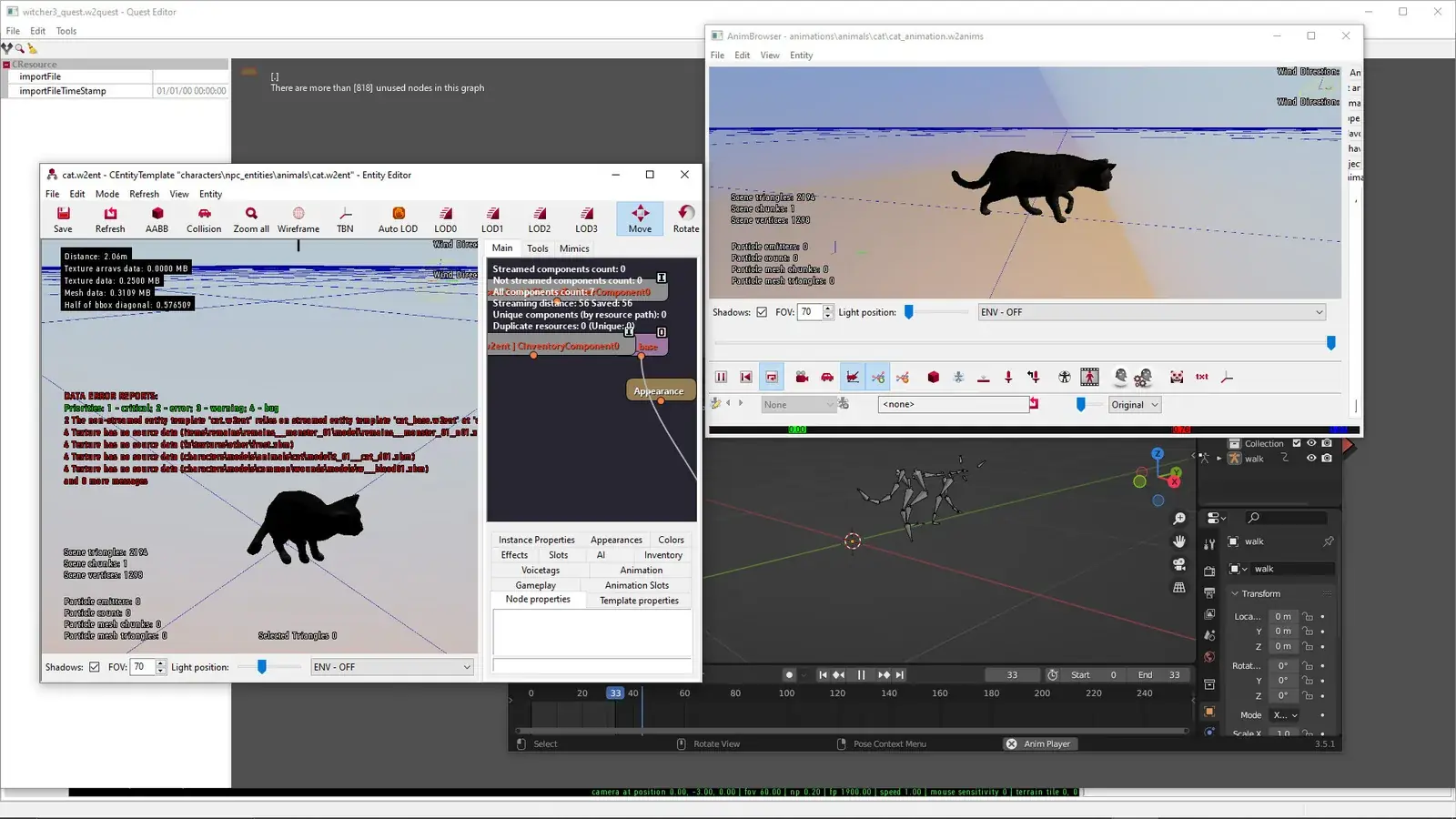
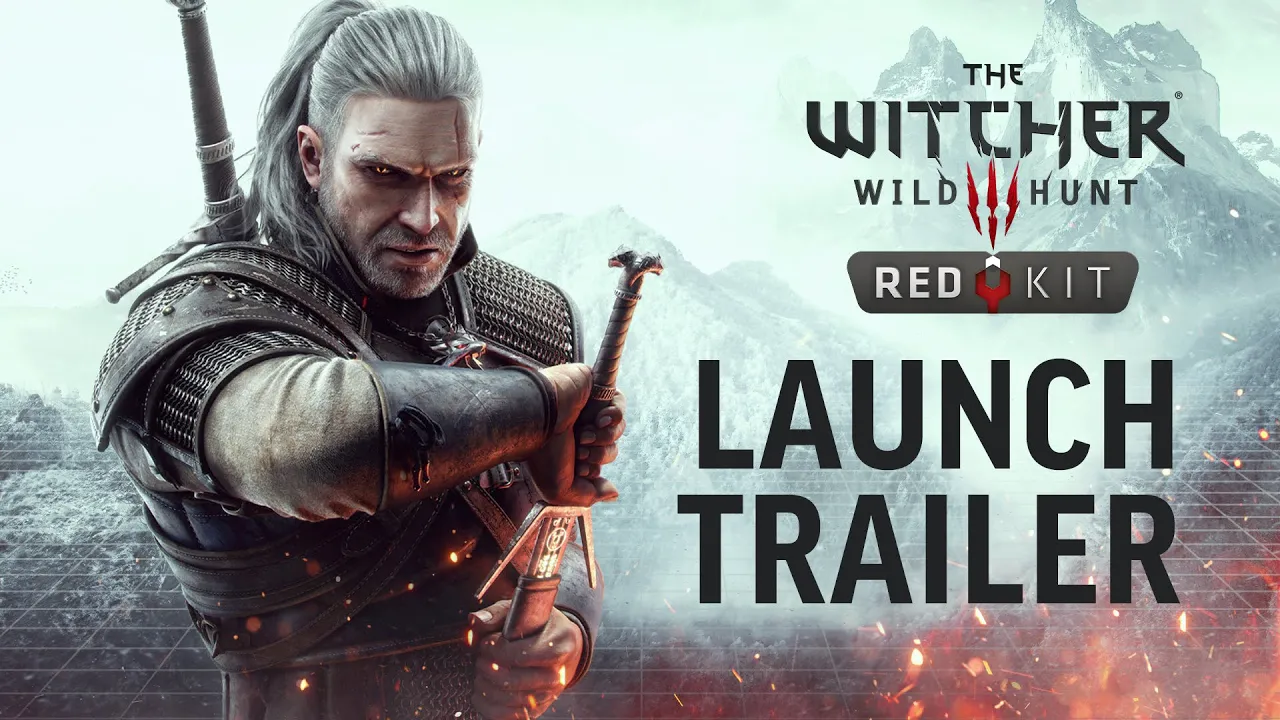
The Witcher 3 REDkit is the official mod editor from CD PROJEKT RED and Yigsoft. It launched on 21 May 2024 and is free for owners of the game on PC; on Steam it’s a separate app called The Witcher 3 REDkit. Script mods have to be made in REDkit, while textures and similar content can be created with other tools. You then upload and manage the finished mod on the mod.io website.
| REDkit | Minimum | Recommended |
|---|---|---|
| OS | Windows 10 64-bit | Windows 10 64-bit |
| CPU | Core i7-4790K | Ryzen 5 5600X / Core i7-9800X |
| RAM | 16 GB | 32 GB |
| GPU | GTX 1060 6GB | RX 6800 XT / RTX 3080, DirectX 12 |
| Storage | 50 GB | 50 GB |
The editor needs the game installed. Official video tutorials are on the REDkit page in the Tutorials section. Whether your PC can handle the game itself is covered in our system requirements guide.
On PC outside the game: Steam Workshop and Nexus Mods
On PC you’re not limited to the Mods menu. Two older sources still work:
- Steam Workshop has been enabled for The Witcher 3 since 21 May 2024. Select Subscribe on a mod and Steam installs it automatically.
- Nexus Mods with its Vortex mod manager.
The same rule as for older mods applies to both: check that the mod supports the current Remastered version.
Cross progression and playing offline
If you play on several platforms using cross progression, you need the same set of mods on both. If a mod is missing or incompatible on the target platform, your save may not load. When combining PC and console, pick mods that are also available on consoles.
Installing mods requires an internet connection. You can play a modded save offline only if all the required mods are already installed. Without them, the save won’t load until you reconnect and install them.
When a mod doesn’t work
First check the Installed section to see whether the mod is listed and ticked. If it is and still doesn’t work, CD PROJEKT RED recommends contacting the mod’s author. Problems with a mod from the Mods menu can be reported through CD PROJEKT RED support (Reporting issues with in-game mods). Everything else Remastered changed is covered in our guide to the Remastered versions.
Join our Discord to share your favourite mods or ask for help when one won’t work. Come over to the GamersTogether Discord.
FAQ
Yes, since the Remastered version, through the Mods menu powered by mod.io. Only mods tagged Available on consoles show up.
On consoles, yes. Trophies and achievements are disabled on modded saves, and those saves carry a cog icon.
Yes, a CD PROJEKT RED account linked to mod.io. You log in directly in the Mods menu on the game’s main menu.
Mods with xml files, scripts or w3strings stop working after the Remastered update. REDkit includes a way to update them, so get in touch with the mod’s author.
Yes, for owners of the game on PC. On Steam it’s a separate app, and it needs the game installed.
Information verified on 19 October 2026. More guides are waiting in our Witcher 3 guides.