
Xbox Play Anywhere means you buy a digital game once and play it on an Xbox console, a Windows 10/11 PC and a supported Windows 11 gaming handheld at no extra cost. Your saves, add-ons and achievements come with you. This guide covers how to spot a Play Anywhere game, where it shows up after you buy it, what carries over between devices and what to do when your progress doesn’t sync. Everything here is based on Microsoft’s official pages as of 20 October 2026.
What Xbox Play Anywhere is
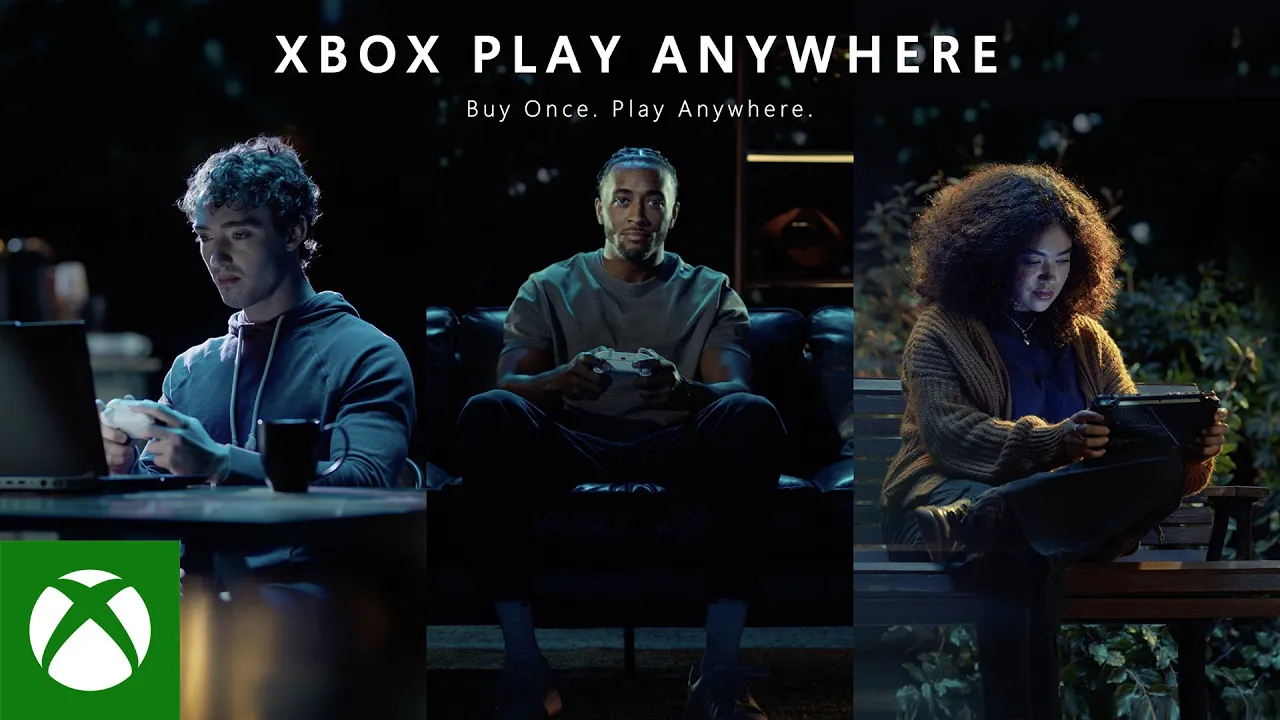
It’s a label for games you don’t have to buy separately for console and PC. If you own a digital copy of a game that supports Xbox Play Anywhere, it’s available on every supported device you sign in to with your Microsoft account. Microsoft’s own tagline sums it up: “Buy once, play anywhere”.
There are three kinds of supported devices:
- Xbox consoles,
- Windows 10 or 11 PCs,
- gaming handhelds running Windows 11.
You don’t pay anything extra to play on another device, it’s part of the game you bought. For a look at what a Windows 11 handheld is like in practice, see our ROG Xbox Ally article.
How to spot an Xbox Play Anywhere game
Supported games carry the Xbox Play Anywhere badge in the store. You’ll see it in the store on xbox.com, on console, on PC and on supported handhelds. You’ll find the participating games on the Xbox Play Anywhere page on xbox.com. The address xboxplayanywhere.com, which Microsoft gives for the full list, now leads to that same page.

How many games are there? As of 20 October 2026, Microsoft says “1,000 games and growing”. The page uses Indiana Jones and the Great Circle as its example. Before you buy, always check for the badge on the game’s store page.
Digital copies only
Xbox Play Anywhere only applies to digital games. If you own a game on disc, you can’t use it to play on PC this way. You can get the digital version in three ways:
- from the Xbox Store (on console or xbox.com),
- from the Windows Store on your PC,
- as a digital code from a retailer that you then redeem on your account. Our guide on how to redeem a code walks you through it.
Where to find the game after you buy it
Just sign in on the device with the same account you used to buy the game, and it shows up on its own:
- Xbox Series X|S: under My games & apps as “Ready to install”.
- PC and handheld: in the Xbox app under My Library.
How to set up the Xbox app, where it installs games and how to change the install drive is covered in our Xbox app guide.
What carries over between devices
The whole point of Play Anywhere is that you don’t start over. Moving between console, PC and handheld, you keep:

- your progress and saves, so you pick up where you left off,
- add-ons (DLC), Season Passes, consumables and in-game unlocks,
- achievements and Gamerscore. There’s one shared set, so you can’t earn the same achievement twice.
You need to be online for this. Progress and achievements sync when you’re connected.
You can’t play on two devices at once
You can only be signed in to the same game on one device at a time: one console, one PC or one handheld. To switch from console to PC, quit the game on the console first and then launch it on your PC.
So Play Anywhere isn’t a way for two people to play one copy at the same time. Sharing games with your household on console is handled by something else, your home Xbox.
When your progress or DLC doesn’t carry over
Microsoft recommends a simple routine for this:
- Make sure you’re signed in with the same Microsoft account on both devices.
- Launch the game on the device where you last saved. It should pick up where you left off.
- Save the game again on that device.
- Only then open it on the other device.
If an add-on shows up on one device but not the other, double-check the account you’re signed in with and look at your order history at account.microsoft.com/billing/orders to see whether the purchase went through.
If the game won’t start or stutters on PC, check that your computer meets the game’s hardware requirements, update your drivers (graphics, audio, network) and install the latest Windows updates. Specific error messages with a code are listed in our Xbox error codes overview. Microsoft’s Play Anywhere support page has more troubleshooting steps.
Xbox Play Anywhere vs Game Pass
Both let you play on Xbox and PC, but they work differently:
| Xbox Play Anywhere | Game Pass | |
|---|---|---|
| What it is | a feature of a game you bought | a subscription |
| What you pay | once per game | regularly for your plan |
| Access to the game | you own it | only while subscribed and while the game is in the catalog |
What each plan includes is covered in our overview of Game Pass tiers; prices depend on your country on xbox.com.
Join our Discord and ask other players which Play Anywhere games they switch between console and PC: GamersTogether Discord.
FAQ
No. If you own a digital game that supports Play Anywhere, playing it on an Xbox console, a Windows 10/11 PC and a supported handheld is included in the price.
No. It only applies to digital games bought from the Xbox Store, the Windows Store or as a digital code from a retailer.
No. You can only be signed in to the same game on one console, one PC or one handheld at any given time.
No. Play Anywhere games have a single shared set of achievements and Gamerscore across all devices.
Gaming handhelds running Windows 11. You’ll find your games in the Xbox app under My Library.
Information verified on 20 October 2026. More guides and news are in our Xbox section.