
Hogwarts Legacy has had official mod support on PC since 30 January 2025. You browse, install and enable mods right from the game’s menu, with no third-party sites involved. This guide covers what you need, how to install mods step by step, how to keep your original save safe and what the Creator Kit offers modders. It is current as of 20 October 2026.
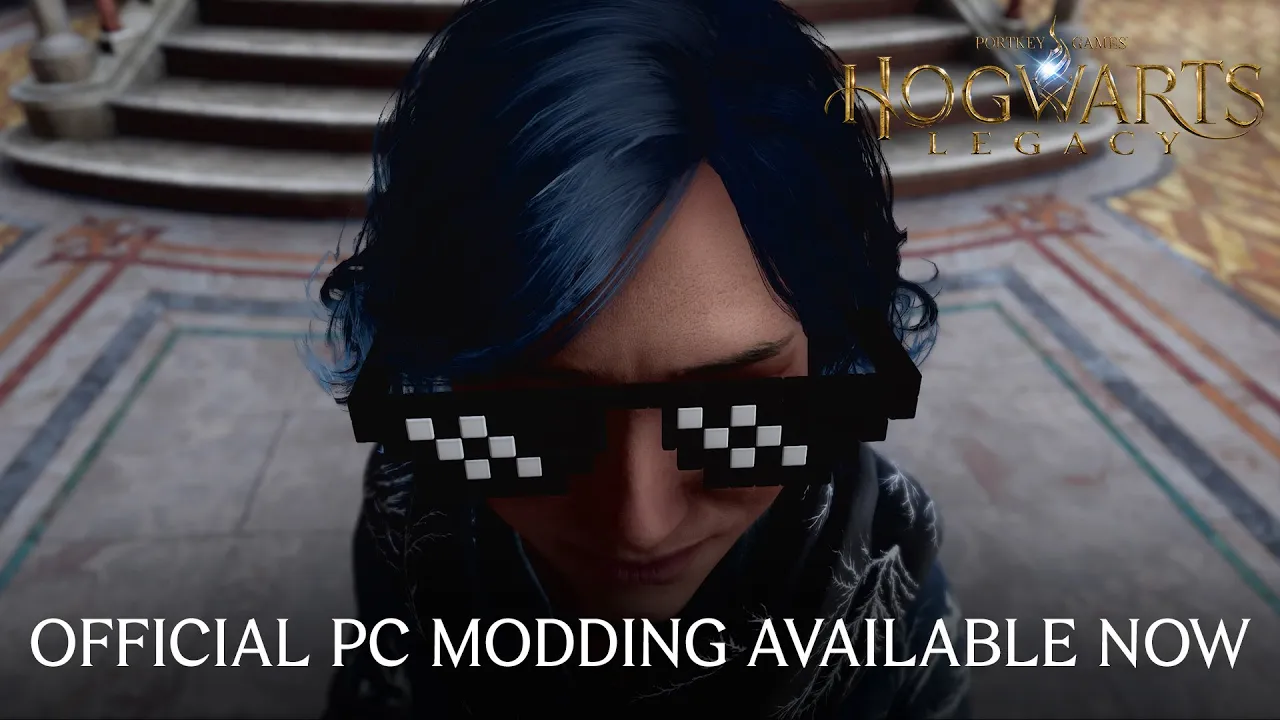
Official mods in Hogwarts Legacy
Mod support arrived with the free update of 30 January 2025. Warner Bros. Games added an in-game Mod Manager and a Play Mods option to the main menu. That is where you browse, install and enable mods, without copying files into the game folder by hand.
Mods are PC only. The official FAQ states that Hogwarts Legacy supports PC mods. You will not find the Mod Manager on PlayStation, Xbox or Switch.
What you need before you start
- The PC version of the game on Steam or the Epic Games Store, updated to the latest version.
- A WB Games account linked to your Steam or Epic Games account. Without the link, mods stay locked.
- An internet connection. According to the patch notes, the mod system only works properly online.
How much space the game itself needs and which hardware WB recommends is covered in our PC requirements guide.
How to install mods step by step
- Link your WB Games account to your Steam or Epic Games account.
- Launch the game and pick
Play Modsin the main menu. - Find a mod you like in the mod browser.
- On the mod’s page, click
Installand wait for the download to finish. - Open the
Enable Modstab, choose a save file and turn the mods on for it. - Load that save and play with your mods.
Mods and save files
Mods are not switched on for the whole game at once. You always enable them for a specific save file, which has two advantages.
First, you can make a copy of your clean, unmodded save and enable mods only on the copy. Your original save stays untouched and you can go back to it at any time.
Second, every save can have its own mod setup. Try cosmetic tweaks on one save and something that changes gameplay on another, and they will not affect each other. If all you want is to rebuild your character, you do not need a mod for that: since summer 2024 the game can reset talents on its own, as explained in our talents guide.
Older mods from before official support
Mods made before official support may not work. The 30 January 2025 patch broke older third-party mods that use a custom skeletal mesh and were created before that patch. If you installed mods by hand back then, expect the ones built on a custom skeletal mesh to fail. The in-game Mod Manager is the safer route.
The Creator Kit for modders
If you want to make mods yourself, WB offers the Hogwarts Legacy Creator Kit. It is a modified version of the game’s editor, free on the Epic Games Store and integrated with the CurseForge mod system.
The Creator Kit keeps getting updates. On 10 June 2025, for example, it gained templates for brooms, costumes and gameplay mods, a text editor for multiple languages and spell videos. WB also highlights selected mods on Steam in its Mod Spotlight series.
Join our Discord to share the mods you are trying or to ask for help when an install will not work: GamersTogether Discord.
FAQ
Yes. Since the 30 January 2025 update, the PC version has its own Mod Manager and you install mods in the game via Play Mods in the main menu.
Yes. You have to link your WB Games account to your Steam or Epic Games account and stay online while playing with mods.
They do not have to. Mods are enabled per save, and the game can create a copy of your clean save, so the original stays unmodded.
No. Official mods are PC only, and the console versions have no Mod Manager.
The Hogwarts Legacy Creator Kit is free on the Epic Games Store. It is a modified game editor integrated with the CurseForge mod system.
Information verified on 20 October 2026. More guides are waiting in our Hogwarts Legacy guides.