
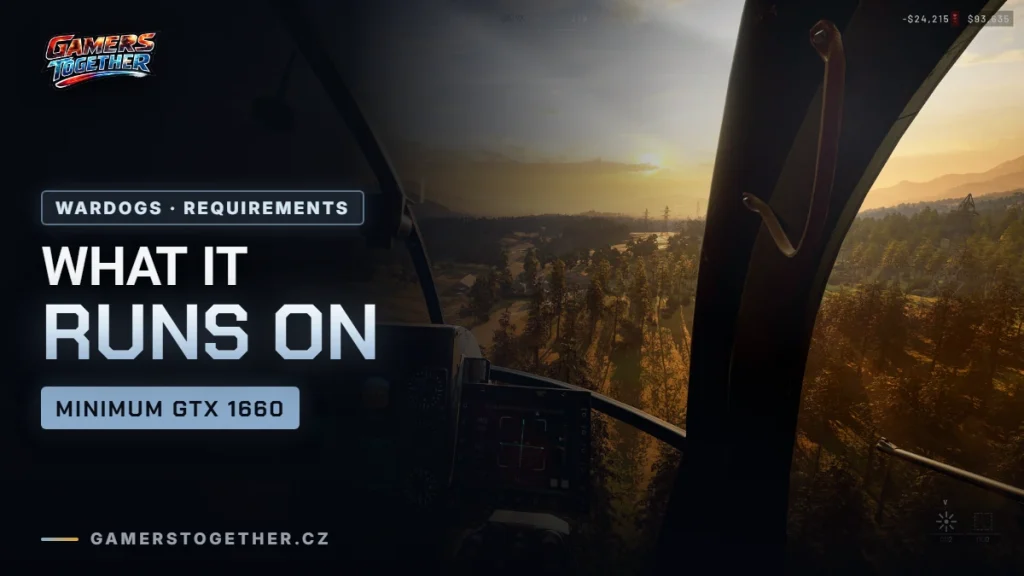
To run WARDOGS you need at least an Nvidia GTX 1660 or AMD Radeon RX 590, 16 GB of RAM and 50 GB of storage on 64-bit Windows 10; the recommended setup calls for an RTX 3070 or RX 6700 XT. The game is demanding because a hundred players, vehicles and destructible buildings share a single map.
- Minimum: GTX 1660 / RX 590 and Core i5 8600 / Ryzen 5 3500 for 1080p, low settings, 60 fps with upscaling.
- Recommended: RTX 3070 / RX 6700 XT and Core i7 12700K / Ryzen 7 5700X for 1440p, medium settings, 70+ fps native.
- Memory and storage: 16 GB RAM (both minimum and recommended), 50 GB.
- Steam Deck and Linux: not supported, the anti-cheat does not allow Proton.
- Cloud: on GeForce NOW since release day, 10 September 2026.
The full table, cloud play, the Steam Deck situation and what to do if the game runs poorly are below.
Official system requirements
| Minimum | Recommended | |
|---|---|---|
| OS | Windows 10 (64-bit) | Windows 11 (64-bit) |
| Processor | Intel Core i5 8600 / AMD Ryzen 5 3500 | Intel Core i7 12700K / AMD Ryzen 7 5700X |
| Memory | 16 GB RAM | 16 GB RAM |
| Graphics card | Nvidia GTX 1660 / AMD Radeon RX 590 | Nvidia RTX 3070 / AMD Radeon RX 6700 XT |
| Storage | 50 GB | 50 GB |
| Network | Broadband | Broadband |
| What it gets you | 1080p, low settings, 60 fps (with upscaling) | 1440p, medium settings, 70+ fps native, or 4K medium at 60+ fps with upscaling |
Three things are worth noting. Sixteen gigabytes of memory is both the minimum and the recommendation: according to the developers, more RAM won’t help, but less will break the game. Upscaling is already factored into the minimum, so the game itself assumes it won’t run at native resolution. And fifty gigabytes is fairly modest by today’s standards.
No powerful PC? Use the cloud
WARDOGS arrived on GeForce NOW on release day, 10 September 2026. So you can stream it without downloading anything and without worrying about your own machine’s performance. Ultimate tier subscribers get performance equivalent to a GeForce RTX 5080, which is above the recommended setup.
In a game where reaction time matters, though, it’s worth spelling out what the cloud means in practice: the round trip to the server and back is added to your usual latency. On a stable connection it’s playable, on Wi-Fi that keeps dropping it isn’t. If you’re considering the cloud, start by testing how the latency feels for you.
Steam Deck and Linux: not yet
This is the most unpleasant news in the article. WARDOGS lists support for Windows only on Steam, and in practice that means you can’t run the game on Steam Deck or Linux: the anti-cheat the studio deployed at launch doesn’t support the Proton compatibility layer.
It stings all the more because it worked during the beta tests; the restriction only came with the start of early access, and people who had tried the game on the Deck were locked out after release. The developers said that Linux support through Proton may come later, but they gave no date, so don’t count on it for now.
What to do if the game runs poorly
Turn on upscaling. The game already assumes it in the minimum requirements, so don’t treat it as a crutch but as a standard setting. After that, the usual order applies: lower shadow resolution and view distance first, and only then the overall resolution.
One more thing that’s easy to confuse with performance: long waits for a match and crashes afterwards are not a problem with your PC. After launch, a large share of players complained about queues lasting tens of minutes to hours, and it showed in the rating too: on 11 September 2026, Steam showed “Mixed” with 66.6% positive reviews. That’s down to the servers, not your graphics card. The login queue and disconnects were addressed by the hotfix from 10 September 2026, after which you need to restart the client.
FAQ
An Nvidia GTX 1660 or AMD Radeon RX 590, an Intel Core i5 8600 or AMD Ryzen 5 3500, 16 GB of RAM, 50 GB of storage and 64-bit Windows 10. That gets you 1080p, low settings and 60 fps with upscaling.
Yes, the GTX 1660 is the minimum listed card. Expect 1080p, low settings and upscaling turned on.
Yes. Sixteen gigabytes is both the minimum and the recommended amount.
WARDOGS takes 50 GB.
No. The game supports Windows only, and its anti-cheat does not allow Proton. It worked during the beta, but support ended with the start of early access.
Yes, the game has been on GeForce NOW since day one. The Ultimate tier streams at RTX 5080-class performance.
No macOS version has been announced; Steam lists Windows only.
It has nothing to do with your PC’s performance. After launch, matchmaking queues were one of the most common problems players complained about.