
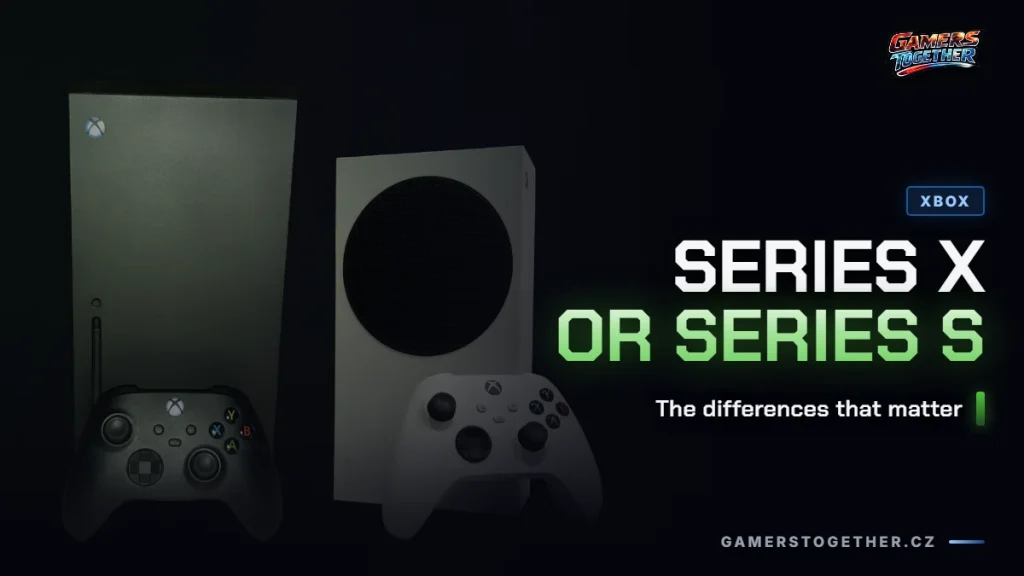
The difference between the Xbox Series X and the Series S isn’t just the price. The Series X has three times the raw graphics power, targets native 4K and can be bought with a disc drive. The Series S is a smaller, all-digital console aimed at 1440p that can’t read physical discs at all. If you have a 4K TV or shelves of games on disc at home, the decision is made for you. Otherwise the Series S runs the same games, just at a lower resolution.
How the Series X and Series S differ
| Spec | Xbox Series X | Xbox Series S |
|---|---|---|
| CPU | 8-core Zen 2 @ 3.8 GHz | 8-core Zen 2 @ 3.8 GHz, so the same |
| GPU | 12 TFLOPS, 52 CU @ 1.825 GHz | 4 TFLOPS, 20 CU @ 1.565 GHz |
| Memory | 16 GB GDDR6, 320-bit bus | 10 GB GDDR6, 128-bit bus |
| Storage | 1 TB NVMe SSD | 512 GB or 1 TB NVMe SSD |
| Disc drive | 4K UHD Blu-ray, disc models only | none, the console is all-digital |
| Target resolution | native 4K, support for up to 8K HDR | native 1440p upscaled to 4K |
| Frame rate | up to 120 FPS | up to 120 FPS |
Specs according to xbox.com, verified on 12 August 2026. The most important row is the first one: the processor is identical in both consoles. The whole difference lies in graphics and memory, 52 compute units against twenty and 16 GB against ten. So the Series S doesn’t run games worse, just at a lower resolution and with lower detail.
The Series S won’t read a single disc
Microsoft says it plainly on the Series S page: the console is all-digital and doesn’t play physical discs. That rules out second-hand games, borrowing from a friend, selling a game once you’ve finished it, and playing 4K Blu-ray movies. If you buy cheap used copies, the Series S closes that channel, and whatever you saved on the console you’ll end up paying back in game prices.
The catch is that a disc drive isn’t guaranteed even on the Series X. Besides the standard Carbon Black with a drive, there’s also an all-digital 1 TB Robot White that can’t play discs, just like the Series S. So before you buy, look at the specific variant, not the model name. On top of that, Microsoft is discontinuing the 2 TB Galaxy Black Special Edition, so soon only the remaining stock will be left. The same trap exists on PlayStation, and we cover it in our piece on which PS5 edition to buy.
How much space you really get for games
Neither console gives you its full nominal capacity. Part of it goes to the system and to Quick Resume, the feature that keeps several games in progress suspended in memory. According to media measurements from the consoles’ launch, about 800 GB of the terabyte is left on the Series X and about 360 GB of 512 GB on the Series S. Microsoft doesn’t publish these figures anywhere itself, so treat them as a ballpark estimate, not a number from the box.
On the 512 GB Series S, that means only a few big games fit on the console at once and the rest gets deleted and re-downloaded in cycles. If you keep playing the same two titles, it doesn’t matter. If you rotate games from the subscription library, it’s an extra ten minutes of downloading every week. We cover what’s in each Game Pass tier and how big that library is separately.
Expanding storage comes with a rule nobody tells you in the store
An external USB drive is the cheapest way to make room, but it can’t do what most people expect. Games marked Optimized for Xbox Series X|S can’t be launched from it. For those games the USB drive works as an archive: you park the game on it and have to move it back to the internal SSD before playing. Previous-generation games, meaning Xbox One titles and backward-compatible Xbox 360 and original Xbox games, can be played from it directly.
The second option is the official Seagate Storage Expansion Card in 1, 2 and 4 TB capacities. It keeps the same speed as the internal SSD, and Microsoft explicitly says you can play directly from it with the same performance, next-gen games included. You pay extra for that, though: the launch price of the 1 TB card in November 2020 was $219.99, and Microsoft doesn’t list current prices because they vary by retailer.
So an external drive is enough if you have lots of older games and play new releases one at a time. You need the card once you want three or four current titles installed at the same time.
Prices went up and stock is hard to find
There’s a lot of noise around Xbox prices right now, so here are the exact facts: on 25 June 2026 Microsoft announced a worldwide price increase and published only the size of the increase, not the resulting prices. As the reason, it said memory and storage prices had risen more than 2.5 times and that it expects them to double again by fall 2027.
| What | Status as of 11 September 2026 |
|---|---|
| Price increase from 1 August 2026 | +$100 for 512 GB models, +$150 for 1 TB models |
| Reason according to Microsoft | memory and storage prices rose more than 2.5× |
| New final prices | not published by Microsoft, only the increase |
| Price on the Czech xbox.com site | placeholder text instead of an amount, the page points to retailers |
| Microsoft Store in the Czech Republic | consoles out of stock |
| A major Czech retailer, Xbox Series category | not a single console in stock, Series X shown at CZK 0 |
| 2 TB Galaxy Black | being discontinued by Microsoft |
After the announcement, media outlets reported specific dollar amounts, but Microsoft never confirmed them, so there’s no point presenting them as a price list. In the Czech Republic, where we checked, the situation is even worse: the manufacturer doesn’t publish recommended prices there at all, and major retailers had no consoles in stock on the date we verified. Prices circulating on comparison sites ranged from about CZK 14,000 for a used Series X to over CZK 24,000 for a new one, and that’s not a spread you can turn into a single price. With a used unit, also keep in mind that you’ll only try the console for the first time at home, so it’s good to have the steps for when your Xbox won’t turn on ready in advance.
Until consoles are back in stock, there’s a workaround. You can reach the subscription games by streaming, the steps are in the guide to Xbox Cloud Gaming and how to get started, and whether streaming suits you at all is covered in our explainer on how cloud gaming works. For games outside Game Pass, the alternatives are GeForce NOW tiers or Boosteroid with servers in Prague.
Which one to buy
The decision isn’t about budget, it’s about your TV and where you buy your games. There’s nothing solid to justify waiting for the next generation, because the only thing Microsoft has confirmed about a new Xbox is working with AMD on chips, as shown in our summary of what we know about the next Xbox.
- Get the Series X if you have a 4K TV and want to get the most out of it. The difference between native 4K and upscaled 1440p is visible on a big screen, and it will bother you for three years.
- Get the Series X for discs too, but only the disc version. If you buy used games or borrow them, the difference in console price pays for itself within a few titles.
- Get the Series S for a Full HD or 1440p TV. On a monitor or a smaller TV the difference is negligible, and you get the same games, the same CPU performance and the same 120 FPS.
- Get the Series S as a second console for the bedroom, a weekend cabin or the kids. It’s small, quiet and doesn’t need anything else.
And now the things people most often get burned by:
- Don’t buy the Series S if you have games on disc at home. It can’t read them, and there’s no adapter or workaround. This is the most common reason gifts get returned.
- Don’t buy the 512 GB Series S if you play several games at once. The cheaper version will end up costing you more once you buy a card, or it will hold you up with downloads every day.
- Don’t buy the Series X for the numbers if you play on a Full HD TV. You’ll pay more than twice as much for performance you won’t see.
- Don’t buy a digital version without thinking it through. Without a disc drive you’re tied to store prices and sales forever.
If you’re still torn between platforms, the equivalent comparison on the PlayStation side is in PS5 vs PS5 Pro, a cheaper way in is discussed in the article on whether a PS4 still makes sense today, and subscriptions are hard to compare without the overview of PS Plus tiers.
FAQ
Yes, you’ll get a picture on it, but not a native one. The Series S renders natively at 1440p and upscales the image to 4K. You won’t notice on a smaller TV, but you will up close on a big screen. If you bought a 4K TV for the picture, the Series S won’t make full use of it.
No. The Series S has no disc drive, and Microsoft states that it doesn’t play physical discs. You can’t get around it with an external drive or any accessory. Games are bought digitally only or played from a subscription.
For two or three games you keep playing over and over, yes. According to media measurements, about 360 GB is free, and the system takes the rest. If you rotate titles from the subscription library, you’ll regularly delete games and download them again. In that case it’s worth going straight for the 1 TB version.
Only previous-generation games, meaning Xbox One titles and backward-compatible older games. Titles marked Optimized for Xbox Series X|S have to run from the internal SSD or the official expansion card. If they’re on a USB drive, you have to move them back before playing.
Nobody gives a single valid price as of the verification date. Microsoft announced only the size of the increase from 1 August 2026, +$100 for 512 GB models and +$150 for 1 TB models, not the final prices. In the Czech Republic it doesn’t publish prices at all, major retailers have no consoles in stock and offers on comparison sites differ by thousands of CZK. So check the price with a specific retailer before you buy.
Information verified as of 12 August 2026. Console prices have changed several times this year because of memory prices, and Microsoft has signaled that the pressure will last until fall 2027, so check the amount again before you buy. More articles about the platform are in the Xbox section on Gamers Together.
Thumbnail photo: Der. Bellemer and AsmodeanUnderscore, CC BY 4.0.