
GeForce NOW has its own app for the Steam Deck, so you no longer have to stream through a browser. This guide walks you through the installation using NVIDIA’s official instructions, fixes the most common installer hiccup, sets the trackpad up as a mouse and explains what each membership tier gives you on the Deck. Everything here is accurate as of 19 October 2026.

A native app instead of the browser
NVIDIA announced the GeForce NOW app for Steam Deck at CES in January 2025 and, according to NVIDIA’s blog, released it on 29 May 2025. Before that, the only options on the Deck were a web browser or a beta script. Once installed, the app shows up in your Steam library and you launch it from Gaming Mode like any other game.
The Steam Deck is on NVIDIA’s list of officially supported handhelds, alongside the ROG Ally, Legion Go and MSI Claw. For every other device, see our overview of supported devices. This guide covers the Deck only.
What you need before you start
- An NVIDIA account and a GeForce NOW membership. Free costs nothing; the paid tiers are Performance and Ultimate.
- Games you already own. GFN doesn’t sell games. It streams the ones you own on a supported store: Steam, Epic Games Store, Ubisoft Connect, Battle.net, EA app, GOG and Xbox. Hundreds of free-to-play games are available on top of that.
- A good connection. For handhelds NVIDIA lists 15 Mbps for HD up to 60 FPS and 25 Mbps for Full HD at 60 FPS. It recommends a wired connection or a 5 GHz Wi-Fi router and requires less than 80 ms of latency to an NVIDIA data centre. More in our internet requirements guide.
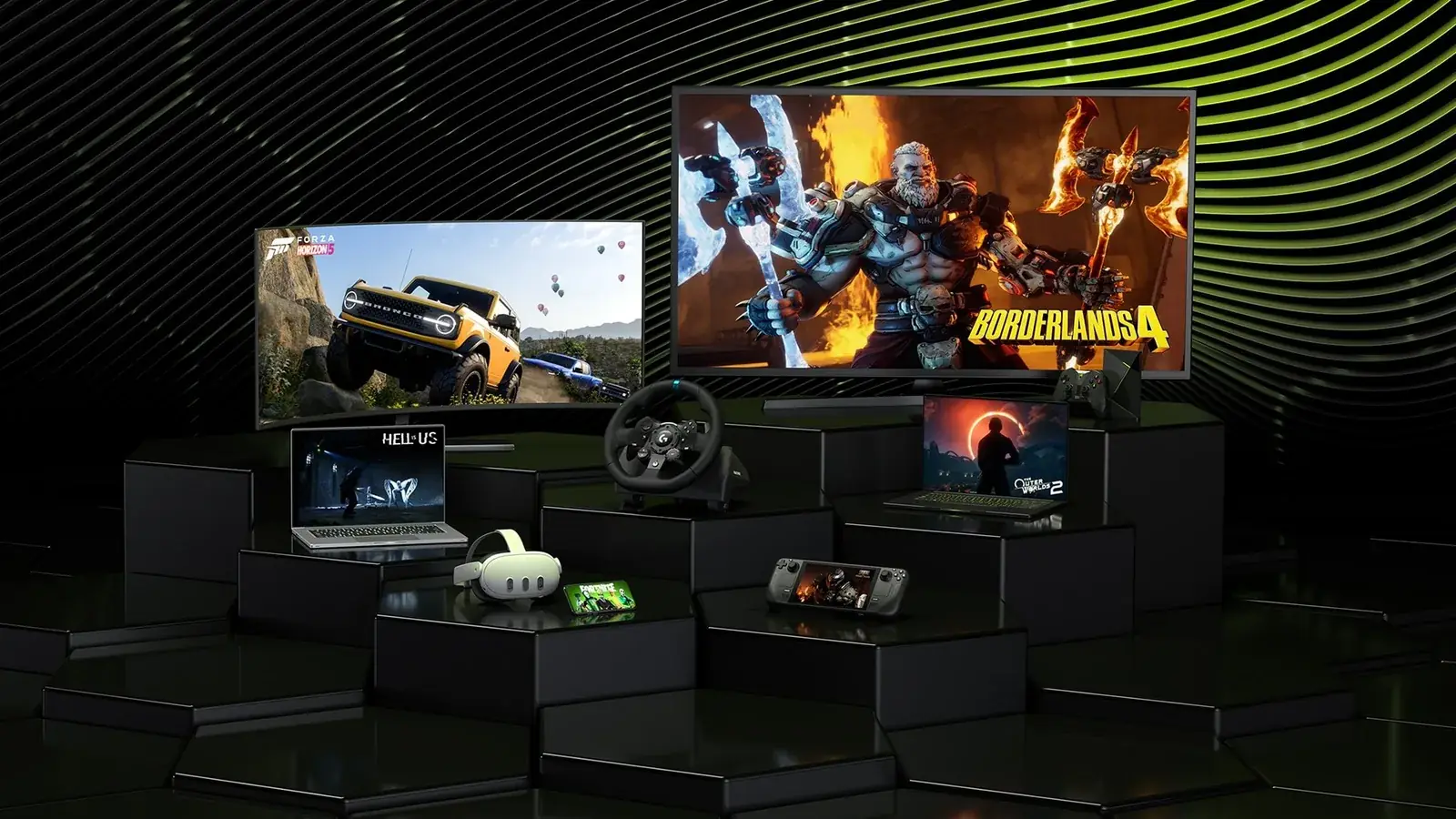
In May 2025, NVIDIA said more than 2,200 supported games from Steam, Epic, Ubisoft, Battle.net and Xbox could be streamed on the Steam Deck, including over 180 PC Game Pass titles. How Game Pass games get into your library is covered in our PC Game Pass guide.
Installation step by step
You can’t install the app from a web browser; the installer has to be downloaded to the device itself. The whole process happens in Desktop Mode.
- Press the Steam button, choose Power and then Switch to Desktop.
- Open
gfn.link/downloadin the browser (it leads to NVIDIA’s download page) and download the installer. It adds GeForce NOW to your Steam library. - In the file manager, double-click
GeForceNOWSetup.bin, choose Execute and follow the on-screen prompts. - When it’s done, click Return to Gaming Mode on the desktop.
- In your Steam library, open the Non-Steam section and launch GeForce NOW.
- Sign in to your NVIDIA account and link your Steam account so your library shows up in the app.
In PC Games Hardware’s test, the installation took less than five minutes.
If the system asks which app to open the installer with
If a double-click brings up an “open with” prompt instead of the installer, the file is missing its execute permission. NVIDIA’s fix:
- Close the prompt.
- In the file manager, right-click
GeForceNOWSetup.binand select Properties. - On the Permissions tab, tick “Is executable” or “Allow executing file as a program” and click OK.
- Double-click the file again.
Fallback: the Terminal
If that doesn’t work either, open the Terminal in Desktop Mode and enter these commands one by one:
cd ~/Downloadschmod +x GeForceNOWSetup.bin./GeForceNOWSetup.bin
If the installation still fails, restart the Steam Deck and try again. General launch and streaming problems are covered in our troubleshooting guide.
Controls and settings on the Deck
Most games work with the built-in controls out of the box. For games that want a mouse, and a few other situations, these tricks from NVIDIA’s guide help.
Trackpad as a mouse
- With GFN running, press the Steam button and select NVIDIA GeForce NOW.
- Open Controller settings.
- Set Current Button Layout to Gamepad with Mouse Trackpad.
- In Edit Layout, open Trackpads and set Click on the right trackpad to Mouse, then Left Mouse Click.
Other handy shortcuts
- GeForce NOW overlay: long-press the Start button (Menu ☰) while streaming.
- Esc key: Steam button plus left on the D-pad.
- Touchscreen: a tap works as a mouse click.
- Games that only accept one gamepad (NVIDIA names Doom: The Dark Ages): Steam button, NVIDIA GeForce NOW, Controller settings, Reorder Controllers, then move the first controller down.
- Gamepad support in the game: some titles, such as Genshin Impact, need it switched on in their own settings.
- Dock and handheld: restart the app every time you switch between handheld mode and the dock so the stream resolution is set correctly.
Image quality and other in-app options are covered in our GeForce NOW settings guide.
What each tier gives you on the Deck
Prices depend on your country and are listed on NVIDIA’s membership page. Our plans and pricing article has the full comparison; this is what matters on the Deck:
| Tier | Session length | On the Steam Deck |
|---|---|---|
| Free | 1 hour | up to 60 FPS, with ads |
| Performance | 6 hours | up to 60 FPS, 100 hours of playtime per month |
| Ultimate | 8 hours | up to 90 FPS on the Deck’s screen, 100 hours of playtime per month |
Only Ultimate gets you up to 90 FPS on the Steam Deck. If you want to try it first, NVIDIA also offers a Day Pass with 24 hours of access.
Two figures are NVIDIA’s claims, not our test results. According to NVIDIA, a Deck connected to a TV can stream at up to 4K and 60 FPS with HDR10, plus DLSS 4 and Reflex in supported games. NVIDIA also says the battery lasts up to 50% longer when streaming than when playing locally.
Join our Discord to ask other players how GeForce NOW runs on their Deck and on which network: GamersTogether Discord.
FAQ
No. You download and run the installer in Desktop Mode. Return to Gaming Mode afterwards and you’ll find the app in your Steam library under Non-Steam.
Up to 90 FPS on the Deck’s screen, but only with Ultimate. Free and Performance go up to 60 FPS.
Mark the file as executable in its Properties on the Permissions tab and double-click it again. The other option is the three Terminal commands from NVIDIA’s guide.
No. GFN streams games you already own on a supported store, such as Steam or the Epic Games Store, plus hundreds of free-to-play games.
NVIDIA recommends restarting the GeForce NOW app every time you switch between handheld mode and the dock. Only after a restart is the correct stream resolution applied.
Information verified on 19 October 2026. More streaming guides are waiting in our Cloud gaming section.