
GTA 6 doesn’t let you pick a graphics mode: it runs at 30 frames per second on PS5, PS5 Pro and Xbox Series X|S, and there’s no way around that. What is worth a look are the controls, the HUD and, on PS5, the controller haptics. Below you’ll find what applies to graphics, how to switch to GTA 5-style controls and how the dynamic HUD works. Menu names are given in English as reported by outlets playing the game; in other language versions they may differ.
Graphics and frame rate
Rockstar confirmed on its Newswire on 10 November that GTA 6 targets 30 fps on every console. There’s no performance or quality mode in the settings, so there’s nothing to toggle here.
Why even the PS5 Pro doesn’t get 60 fps was explained by Rockstar’s technology production director Marc Chambers in a statement to Kotaku, as quoted by Eurogamer, GamesRadar+ and PC Gamer. According to him, the PS5 Pro’s processor is only slightly better than the base PS5’s and isn’t powerful enough to run the game’s complex simulation at higher frame rates, neither at 60 nor at 40 fps.
- PS5 and Xbox Series X|S: ray-traced reflections and global illumination.
- PS5 Pro: adds ray-traced shadows and a sharper image thanks to PSSR (PlayStation Spectral Super Resolution). The frame rate stays at 30 fps.
More on the Pro version is in our article on PS5 Pro performance.
What Digital Foundry found
According to Digital Foundry’s technical analysis, as reported by Eurogamer and GamesRadar+, the PS5 Pro is the best way to play GTA 6. On the base PS5 and Xbox Series X, the game occasionally drops below 30 fps in the most demanding scenes, typically chases and big shootouts. GamesRadar+ adds that the analysis describes these dips as “very minor”.
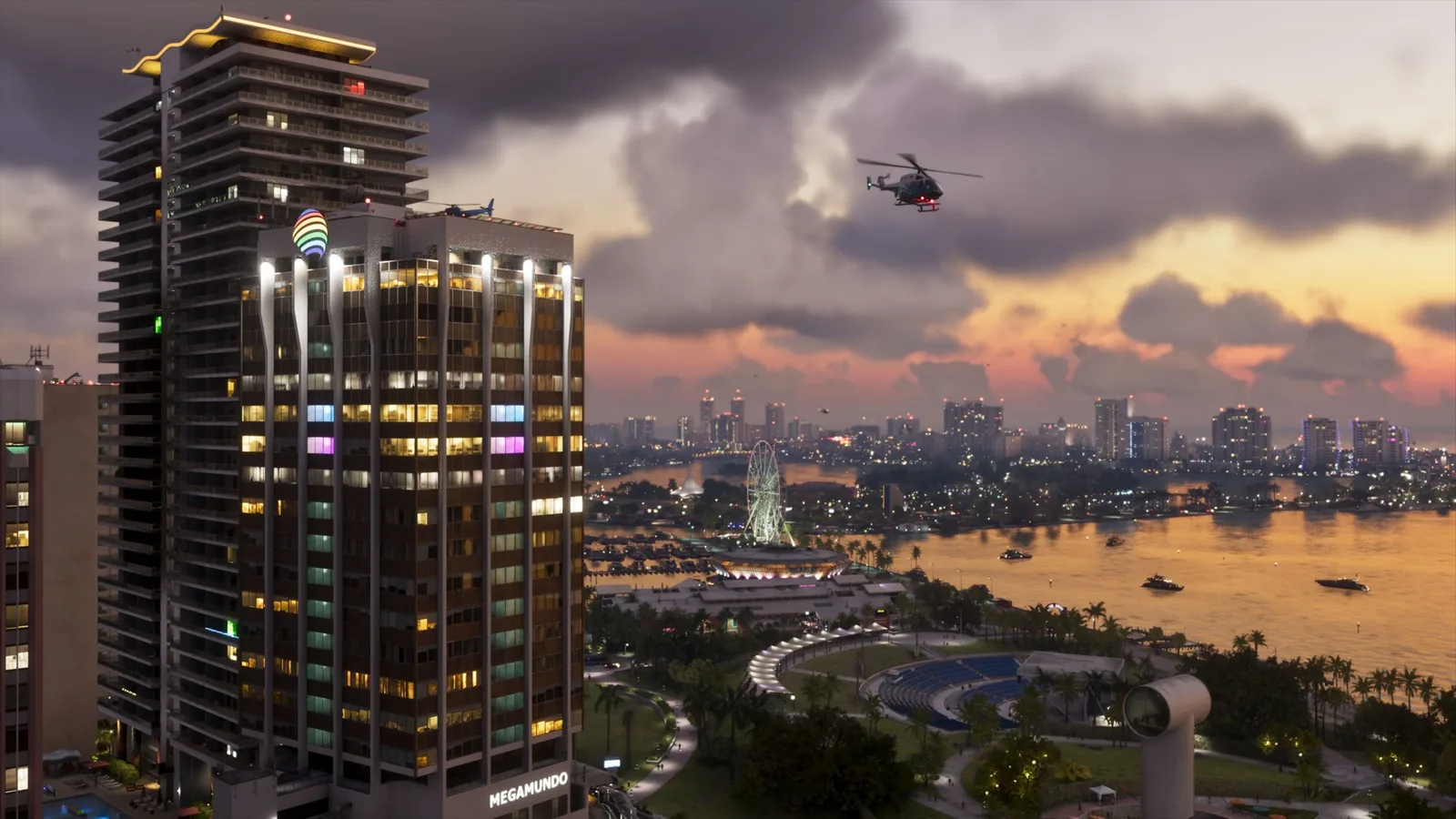
The reviews from IGN, GamesRadar+ and Eurogamer also praise how smooth the 30 fps feels. So the recommendation is simple: there’s nothing to set in the graphics, only your console makes the difference.
Controls: Default, Classic and Left-Handed
Open the settings with the Options button on PS5 or the Menu button on Xbox and select “Settings”. The game has three control schemes: Default, Classic and Left-Handed (IGN, Eurogamer).
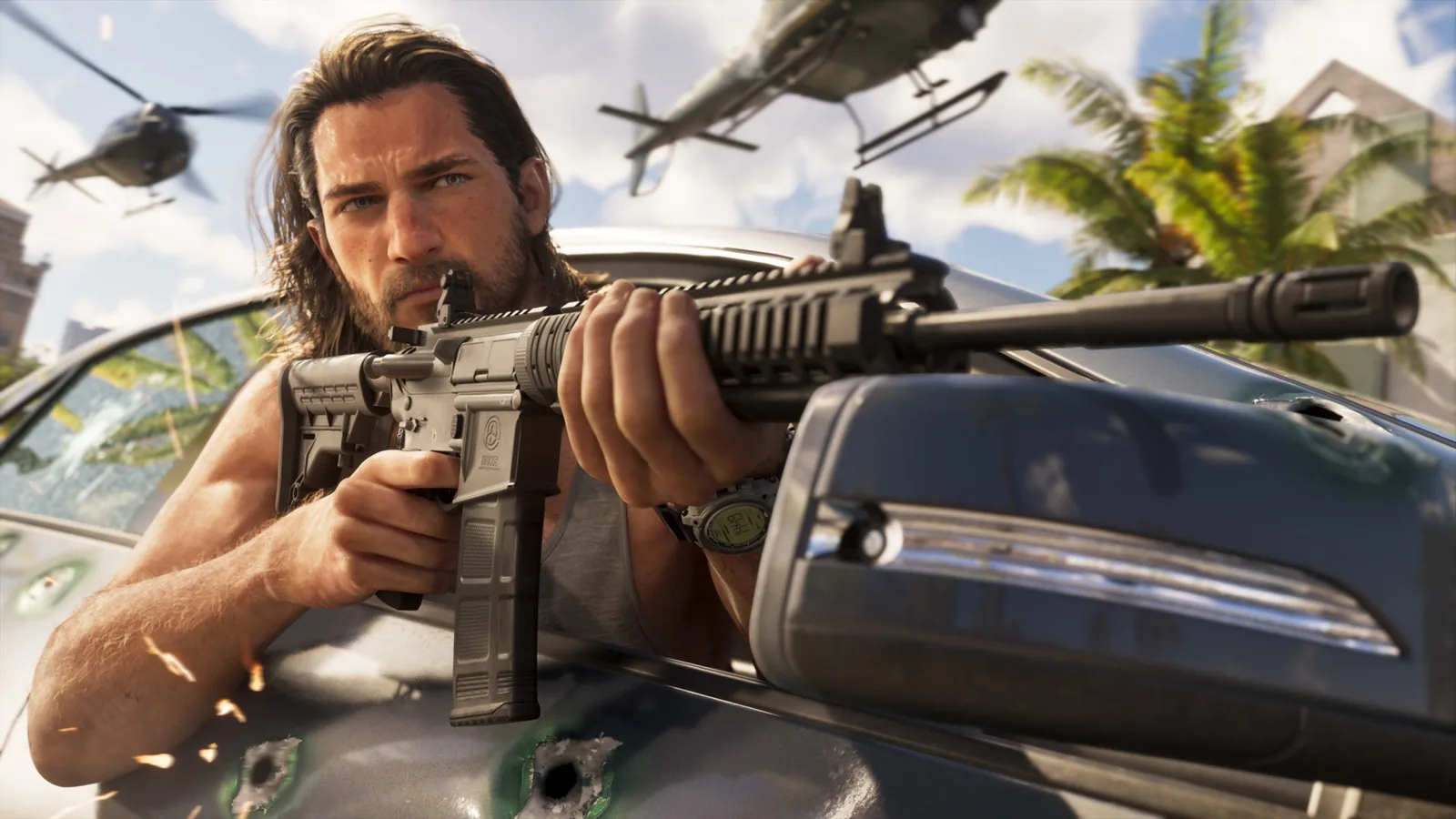
You’ll notice the biggest change from GTA 5 right away: in the default scheme you run by clicking the left stick, and Cross / A is used to jump. If GTA 5 is in your muscle memory, go for Classic, which GamesRadar+, Eurogamer and IGN all describe as a return to GTA 5’s controls.
| Action | Default (PS5 / Xbox) | Classic (PS5 / Xbox) |
|---|---|---|
| Run | left stick click (L3 / LS) | Cross / A |
| Jump, climb | Cross / A | Square / X |
| Melee | Square / X | Circle / B |
The table is based on matching descriptions from GamesRadar+ and IGN. According to IGN, which scheme is “best” is purely down to habit, none gives you an advantage. Curious what else changed from the last game? See our GTA 5 comparison.
HUD and minimap
By default, GTA 6 uses a dynamic HUD: the minimap, your money and the health, stamina and Focus bars usually aren’t on screen. They appear when you press down on the D-pad (GamesRadar+, IGN).
- Press D-pad down: shows the minimap and your current objective.
- Hold D-pad down: Quick Navigation, which shows nearby tasks and points of interest and lets you set a destination without opening the full map (IGN, GamesRadar+).
If you want the minimap and other elements on screen all the time, you can adjust them in the settings: GamesRadar+ describes toggling individual HUD elements, Eurogamer mentions minimap and compass customisation. Two outlets haven’t yet agreed on the exact name of each option, so we don’t list them here.
First-person view
GTA 6 has no dedicated first-person mode, and you can’t turn one on in the settings (GamesRadar+, Eurogamer). The camera only switches to first person temporarily at certain moments, for example when you look at a character or aim through a scope. It doesn’t work while driving.
Haptics, triggers and audio on PS5
For the PS5 version, Rockstar lists DualSense haptic feedback across the whole game, adjustable in the accessibility settings. Audio uses Tempest 3D Audio. Sony adds adaptive triggers with dynamic resistance and sound effects from the controller’s speaker.
If the vibration bothers you, look for the haptics option in the accessibility section, not under controls.
Accessibility and subtitles
So far, only one of the outlets we follow has described the accessibility and subtitle menus in detail, and Rockstar Support didn’t load for us on launch day. That’s why we’re not listing individual options yet; we’ll add them once a second source confirms them. The same goes for combat difficulty settings.
Join our Discord to ask other players how they’ve set up GTA 6 and to find people to play with. Jump in via the GamersTogether Discord.
FAQ
No. The game runs at 30 fps on PS5, PS5 Pro and Xbox Series X|S, and according to Eurogamer, GamesRadar+ and PC Gamer, Rockstar said even the PS5 Pro isn’t powerful enough for a higher frame rate.
Press Options or Menu, open “Settings” and pick Classic as your control scheme. Running moves back to Cross / A.
Not as a dedicated mode. The camera only switches to first person temporarily, for example when looking at a character or through a scope, but not while driving.
GTA 6 uses a dynamic HUD that hides the minimap. Press down on the D-pad to show it; you can change how it’s displayed in the settings.
Information verified on 19 November 2026, 17:50 CET.
More articles about the game are in our GTA 6 section, and saving is covered in our guide on how to save.