
Rainbow Six Siege X (R6 Siege) on PC needs Windows 10 or 11 (64-bit), 8 GB of RAM, a DirectX 12 graphics card and 65 GB of free disk space. A GTX 1650 covers the minimum, while an RTX 2060 or RX 6600 is recommended. The game will not run on the Steam Deck, because Steam lists it as unsupported due to its anti-cheat. The details below come from Steam and Ubisoft Help as of 20 October 2026.
Minimum and recommended requirements
The table uses the official requirements from the Steam page of the game. As of the verification date, Ubisoft Help has no separate PC requirements article, so Steam is our source.
| Minimum | Recommended | |
|---|---|---|
| OS | Windows 10 / Windows 11 (64-bit) | Windows 11 (64-bit) |
| CPU | AMD Ryzen 3 3100 / Intel i3-8100 | AMD Ryzen 5 3600 / Intel i5-10400 |
| Memory | 8 GB RAM | 8 GB RAM |
| GPU | Nvidia GTX 1650 4 GB / AMD RX 5500XT 4 GB / Intel ARC A380 6 GB | NVIDIA RTX 2060 6 GB / AMD RX 6600 8 GB |
| DirectX | 12 | 12 |
| Storage | 65 GB | 65 GB |
| Sound | DirectX 9.0c compatible card | 5.1 sound card |
| Network | broadband | broadband |
The recommended setup differs from the minimum mainly in the graphics card and processor. Memory stays at 8 GB and the disk space is the same in both cases.
Size, operating system and connection
Keep at least 65 GB of free space on your drive. Your graphics card has to support DirectX 12. Steam offers the game for Windows only, there is no Mac or Linux version.
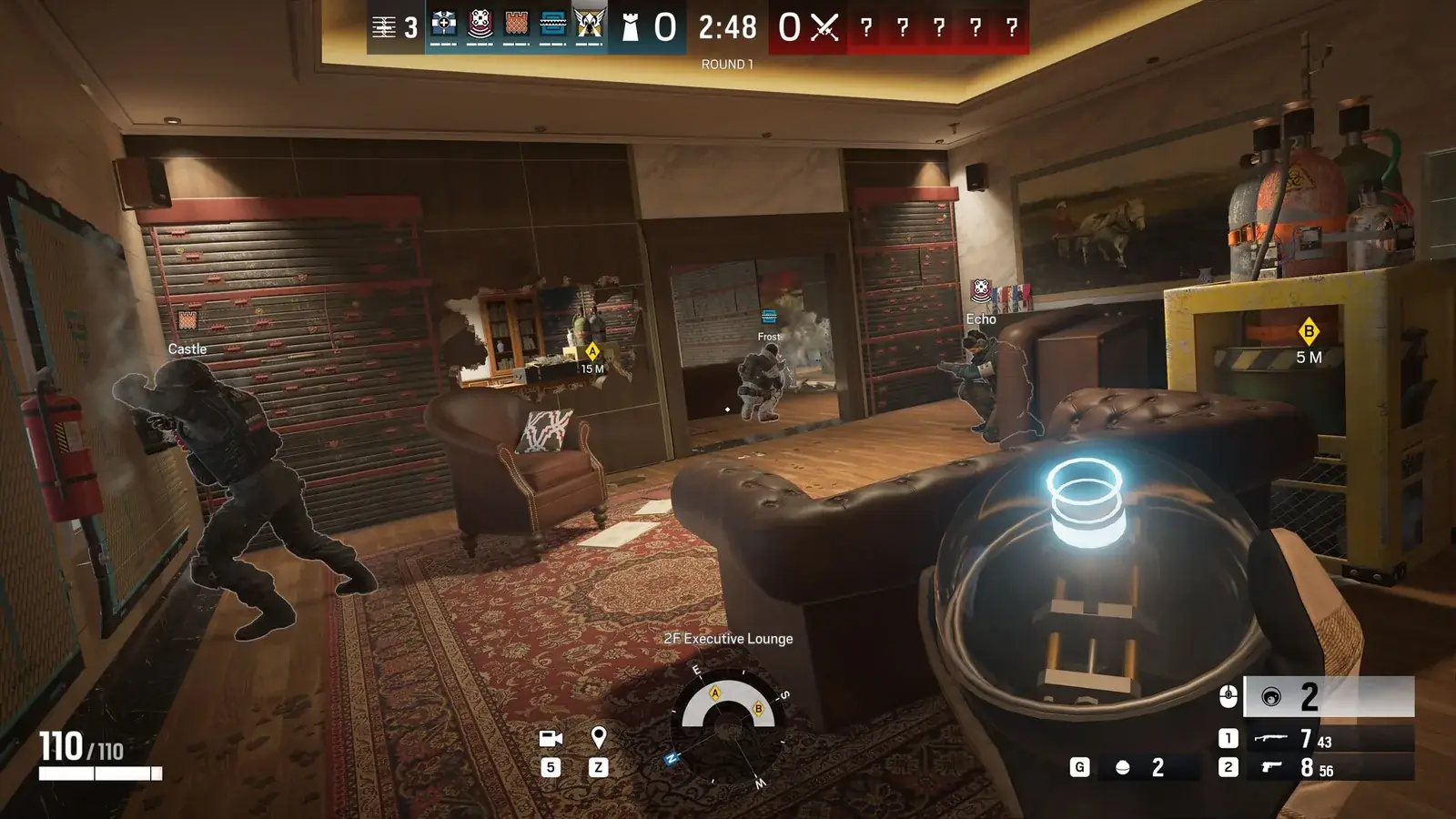
Siege is an online game and you cannot play it without a connection. Steam lists a broadband internet connection as the minimum. If you run into problems connecting to the servers, check our page on error codes with the official Ubisoft fixes.
Free Access is free to download on PC, so you can test how your machine handles the game without paying anything. What the paid editions add is covered in our guide on whether Siege is free.
BattlEye: the anti-cheat you cannot skip
Siege is protected by the BattlEye anti-cheat, and Steam mentions it explicitly on the store page. According to Ubisoft, BattlEye installs automatically with the game and is only active while you play. Without it, the game will not start. Steam also links to an FAQ listing supported chipsets.
Why Siege does not work on Steam Deck
Steam rates Rainbow Six Siege as unsupported on the Steam Deck. The compatibility report gives the reason directly: an anti-cheat configuration the Steam Deck does not support. The same applies to SteamOS. There is no official way to play Siege on the Deck, and you will not find anti-cheat workarounds here.
TPM 2.0 and Secure Boot only for Legend Division
The TPM 2.0 and Secure Boot requirements only apply to Legend Division, the top tier of ranked on PC. According to Ubisoft Help, Ubisoft does not require them for regular play, Quick Match or standard ranked.
For Legend Division on PC you have to meet the R6 ShieldGuard Secure Platform requirements. Turn them on in this order:
- TPM 2.0 – the security chip has to be enabled on your PC.
- Secure Boot – secure system startup.
- Memory Integrity (HVCI) – a Windows memory protection feature.
You can check whether you meet them in the game under Play → Security Requirements. In Windows, the status is in the Windows Security app under Device security. The game asks for temporary administrator rights to run the check. Other Legend Division requirements are in our Siege ranked guide.
Join our Discord to ask whether your setup can handle Siege or what to do when the game reports a Secure Boot error: GamersTogether Discord.
FAQ
According to Steam you need 65 GB of free space, in both the minimum and the recommended requirements.
No. Steam lists the game as unsupported on the Steam Deck and on SteamOS because of its anti-cheat configuration.
Only for Legend Division on PC. There you need TPM 2.0, Secure Boot and Memory Integrity (HVCI) turned on. Ubisoft does not require them for regular play.
No. On PC the game officially runs only on 64-bit Windows 10 and Windows 11.
Information verified on 20 October 2026. More guides are in our Rainbow Six Siege section.