
The CS2 crosshair went through its biggest change since launch in September 2026. Valve rebuilt it on 22 September, moved it to a new Crosshair/Scopes tab and on 30 September changed the format of the codes players use to share crosshairs. This guide covers where the settings live, how the pixel-based sizes work, what the new styles do and how to share or import a code. It applies to the PC version as of 19 October 2026.
What changed in September 2026
The changes landed in three waves over eight days, and Valve described them in the patch notes of 22 September, 23 September and 30 September 2026. If you are reading an older guide or watching a video from before 22 September 2026, it describes the old menu and the old values, so it will not match what you see in game.
| Date | What was added or changed |
|---|---|
| 22 Sep 2026 | The crosshair is resolution independent, Settings has a new Crosshair/Scopes tab, new styles were added and the default style is now Dynamic Quad. |
| 23 Sep 2026 | Thickness, length and gap are set in pixels, and the crosshair rescales itself when you change resolution. A static square style and half-outlines were added. |
| 30 Sep 2026 | Outline colour, the Static Quadrant style, negative gap for classic dynamic, grenade crosshairs during freeze time and a new share code format. |
Where to find the crosshair settings
Everything now sits in one place. Here is the order to go through it:
- Open Settings in game.
- Switch to the Crosshair/Scopes tab.
- Pick a style. If you have never changed it, you are on Dynamic Quad.
- Enter thickness, length and gap in pixels.
- Fine-tune the outline, full or half, and its colour.
- Finally, go through the settings for scoped weapons.
Test a new crosshair in an offline game with bots before you take it into a real match. For a practice map, the commands in our console commands guide help, such as infinite ammo.
Pixel sizes: how to read the values
Since 23 September 2026 you enter thickness, length and gap directly in pixels. If you want a crosshair with 1-pixel-wide lines that are 8 pixels long and sit 4 pixels from the centre, you set thickness 1, length 8 and gap 4. What you type is what you get on screen.
The second key point: when you change resolution, the crosshair rescales automatically so that it stays the same size. If you are trying out different resolutions with our FPS settings guide, you do not have to retune the crosshair after every change.
That is also why old guides need care. Values from before the September patch belong to the old system and do not give the same result in pixels. Building your crosshair from scratch is quicker than copying numbers from an old video.
Crosshair styles and what they show
The 22 September 2026 patch added new styles, and more arrived in the following updates. They fall into two groups: dynamic styles that move with your weapon, and static ones that never change.
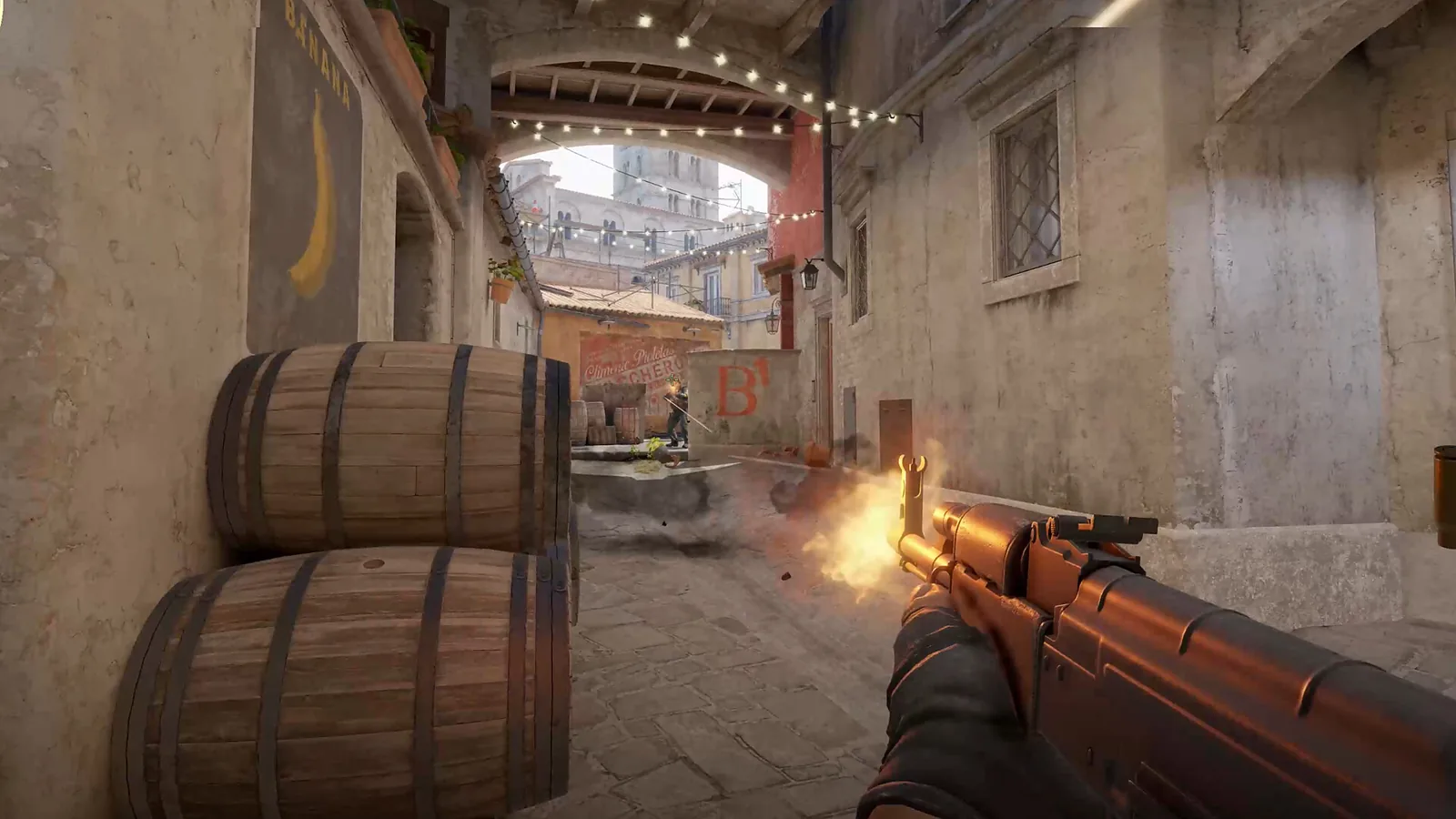
- Dynamic Quad – the default. According to Valve it represents weapon accuracy better.
- Classic dynamic – since 30 September 2026 you can give it a negative gap.
- Static square – a static style added on 23 September 2026.
- Static Quadrant – a static style added on 30 September 2026.
Dynamic styles show your weapon’s real spread and inaccuracy. When the spread grows, the crosshair opens up and you can see straight away that your shots will not land where you aim. A static style gives you one fixed reference point to get used to instead. Which one suits you is down to habit; both approaches have their place.
You can add an outline to either group. Since 23 September 2026 there is a half-outline option, and since 30 September 2026 you can choose the outline colour. An outline helps when the crosshair blends into bright or busy backgrounds.
Grenade crosshair during freeze time
Since 30 September 2026 the grenade crosshair already shows during freeze time at the start of the round. That lets you line up a smoke right away and throw it as soon as freeze time ends. Players call these insta-smokes.
Scoped weapons
Snipers and other scoped weapons have their own settings, which is why the tab is called Crosshair/Scopes. In the console, the related command is cl_crosshair_sniper_width. Since 30 September 2026 the scope dot size and colour are part of the share code, so they carry over along with the rest of your crosshair.
How to share and import a crosshair code
You can share a crosshair as a code. Copy your own and send it to a friend, or paste someone else’s and import it. The exact button name may have changed with the menu rework, but you will find sharing and importing in the crosshair settings.
- Open the Crosshair/Scopes tab.
- Find the option to share or import a code.
- Copy your own code, or paste one somebody sent you.
- After importing, check the crosshair in an offline game.
The code format changed on 30 September 2026 to fit the new settings, including the scope dot. That is why we do not list pro players’ crosshair codes here: the lists available today were made in the old format. If you want to copy someone’s crosshair, writing down their style and pixel values is more reliable than pasting an old code.
A crosshair will not raise your rank on its own, but it helps you aim consistently. How rating works in CS2 is covered in our guide to ranks and Premier.
Join our Discord at https://discord.com/invite/feTRJNn9wE to show off your crosshair, find teammates or get help with settings. You will find us on the GamersTogether Discord.
FAQ
In Settings, on the Crosshair/Scopes tab that Valve added on 22 September 2026. It holds the styles, pixel sizes, outline, scope settings and code sharing.
Since 22 September 2026 the default style is Dynamic Quad. It is a dynamic style that shows your weapon’s real spread and accuracy.
Since 23 September 2026 thickness, length and gap are set in pixels, and the crosshair rescales itself when you change resolution. Values from the old system therefore do not give the same result.
Since 30 September 2026 the share code uses a new format that also carries the scope dot size and colour. Older code lists were made in the old format.
Yes. Scoped weapons have their own settings in the Scopes part of the same tab, and the related console command is cl_crosshair_sniper_width.
Information verified on 19 October 2026. More guides are in the CS2 guides section, and the latest updates in CS2 news.