
New to Battlefield 6 and not sure where to click first? This is a plan for your first hours on PC, PS5 and Xbox Series X|S, based on EA’s official advice: where to start, where to warm up against bots, how to pick a class, how Conquest and Breakthrough work and how progression works. No meta loadouts that go stale in two weeks, just things that hold. Valid as of 19 October 2026.
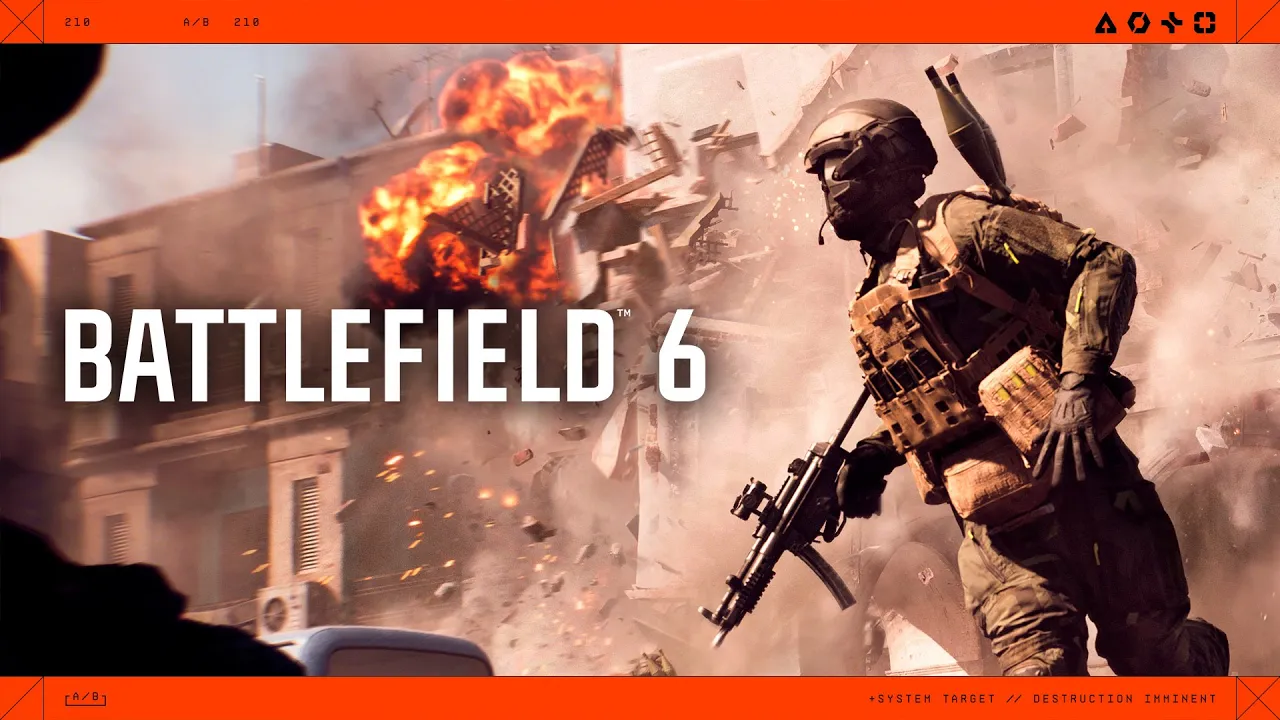
Start with the campaign
EA recommends that new players play the campaign first. It has nine missions and teaches you controls, movement, shooting and vehicles without live opponents breathing down your neck. How long it is, how many missions it has and why it needs an internet connection is covered in our campaign guide.
If the campaign isn’t your thing, that’s fine. Multiplayer has its own on-ramp for beginners.
Your first match: the tutorial and Initiation modes
After launch, the tutorial points you to your first match. Modes labelled Initiation, such as Breakthrough Initiation, are the ideal place to start. They’re built for beginners and filled with bots, so you can learn maps, objectives and classes at your own pace before you jump in with experienced players.
Firing Range: try out weapons
The Loadouts menu has a Firing Range for testing weapons. Before taking a gun into a real match, try it there to see how it kicks and how it aims. It saves you a lot of frustrating early deaths.
How to pick a class
Battlefield 6 has four classes: Assault, Engineer, Support and Recon. Each brings something different to the team:
| Class | Team role |
|---|---|
| Assault | frontline class, mobility, can carry a second primary weapon |
| Engineer | fights tanks, helicopters and jets, the only class that repairs vehicles |
| Support | heals, resupplies ammo (Supply Bag), revives, deploys cover |
| Recon | sniper and scout, drones, Motion Sensor, spots enemies |
Every class can carry any weapon, but you get a bonus with your class’s “signature” weapon, such as Assault with an assault rifle or Recon with a sniper rifle. Official playlists also offer a variant with class-locked weapons. Support is a good pick to start with: healing and ammo help your team even when you can’t hit a thing. Gadgets and abilities are broken down in our classes guide.
Modes: what to do in Conquest and Breakthrough
EA lists these multiplayer modes: Conquest, Breakthrough, Escalation, Rush, Squad Deathmatch, Domination, Team Deathmatch and King of the Hill, plus Portal with community-made modes. You’ll run into the first two most often.
Conquest
You capture points on the map and drain the enemy’s resources, known as tickets. The team that runs out of tickets loses. Kills help, but holding points is what drains tickets, so stay on them even when you’re not getting kills.
Breakthrough
One team attacks, the other defends. The more teammates on an objective, the faster you capture it. When both teams are on the objective, progress stops. Attackers have to hold every objective in a sector at the same time before they can move on. The simple rule for beginners: stick to the objective with your squad.
EA describes every mode on its modes page.
Progression: XP, rank and challenges
After every match you earn XP towards your Career Rank and towards weapon mastery. Ranking up unlocks more gear, and EA publishes an overview of unlocks for ranks 1 to 50.
You’ll also come across challenges. If the challenge screen is red, it isn’t a bug: you haven’t reached the rank it requires yet. You can see which rank in the top right corner.
The Battle Pass for the current Season 5 also has free rewards, including the CDX-40 rifle, the MRGG-A and the PKM machine gun. The paid track costs 1,100 BFC (Battlefield Coins). You don’t need it to play, and the free rewards are yours either way.
Movement and destruction
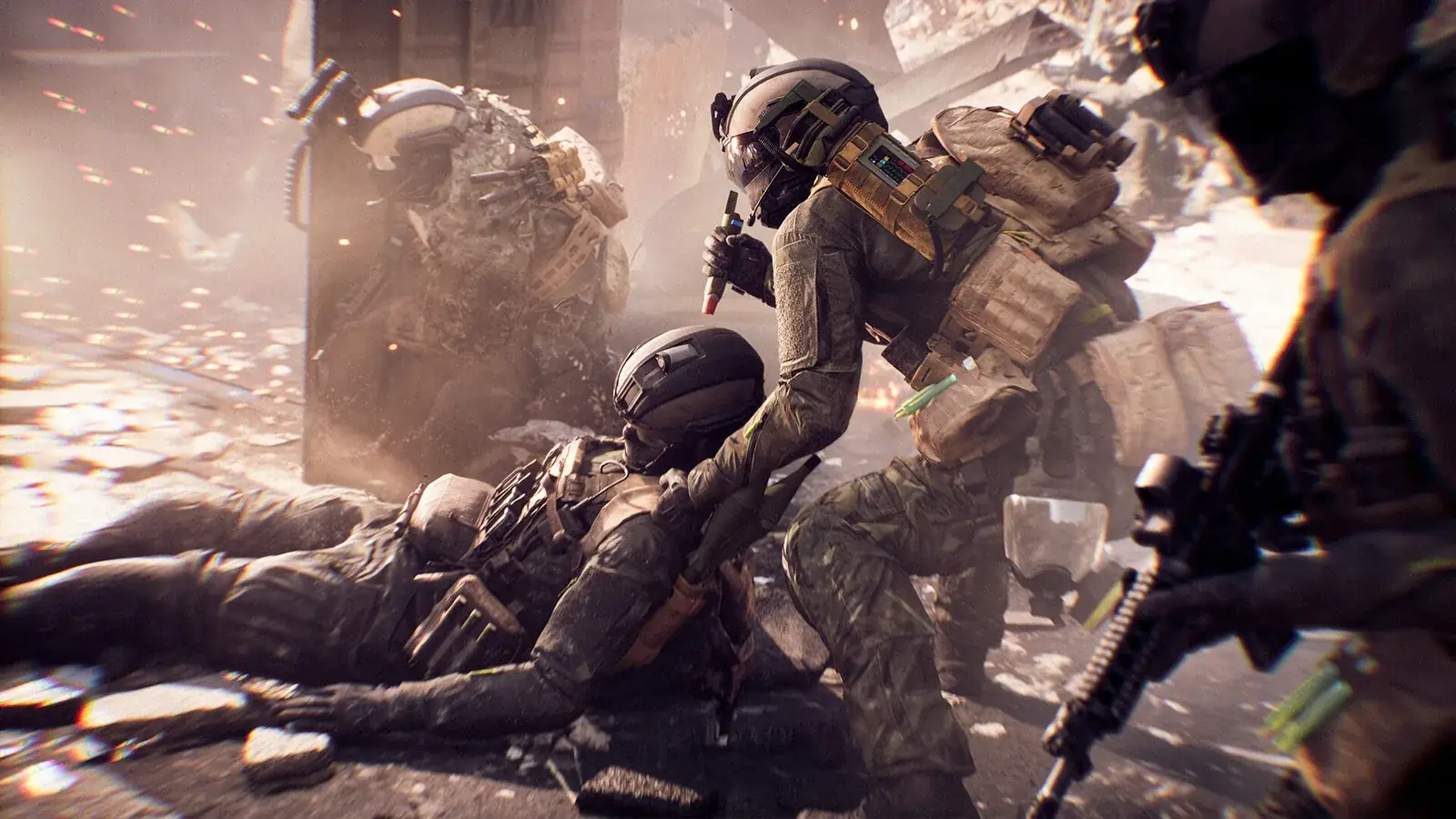
Battlefield 6 has reworked movement and gunplay, which EA calls Kinesthetic Combat. You can slide, sprint while crouched and drag a downed teammate into cover to revive them. Tactical destruction reshapes the map: the wall you’re hiding behind may not last. Keep that in mind when you pick cover.
Practical settings to start with
- Ping on the scoreboard: Options → System → Network → Scoreboard Ping. You’ll see straight away whether your connection is holding you back.
- Crossplay: on by default, connecting PC, PS5 and Xbox Series X|S. On consoles, matchmaking prefers console players.
- PC graphics: what to turn off to reduce input lag is in our settings guide.
The official Battlefield 101 guide
EA runs an official Onboarding Hub (Battlefield 101) on its website. It covers classes, maps, modes, vehicles, progression, loadouts and squad tactics, and works well as a companion when you want to dig deeper.
Join our Discord to find players for your first squad matches: GamersTogether Discord.
Wondering whether the game is worth it? Our Battlefield 6 review covers what critics praise, what bothers players and the score we gave it.
FAQ
EA recommends the campaign. After that, move on to Initiation modes with bots, and only then to regular matches.
In the Firing Range, found in the Loadouts menu. You can try weapons there without any opponents.
Any of them, since every class can carry any weapon. Support is a good start because it heals and resupplies ammo, so you help your team even without perfect aim.
You haven’t reached the required rank yet. The rank the challenge needs is shown in the top right corner.
No. The Season 5 Battle Pass has free rewards too, and the paid track costs 1,100 BFC.
Information verified on 19 October 2026. More guides are in the Battlefield 6 hub.