
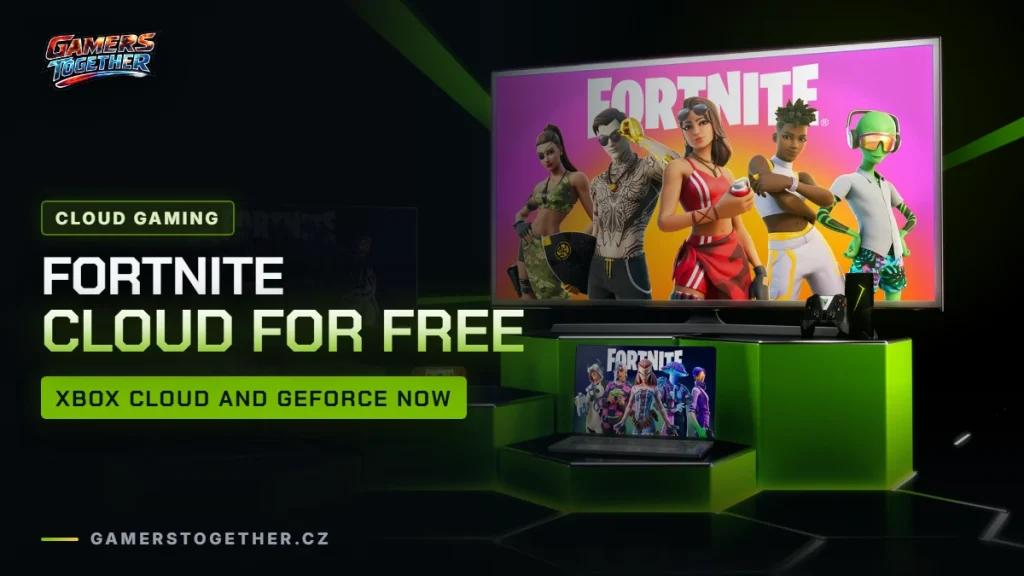
According to Epic, you can stream Fortnite through three cloud services: GeForce NOW, Xbox Cloud Gaming and Amazon Luna. On Xbox Cloud Gaming you play without a paid Game Pass subscription, and on GeForce NOW even with the Free tier. Here’s when the cloud makes sense, how to get started on both services, how controllers and progress work and what your internet needs to handle. Everything here is accurate as of 19 October 2026.
When the cloud makes sense
The cloud is useful wherever Fortnite won’t run natively or your device isn’t powerful enough. According to Epic, the cloud works on lower-end devices too, as long as you have a fast, stable, low-latency connection.
- Chromebook: Epic officially points Chromebook players to the cloud, meaning GeForce NOW, Xbox Cloud Gaming or Amazon Luna.
- Mac, weaker PCs and TVs: GeForce NOW offers Fortnite on Windows, macOS, Android TV, SHIELD TV, supported Samsung TVs and select LG TVs.
- Phones and tablets: here you also have a native option. How to get Fortnite on mobile is covered in downloading Fortnite.
Amazon Luna is the third service Epic lists. Where it’s available is covered in our Amazon Luna article. Fortnite itself is free-to-play; more in is Fortnite free.
Xbox Cloud Gaming: free without Game Pass
Fortnite arrived on Xbox Cloud Gaming for free in May 2022. Unlike most games in Microsoft’s cloud, you don’t need a paid Game Pass subscription for it, as the official Fortnite page confirms. A free Microsoft account, a fast connection and a compatible device are enough.
- Open
xbox.com/playin your browser. - Sign in with your Microsoft account. If you don’t have one, create one for free.
- Find Fortnite and launch it.
- Play with touch controls or connect a supported controller.
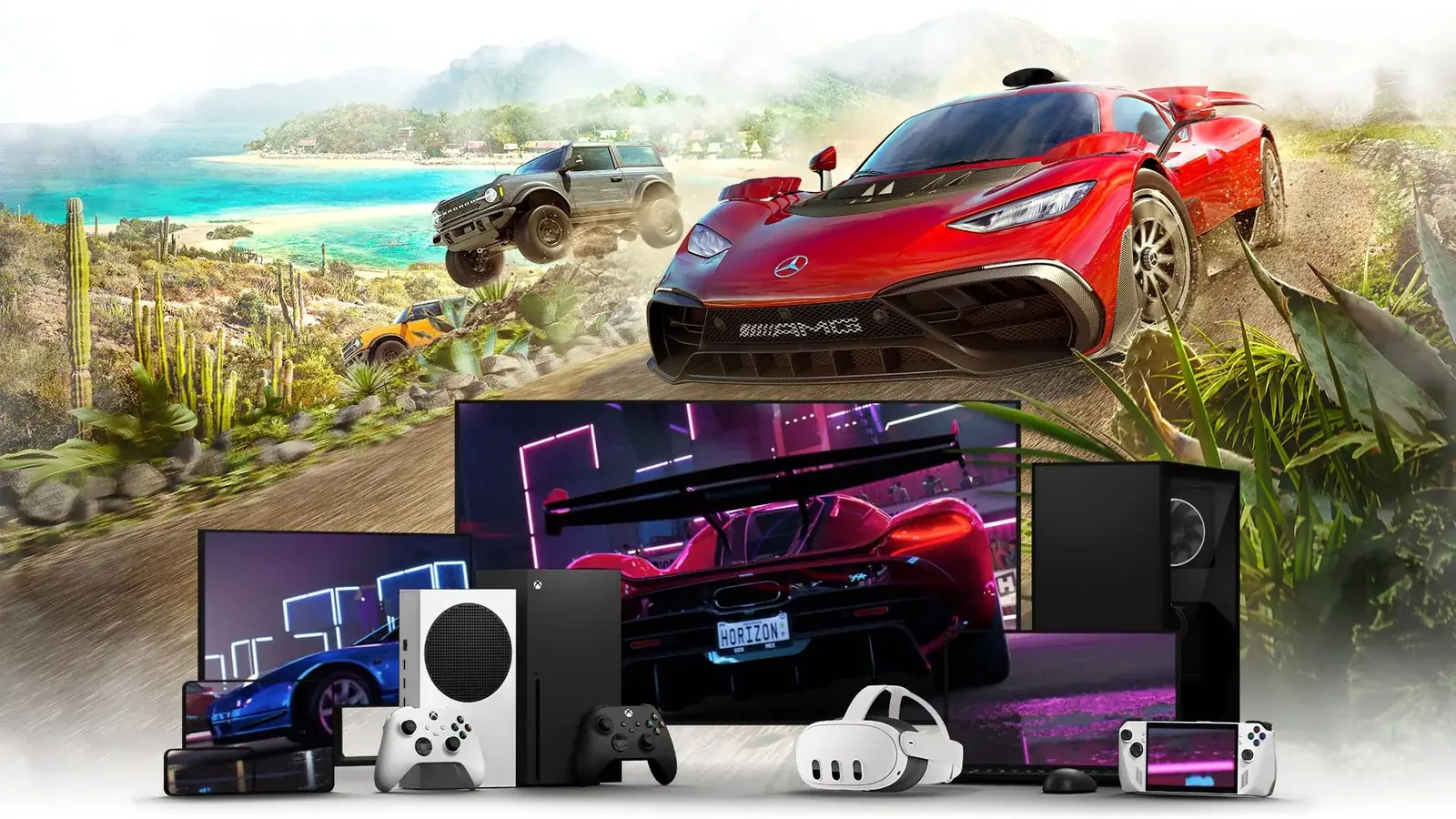
Supported devices include iPhone and iPad in Safari, Android phones and tablets, Windows PCs and more. The Xbox Wireless Controller and Sony DualShock 4 both work, and supported games offer touch controls. For Microsoft’s cloud in general, see getting started.
Hour limits from November 2026
From November 2026, Game Pass comes with monthly cloud limits: 5 hours on Essential, 10 on Premium and 15 on Ultimate. Whether and how these limits apply to Fortnite played for free without Game Pass hasn’t been specified by Microsoft or Epic. Keep in mind that this may change and check the official pages.
GeForce NOW: Fortnite on the Free tier
On GeForce NOW you can play Fortnite even with a free membership. Free gives you 1-hour sessions at up to 60 FPS; details in GeForce NOW Free. As of 19 October 2026, the official GFN game list includes Fortnite, Fortnite Save the World, Fortnite Festival and LEGO Fortnite: Odyssey, all from the Epic store.
Where you can run GFN:
- Apps: Windows and macOS from the download page, Android and Android TV from Google Play, LG TVs from the LG Content Store.
- Browser: Chrome (Chromebook, PC, Mac), Safari on iOS and Edge.
- TVs: Samsung through the Samsung Gaming Hub, SHIELD TV through the NVIDIA games app.
On mobile, Fortnite on GFN has touch controls in iOS Safari and on Android, so you don’t need a gamepad or keyboard. Bluetooth gamepads work too. Save the World isn’t available on phones and tablets through GFN; the other current modes are. The full device list is in supported devices.
Linking your Epic account
- Sign in to your NVIDIA account on a PC, Mac or the web.
- Click the “accounts connected” tile in the MY LIBRARY row, or go to SETTINGS > CONNECTIONS.
- Next to Epic Games, choose CONNECT and sign in with your Epic account.
From then on you’re signed in to Fortnite automatically, as the Fortnite page explains. A child may need parental consent to link the account.
Xbox Cloud Gaming or GeForce NOW?
| Xbox Cloud Gaming | GeForce NOW | |
|---|---|---|
| What you need | a free Microsoft account | an NVIDIA account (Free is enough) and a linked Epic account |
| Where you play | browser at xbox.com/play | app, browser or TV |
| Mobile | iPhone and iPad in Safari, Android | iOS Safari and Android |
| Controls | touch, Xbox controller, DualShock 4 | touch on mobile, DualShock 4, DualSense, Xbox controller |
| Time limit | not specified for free Fortnite | Free: 1-hour sessions |
A general comparison of both services is in GFN vs xCloud.
Progress, purchases and controllers
Fortnite progress carries over through your Epic account. If you link the same Epic account in GeForce NOW that you use on PC or console, your progress is the same everywhere. How this works for other games is explained in our cloud save guide. Playing with friends on other platforms is covered in Fortnite crossplay.
On GeForce NOW, all devices support the DualShock 4, DualSense and Xbox Wireless Controllers. On mobile you choose between a controller and touch.
Internet and latency
In a shooter, latency matters more than in slower games. NVIDIA requires less than 80 ms of latency to its data centre and recommends a wired connection or 5 GHz Wi-Fi. For handhelds it lists 15 Mbps for HD up to 60 FPS and 25 Mbps for Full HD at 60 FPS. For 1440p and 90 or 120 FPS on a supported device you need Ultimate. How to bring latency down is covered in reducing latency.
Join our Discord to find Fortnite teammates and compare which cloud service runs best for you: GamersTogether Discord.
FAQ
No. A free Microsoft account, a fast connection and a compatible device are enough. You play in the browser at xbox.com/play.
As of 19 October 2026, neither Microsoft nor Epic has said. The limits of 5, 10 and 15 hours a month from November 2026 are described for the Game Pass plans.
Yes, even on the Free tier. Expect 1-hour sessions at a maximum of 60 FPS.
Yes. Both Xbox Cloud Gaming and GeForce NOW offer touch controls for Fortnite, so you don’t need a gamepad.
According to Epic, GeForce NOW doesn’t offer it on phones and tablets. You can play the other current Fortnite modes there.
Information verified on 19 October 2026. More cloud gaming articles are waiting in our Cloud gaming section.