
Yes, Roblox is free. You can download it and play at no cost on Windows PCs, Macs, Chromebooks, iPhones, iPads, Android devices, Amazon Fire tablets, Xbox, PlayStation and Meta Quest. The only things you pay for are optional: the Robux virtual currency and subscriptions. This guide covers what your computer or phone needs, which devices Roblox does not run on and how cross-platform play works. Information as of 19 October 2026.
Is Roblox really free?
Downloading and playing cost nothing. The App Store lists Roblox as a free app with in-app purchases, and Google Play does the same. Real money only goes on Robux, the virtual currency used for avatar items and things inside games, and on subscriptions. Both are optional. What Robux cost and where you get more for your money is covered in our Robux prices guide.
One thing to keep in mind: the App Store description itself warns that games on Roblox may contain optional purchases, including random virtual items. If you are setting Roblox up for a child, it is worth adding a spending limit straight away.
Where you can play Roblox
These are the platforms Roblox lists on its support pages, with the minimum system version and the key notes for each.
| Platform | Requirement | Note |
|---|---|---|
| Windows | 64-bit Windows 10 or 11 | website supports Chrome, Firefox and Microsoft Edge |
| Mac | macOS 10.13 (High Sierra) or later | website supports Chrome, Firefox and Safari |
| Chromebook | Chrome OS 53 or later | turn on Google Play first |
| iPhone and iPad | iOS 14 / iPadOS 14 or later | oldest supported include iPhone 6s, iPhone SE, iPad Air 2 |
| Android | Android 8.0 or later | device must support OpenGL ES 3.0 |
| Amazon Fire | Fire 7 (9th gen), Fire HD 8 (8th gen), Fire HD 10 (9th gen), Fire Max 11 (13th gen) | these are the oldest supported models |
| Xbox | Roblox app for Xbox One | free to download |
| PlayStation | PS4 and PS5 | in selected countries only; new players in Germany pay EUR 0.25 |
| Meta Quest | Quest 2, Quest Pro, Quest 3, software v57 or later | no Quest 1 support, ages 10 and up |
PC and Mac requirements
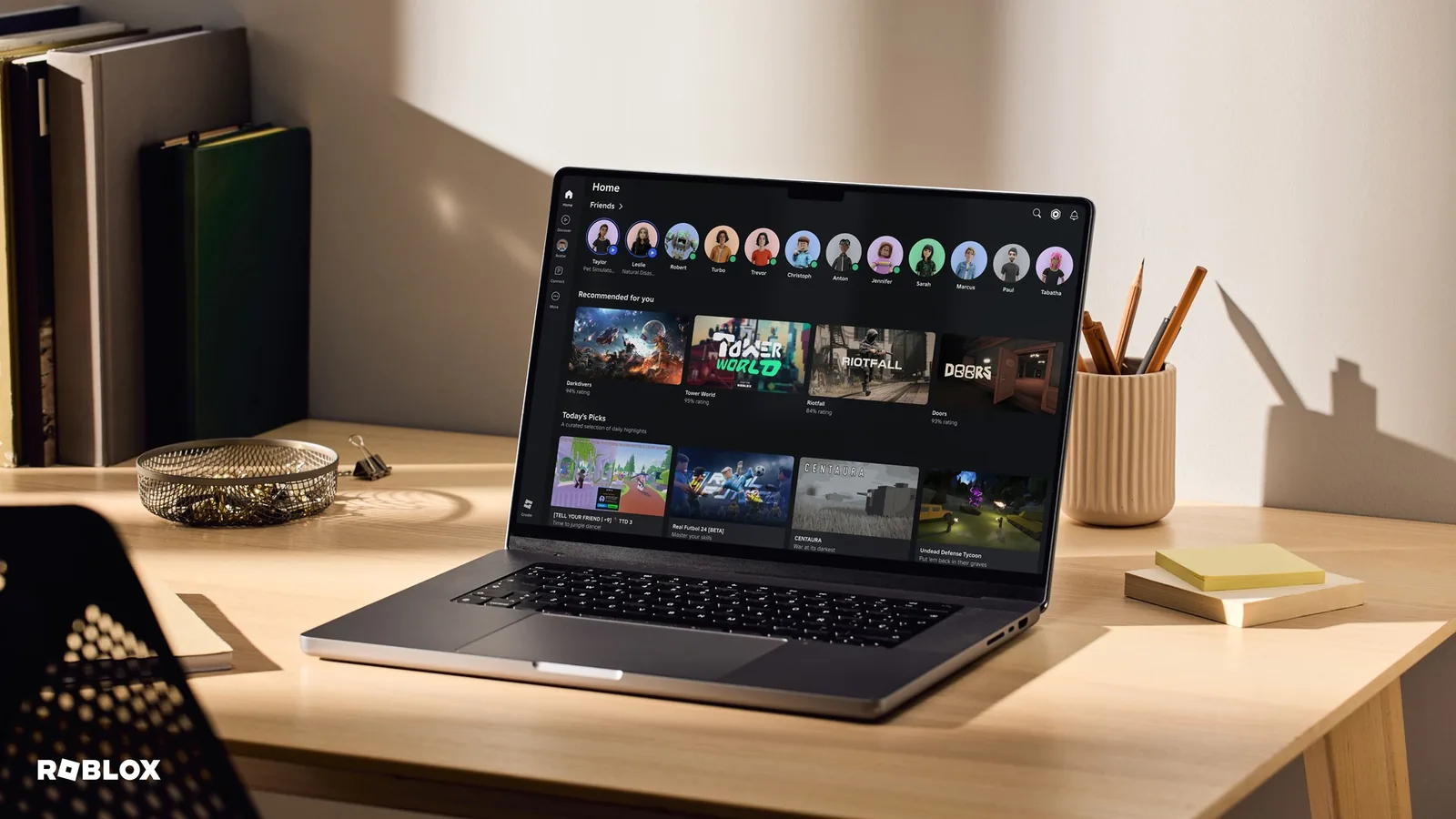
You do not need a gaming PC. Roblox’s system requirements recommend a graphics card with DirectX 10 support or higher, a processor from 2005 or newer running at 1.6 GHz or more, at least 1 GB of RAM and 300 MB of free space. For the best performance it suggests a computer less than five years old with a dedicated graphics card, or a laptop less than three years old with integrated graphics.
Your connection matters too. Roblox recommends at least 4 to 8 Mbps for one player in a household, and more when several people play at once. A slow connection is a common cause of the problems listed in our Roblox error codes guide.
How to install Roblox on a computer
- Go to roblox.com and log in, or create an account.
- Open any game and click the green Play button.
- Your browser will offer to download Roblox Player. Run the installer.
- Once it finishes, the game opens. Next time, start games the same way with Play.
Phones and tablets
On iPhone and iPad you need iOS or iPadOS 14 or later. As of 19 October 2026 the app was 228.9 MB in the App Store. On Android the minimum is version 8.0, and the phone must support the OpenGL ES 3.0 graphics interface. Amazon Fire tablets are supported from the models in the table above.
Xbox, PlayStation and Meta Quest
Xbox: the Roblox app for Xbox One is free. Some features, such as groups or adding friends, have to be handled on a computer or phone.
PlayStation: the app is available on PS4 and PS5 in selected countries, so check the country list on the Roblox support site. In Germany, new players on PlayStation have had to pay EUR 0.25 for Roblox since 11 July 2025; with PlayStation Plus it is included. Only one Roblox account can be actively linked to a PSN account, and you can only relink a Roblox account to a different PSN account 90 days after the first link. You can buy Robux on the console, but Roblox gift cards cannot be redeemed there.
Meta Quest: Roblox runs on Quest 2, Quest Pro and Quest 3 with software v57 or later. There are more than 50,000 games in VR. You cannot create an account on the Quest itself.
On consoles and Quest you sign in with an existing account through Quick Login, using a code from your computer or phone. Create your account on the web or on mobile first.
What Roblox does not run on
- Linux – explicitly not supported.
- Virtual machines and cloud PCs – not supported.
- Meta Quest 1 – only newer headsets are supported.
- Nintendo Switch – Roblox does not list it among its supported platforms.
How crossplay works
Roblox is built around playing together across devices. Xbox players play with people on PC, Mac and mobile, and PlayStation players also play with Xbox and Quest users. A friend on a phone and you on a PC can play the same game together.
On PlayStation you can switch crossplay off:
- In Roblox on PS, open More > Settings.
- Go to PlayStation Network Settings.
- Toggle Cross-Platform Play. With it off, you only play with other PlayStation players.
To see what people are playing most right now, check our list of the most played games.
Age ratings in the stores
Each store rates Roblox in its own way. The Czech App Store gives it 13+ with warnings about loot boxes, cartoon or fantasy violence and horror themes. Google Play shows a parental guidance rating with notes on user interaction and in-game purchases that include random items. On PlayStation, Roblox says it carries the US ESRB rating T for Teen, meaning 13 and up, and on Meta Quest it is for users aged 10 and up. What your child can play inside Roblox is set in the parental controls.
Roblox supports 17 interface languages. Which ones, and how automatic translation works, is explained in our guide to Roblox languages.
Join our Discord, Discord GamersTogether, to find people to play Roblox with or to get help when something will not start.
What Roblox offers, what it costs and why we do not score it is covered in our Roblox overview.
FAQ
No. Downloading and playing are free on every supported device. The one exception is PlayStation in Germany, where new players pay EUR 0.25. Otherwise you only pay for optional Robux and subscriptions.
Probably, as long as it has 64-bit Windows 10 or 11, at least 1 GB of RAM, 300 MB of space and DirectX 10 graphics. For smooth play Roblox suggests a laptop less than three years old.
Roblox does not list it among its supported platforms. On consoles you will find it on Xbox and on PlayStation 4 and 5.
Yes. Roblox supports crossplay between computers, mobile, consoles and VR. On PlayStation you can turn it off in the settings.
No, Linux is not supported. Roblox also does not support virtual machines or cloud PCs.
Information verified on 19 October 2026. More guides are waiting in the Roblox guides hub.