
Robux prices depend on your country: Roblox charges in local currency in some countries and in US dollars elsewhere, so the exact price you pay is the one roblox.com shows you. What works the same everywhere is how the packages are built, why buying on the web or a computer gives you up to 25% more Robux, how to pay on PC, mobile, Xbox and PlayStation, and how Robux transfers work. All of it is covered below, verified on 19 October 2026.
What Robux are
Robux are Roblox’s virtual currency. You buy them with real money, or creators earn them from their games. Roblox itself is free to download and play; Robux and subscriptions are optional purchases.
How Robux pricing works
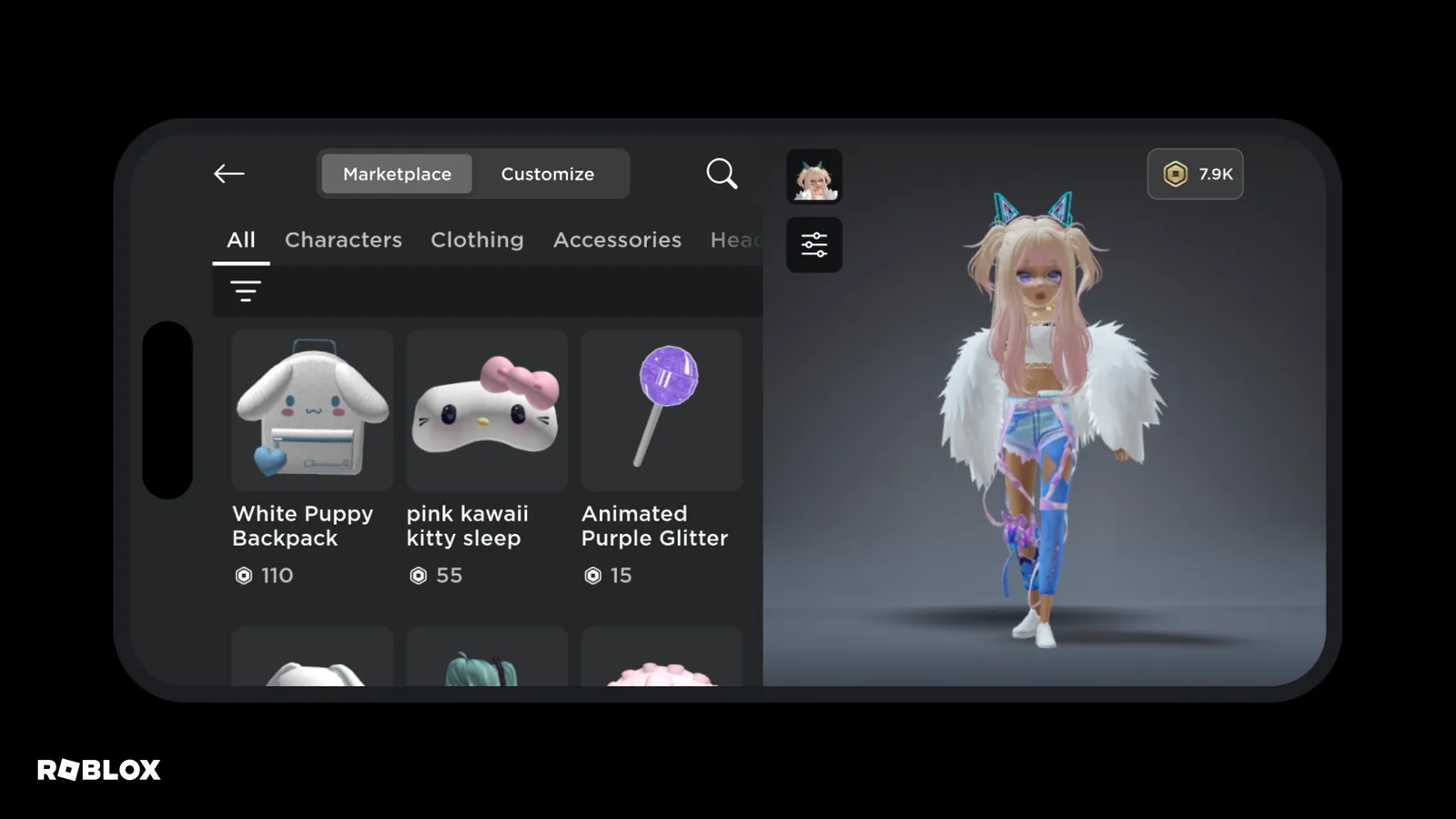
Roblox shows prices in local currency in some countries and in US dollars in others. If you’re charged in a currency other than your own, your bank may add a currency conversion fee. You’ll see the current prices for your country on the Robux page.
We checked the packages from Czechia on 19 October 2026, without signing in. This is an example only, prices in your country may differ. The Robux total is the base amount plus a bonus.
| Price in Czechia | Total Robux | Base + bonus |
|---|---|---|
| CZK 90 | 270 | 240 + 30 |
| CZK 150 | 500 | 400 + 100 |
| CZK 300 | 1,000 | 800 + 200 |
| CZK 399 | 1,500 | 1,200 + 300 |
| CZK 600 | 2,000 | 1,700 + 300 |
| CZK 999 | 3,625 | 3,150 + 475 |
| CZK 1,500 | 5,250 | 4,500 + 750 |
| CZK 3,000 | 11,000 | 10,000 + 1,000 |
| CZK 6,000 | 24,000 | 22,500 + 1,500 |
Why the web gives you up to 25% more
When you buy Robux on the web, on a computer or with a gift card, you get up to 25% more Robux. Roblox’s support page describes this as a permanent rule, not a limited-time offer, and it also applies to gift cards bought before 26 November 2024. That’s the bonus column in the example above.
Where and how to buy Robux
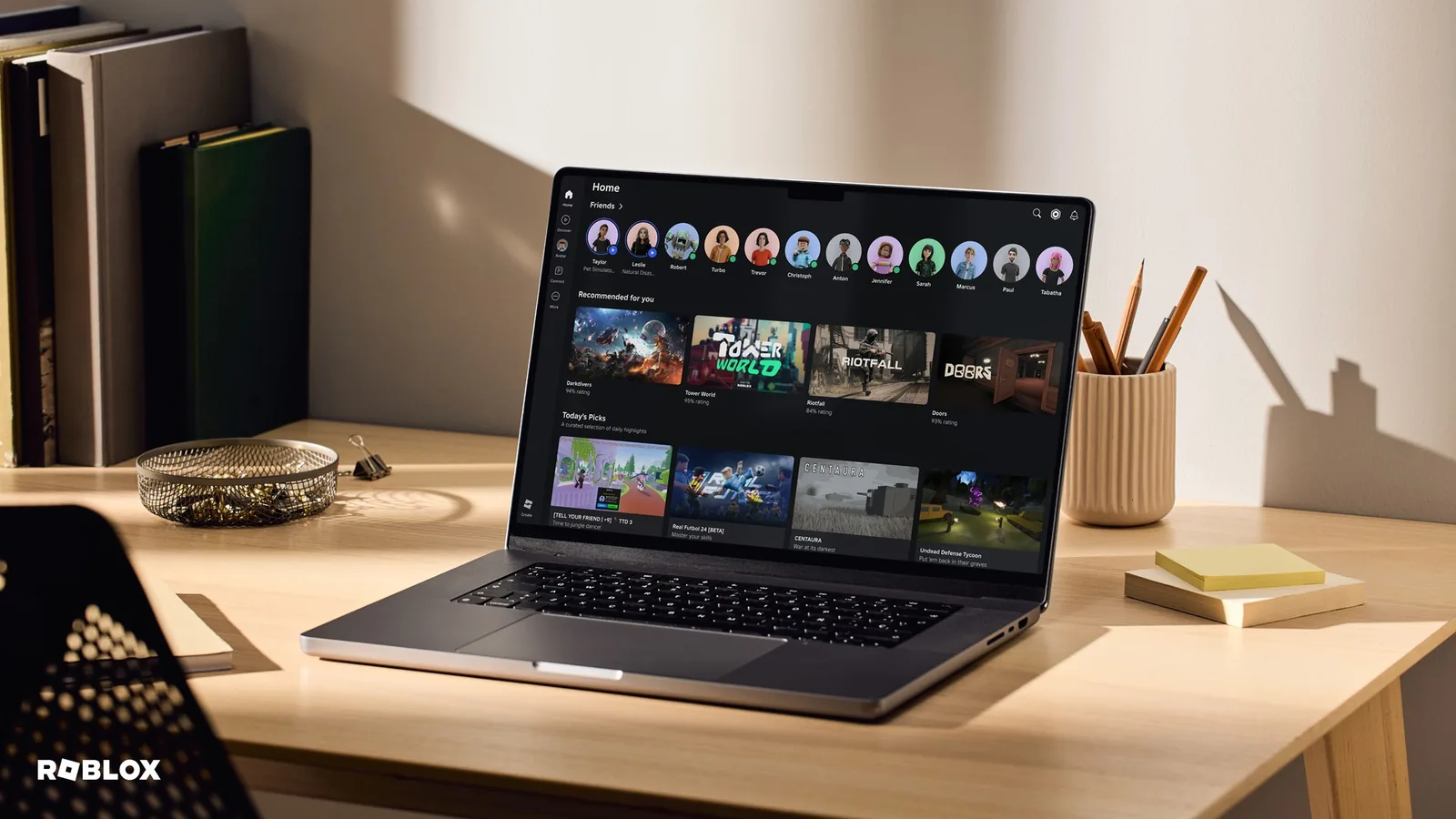
You can buy Robux in the mobile app, in a web browser, on PlayStation, in the Xbox One app and on Meta Quest. Each purchase must be paid in full with a single payment method.
| Where you buy | How you pay |
|---|---|
| Browser on PC or Mac | debit or credit card, prepaid card, PayPal, Roblox gift card |
| Phone and tablet | in-app purchase through Google Play, the App Store, Amazon or Samsung |
| Xbox | in-app purchase or the Xbox website |
| PlayStation | directly on the console |
On the web it goes like this:
- Sign in at roblox.com.
- Open the Robux page and pick a package.
- Choose a payment method and complete the purchase.
Roblox gift cards can’t be redeemed on PlayStation, only in a browser on a computer. Refunds for purchases on PlayStation and Meta Quest follow Sony’s and Meta’s rules. If you’re buying Robux for a child, set a monthly spending limit first using our parental controls guide. On some consoles the Roblox limit doesn’t apply, so set one on the console too.
Roblox gift cards
Gift cards are sold by retailers and online. Roblox sells them directly online in the US, Canada, the UK, Germany, France, the Netherlands, Spain, Italy and Australia. Where gift cards aren’t sold, you can pay by card or PayPal. You redeem a card in a browser at roblox.com/redeem, not in the regular mobile app or on a console. The full steps and what to do if a code won’t work are in our Roblox codes guide.
Sending Robux to other players
Only Roblox Plus subscribers can send purchased Robux to another player. The recipient doesn’t need Plus. The official rules are strict:
- From 16, an age check is required. Under 16, the player needs a linked parent who approves every transfer sent and received. In some regions this applies until 18.
- The limit is 500 Robux a day and 1,000 a month. With two-step verification and a good account standing, it’s 5,000 a day and 10,000 a month.
- Transfers are final and can’t be reversed. Received Robux can’t be exchanged for real money.
- If the recipient doesn’t meet the requirements within 7 days, the Robux go back to the sender.
Roblox will never ask you to send Robux to another user to “verify your account”. Anyone who does is a scammer. Free Robux don’t exist either: every offer of free Robux or a “generator” is a scam designed to steal your account.
Premium is gone, Plus replaced it
Since 30 April 2026, Roblox Premium can no longer be bought; Roblox Plus replaced it. What Plus includes and which bundles come with a monthly Robux allowance is covered in our Roblox Plus guide.
Join our Discord, Discord GamersTogether, to ask other players where and how they buy Robux.
FAQ
It depends on your country. Roblox charges in local currency in some countries and in US dollars in others, and roblox.com shows you the current prices. In Czechia, for example, 1,000 Robux cost CZK 300 on 19 October 2026.
On the web, on a computer or with a gift card. There you get up to 25% more Robux, and Roblox describes this as a permanent rule rather than a promotion.
Only with Roblox Plus. Daily and monthly limits apply, transfers can’t be reversed and players under 16 need a linked parent to approve each one.
No. Free Robux generators don’t exist and every such offer is a scam meant to steal your account. You get Robux by buying them or by earning them as a creator.
Yes. On PlayStation you buy Robux on the console, on Xbox in the app or on the Xbox website. Roblox gift cards can’t be redeemed on PlayStation, only in a browser on a computer.
Information verified on 19 October 2026. More guides are waiting in the Roblox hub.