
GeForce NOW can pull games from your Xbox account into its library, including PC Game Pass titles. For those, an active subscription is enough, so you don’t have to buy the game, and you stream it from NVIDIA’s servers to a PC, Mac, TV, phone or Steam Deck. Here’s what you need, how to link your account, which games support it and how it differs from Xbox Cloud Gaming. Everything here is accurate as of 19 October 2026.
Two different things: Xbox Cloud Gaming and GeForce NOW with Game Pass
This is where people get confused most often, so let’s clear it up first. Xbox Cloud Gaming is Microsoft’s cloud and streams games from Microsoft’s servers depending on your Game Pass plan. GeForce NOW is NVIDIA’s service, which streams the PC version of a game from NVIDIA’s servers under GFN’s own membership tiers. Linking Game Pass doesn’t give you Xbox Cloud Gaming. It tells GFN which PC games you have access to.
One important detail: PC Game Pass on its own doesn’t include Xbox Cloud Gaming. Microsoft’s cloud is only part of Game Pass Essential, Premium and Ultimate, and from November 2026 those plans come with monthly cloud limits of 5, 10 and 15 hours. Prices vary by country and are listed on the Xbox Cloud Gaming page. How Xbox Cloud Gaming works is covered in getting started, and the two services go head to head in GFN vs xCloud.
How the link works
Xbox is one of the stores you can connect to GeForce NOW, alongside Steam, Epic Games Store, Ubisoft Connect, Battle.net, EA app and GOG. According to NVIDIA’s blog, since November 2023 linking your Xbox account loads the games you own on it into your GFN library. It also adds any supported titles you can access through PC Game Pass.
Both Microsoft Store and PC Game Pass games are synced, in their PC versions. This is possible thanks to an agreement between Microsoft and NVIDIA. The principle is the same as with other stores: you sign in to the store account in the app, which proves what you own or can access, and your library fills up.
What you need
- An NVIDIA account and a GeForce NOW membership. The paid Performance and Ultimate tiers add longer sessions and higher quality. NVIDIA doesn’t explicitly say whether the Xbox link also works on the Free tier.
- A Microsoft (Xbox) account. The one that holds your subscription or purchased games.
- An active PC Game Pass, or a game bought on the Microsoft Store. PC Game Pass titles only need the subscription; Microsoft Store purchases sync based on ownership.
According to Microsoft, PC Game Pass includes day-one releases, more than 300 PC games, in-game perks and EA Play. Game Pass Ultimate, according to Microsoft, offers more than 400 games for console and PC. NVIDIA, however, only talks about PC Game Pass when it describes the link, so that’s all we claim here. PC Game Pass pricing is in our Game Pass tiers overview.
How to link your Xbox account
NVIDIA describes the link as a one-time step. Its official material doesn’t name the exact menu items for Xbox, so we won’t invent them. In general terms:
- Open the GeForce NOW app or website and sign in to your NVIDIA account.
- In the app settings, find the connected accounts and choose Xbox.
- Sign in with the Microsoft account that has your PC Game Pass or purchased games.
- Once linked, supported Xbox games load into your library.
Since August 2024 you only need to link your Xbox profile once. GFN then signs you in automatically on every device, so you no longer have to log in with your Microsoft account each time you launch a game.
How to tell a game runs through Xbox
Many games have several store variants in GeForce NOW. In the official GFN game list, as of 19 October 2026, these titles have an “XBOX” variant next to the Steam one, for example:
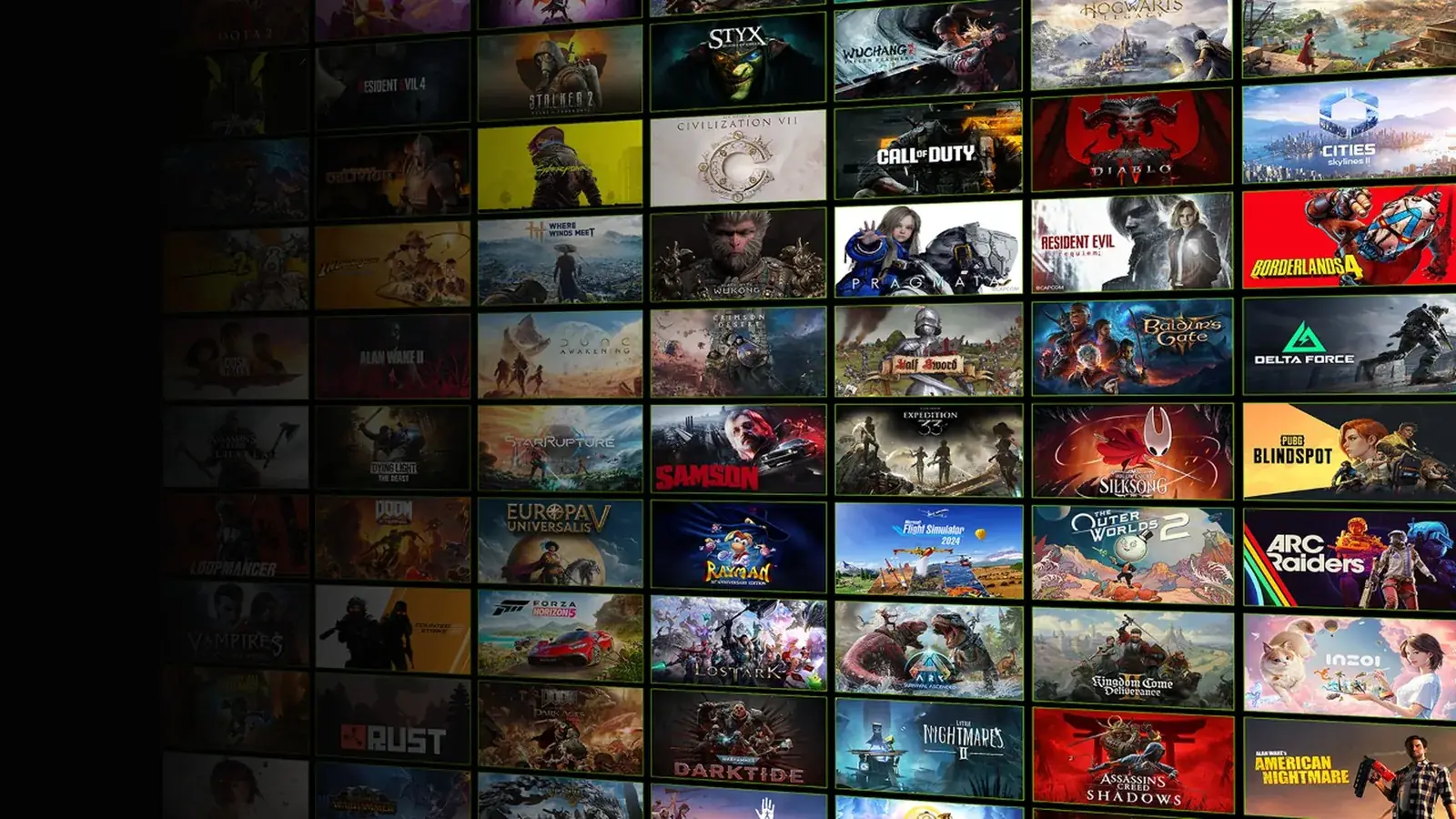
- Forza Horizon 5
- Forza Horizon 6
- Forza Motorsport
- Starfield
If you have the game through PC Game Pass, launch the Xbox variant. The Steam variant requires you to own the game on Steam. How to check whether a game runs on GFN and from which store is explained in games on GFN.
What doesn’t work
- The full Game Pass catalogue. NVIDIA only mentions “supported” titles. In May 2025 there were more than 180 from PC Game Pass, while the Game Pass catalogue is larger.
- Install-to-Play. The mode where you install a game yourself for the session only works with Steam games and only on Performance and Ultimate. Xbox games aren’t included.
- Free Xbox Cloud Gaming on the side. Linking doesn’t unlock Microsoft’s cloud; that belongs to Essential, Premium and Ultimate.
When it makes sense
Linking pays off if you already pay for PC Game Pass and don’t have a powerful PC, or if you want to play on a device that can’t run PC games natively. Free gives you 1-hour sessions at up to 60 FPS. Performance offers 6-hour sessions at up to 1440p, Ultimate 8-hour sessions at up to 5K and 360 FPS. Both paid tiers include 100 hours of playtime per month. Prices by country are on NVIDIA’s page; details in our GeForce NOW plans article.
On the Steam Deck you can stream PC Game Pass games through the native app; the install steps are in our Steam Deck guide.
Join our Discord and ask other players which Game Pass games run best for them on GeForce NOW: GamersTogether Discord.
FAQ
No. Once your Xbox account is linked, supported PC Game Pass titles show up in your library and an active subscription is all you need.
No. According to Microsoft, Xbox Cloud Gaming is only part of Game Pass Essential, Premium and Ultimate. GeForce NOW with PC Game Pass is a different service that streams the PC version from NVIDIA’s servers.
No. NVIDIA only lists supported titles. In May 2025 there were more than 180 from PC Game Pass.
No. Since August 2024 you link your Xbox profile once and GeForce NOW signs you in automatically on every device.
Information verified on 19 October 2026. More streaming articles are waiting in our Cloud gaming section.