
The Finals won’t launch, keeps crashing or shows a TFAV code? Here are the fixes from Embark Studios’ official support as of 20 October 2026: what to try first on PC, why shader loading takes a while at startup, how Easy Anti-Cheat and Elytra work, what the TFAV codes mean and how to deal with network issues. Most steps are for PC, because that is what most of Embark’s support articles cover. You will not find ways around a ban here, because bypassing one breaks the rules in itself.
Quick fixes when the game won’t start or crashes
For crashes and launch problems on PC, Embark recommends starting with these steps:
- Update Windows, including optional driver updates and DirectX.
- Update your graphics, CPU, motherboard (BIOS), network and peripheral drivers.
- Run the game as administrator.
- Restart your PC, or try a clean boot via
msconfig. - Allow Easy Anti-Cheat in your antivirus.
- If nothing helps, do a clean reinstall: uninstall the game and delete
C:Program FilesEmbark Studiosand%localappdata%Embark StudiosTHE FINALS. Only delete the whole Embark Studios folder if no other Embark game is installed there.
If the game closes right after the splash screen, Embark mainly points to Windows Update, including optional driver updates. Crash logs are stored in C:Users[username]AppDataLocalDiscoverySavedCrashes, which is useful when you contact Embark support.
If the installation itself fails, update Windows, run the installer as administrator and disable your firewall only for the duration of the install. Switch it back on right after. Whether your PC meets the game’s specs is covered in our system requirements guide.
The crash after Windows update KB5121003 (file inpoutx64.sys) was fixed by Embark in Update 11.7.0 on 27 August 2026.
Preloading Shaders is not an error
The “Preloading Shaders 0–100%” screen at startup is normal. The game prepares its shaders in advance so it stutters less during matches. After the first launch, a game or driver update, or a graphics change, it can take several minutes. Do not close the game. It is only worth troubleshooting if the progress gets stuck for 10 to 20 minutes.
Anti-cheat: Easy Anti-Cheat, Denuvo, Anybrain and Elytra
The Finals has used the kernel-level Easy Anti-Cheat since its betas. In Season 8, in autumn 2025, Denuvo Anti-Cheat and Anybrain were added, with the rollout completed in November 2025.
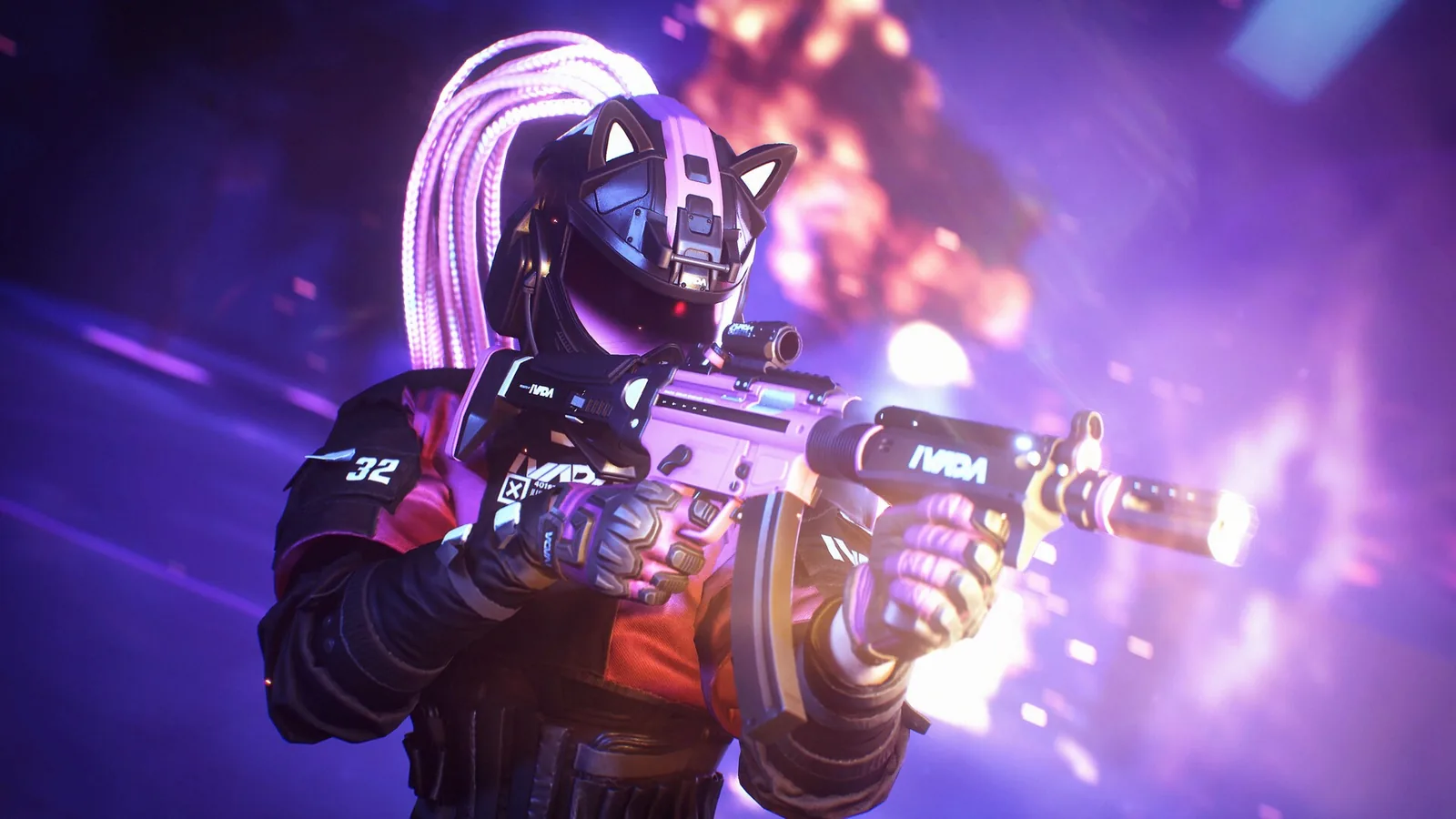
Embark is rolling out its own anti-cheat, Elytra; according to support, its service must be running. Embark developed it with VAIIYA Corp. Elytra should install itself when you launch the game. If it does not, run the Elytra-Setup.msi installer manually. If that fails too, open Command Prompt as administrator and run:
msiexec /i Elytra-Setup.msi /lv elytra-setup.log
Send the resulting elytra-setup.log to support. See the support article on installing Elytra.
Elytra also needs two Windows settings. Set both in Command Prompt run as administrator, then restart your PC:
- Kernel Debugging off:
bcdedit /debug off - Driver Signature Enforcement on:
bcdedit -set testsigning offandbcdedit -set nointegritychecks off
To check the service, open Services: Elytra Service should have its Startup type set to “Manual”.
System Integrity Violation and TFAV codes
A System Integrity Violation message means the anti-cheat found a setting or program it does not accept. Support recommends:
- In Windows Security → Device Security, turn on Core Isolation, Memory Integrity and Secure Boot (if your PC offers it).
- Update your system.
- Close tools that modify the game or hardware: macros, overclocking software, injectors and custom overlays.
- Try a clean boot.
- Add THE FINALS and Easy Anti-Cheat to your antivirus exclusions.
The number after “TFAV” varies; the last three digits are what count. A selection from the support article:
| Code ending | Meaning |
|---|---|
…004 | virtual machine, which is not allowed |
…005 to …007 | installation integrity cannot be verified: reinstall, restart your PC, verify files on Steam |
…015 | incorrect system configuration |
…017 | restricted device |
…018 | NVIDIA Profile Inspector |
…019 | Cheat Engine; running it repeatedly leads to a permanent ban |
…020 | AutoHotkey |
…021 | auto clicker |
…024 and …027 | security setting disabled |
…026 | scripting |
The programs in the table (NVIDIA Profile Inspector, AutoHotkey, auto clickers, Cheat Engine) will block the game. Close them before you launch The Finals.
Hardware restricted, bans and the gyro mistake
The “Hardware restricted” error (TFAV1017 to TFAV10017) means the device is restricted, not your account. There is no appeal, but you can play on a different device.
Bans are issued for cheats, exploits, toxic behaviour, boosting, sharing or selling accounts and bypassing the anti-cheat. They apply on all platforms. You can appeal through support by logging in with your Embark ID and opening a chat. Creating a new account to keep playing counts as ban evasion.
On 20 August 2026, an anti-cheat rule wrongly banned players using gyro controllers. Embark lifted those bans automatically, and gyro is a supported input.
Crashes from an unstable CPU or RAM
After a “suspicious crash”, a Hardware Tester window may appear. It means your CPU or memory might be unstable. Embark recommends the built-in test, Prime95, a BIOS update (for Intel 13th and 14th gen), disabling overclocking and XMP, and MemTest86.
On Intel Core 13th and 14th gen CPUs, Embark Game Boot may show a CPU instability warning. Embark advises updating your BIOS to microcode 0x12F or newer. The “Ignore” button still lets you start the game.
Network, ping and warning icons
For lag or high ping, Embark’s connection guide suggests checking your region in Settings → Gameplay → Region, using a cable instead of Wi-Fi and playing without a VPN. The party leader sets the party’s region. Public DNS servers can also help (Google 8.8.8.8 / 8.8.4.4, Cloudflare 1.1.1.1 / 1.0.0.1), as can running ipconfig /release, ipconfig /renew and ipconfig /flushdns in Command Prompt.
Red icons in the top right of a match show the problem: Packet Loss, Server Performance, High Latency, High Jitter, Client Performance and Shader Stutter. Client Performance turns red below 30 FPS and yellow below 45 FPS. What to do about low FPS is covered in our best settings guide.
Leaving a match and matchmaking suspensions
If you leave a match, including because of a crash, Alt+F4 or being AFK, you get a temporary matchmaking suspension. Support cannot lift it. You can, however, rejoin a running match with the Reconnect button.
In Ranked Cashout you may also lose Rank Score (RS), but disconnecting does not get you banned. Since Season 12, RS lost due to server outages is returned automatically, with a message within 24 hours. More on the competitive mode is in our ranked guide.
Purchase problems
DLC or Multibucks missing? Start with the platform you paid on (Steam, PlayStation, Xbox). Embark only steps in once the platform has confirmed the purchase.
Join our Discord to ask other players whether they are seeing the same error: GamersTogether Discord.
FAQ
TFAV codes come from the anti-cheat. The last three digits matter: for example …018 is NVIDIA Profile Inspector, …020 is AutoHotkey and …005 to …007 mean the installation’s integrity cannot be verified.
Embark’s own anti-cheat, developed with VAIIYA Corp. According to support, the Elytra Service must be running, Kernel Debugging must be off and Driver Signature Enforcement must be on.
An account ban, yes, through support after logging in with your Embark ID. A Hardware restricted error, which restricts the device, cannot be appealed.
No. You get a temporary matchmaking suspension and may lose Rank Score. You can rejoin the match with the Reconnect button.
Information verified on 20 October 2026. More guides are in our The Finals guides.